







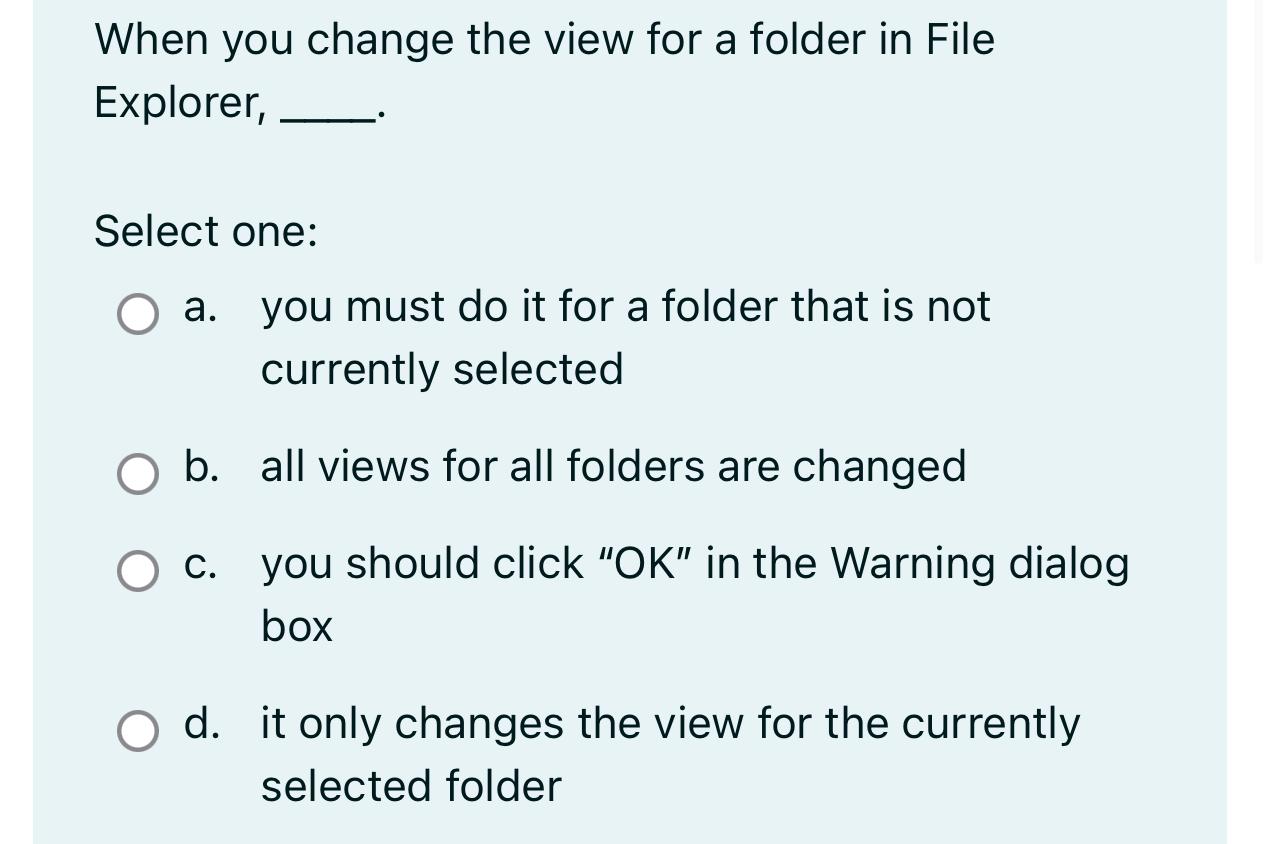
Question: When you change the view for a folder in File Explorer, Select one: a . you must do it for a folder that is not
When you change the view for a folder in File Explorer,
Select one:
a you must do it for a folder that is not currently selected
b all views for all folders are changed
c you should click OK in the Warning dialog box
d it only changes the view for the currently selected folder
Step by Step Solution
There are 3 Steps involved in it
1 Expert Approved Answer
Step: 1 Unlock

Question Has Been Solved by an Expert!
Get step-by-step solutions from verified subject matter experts
Step: 2 Unlock
Step: 3 Unlock
 Study Help