







Question: window. 6. Enter the exact coordinates for all 12 points. Click ok when finished. b. Fit a simple linear regression model to the sales data.
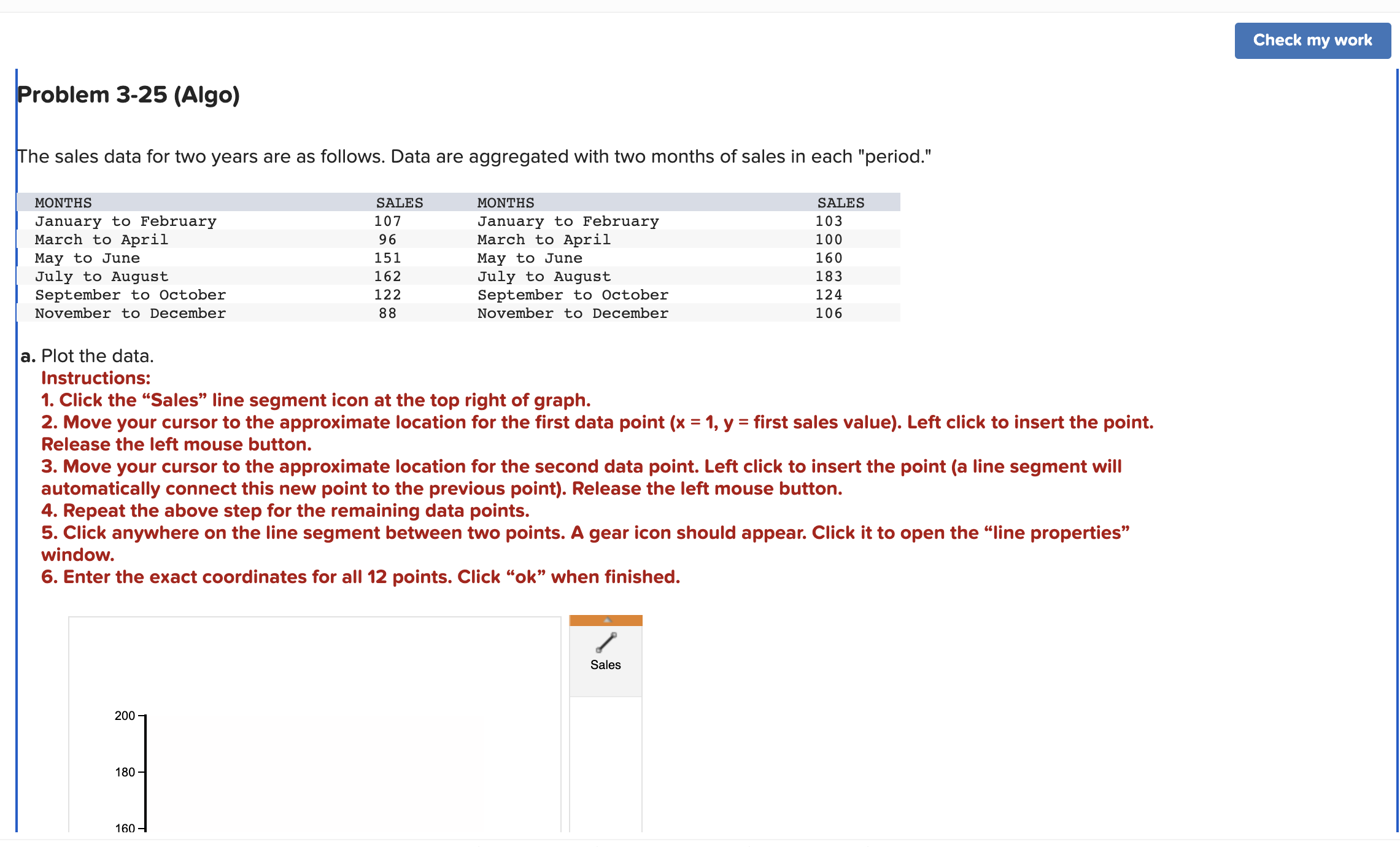
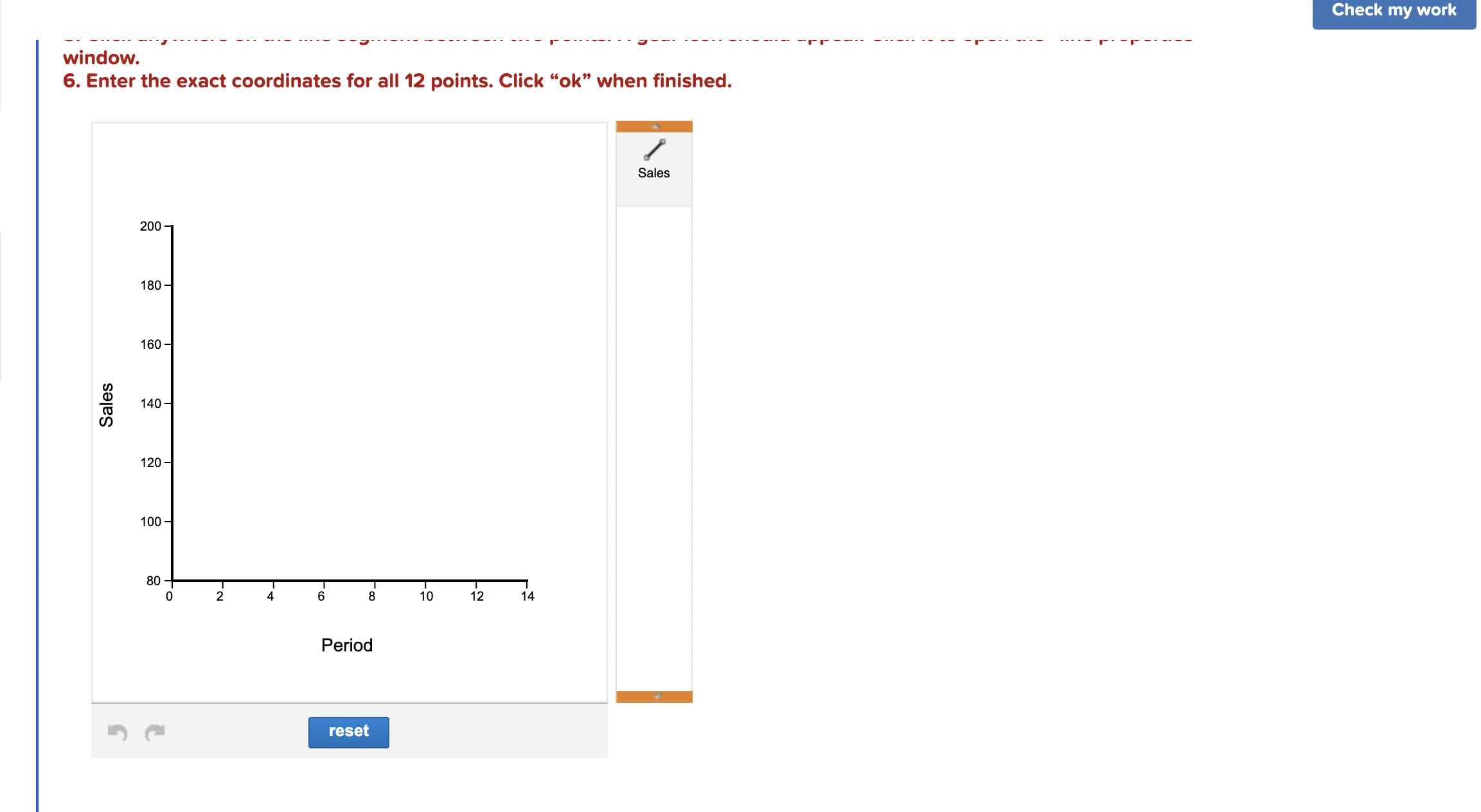
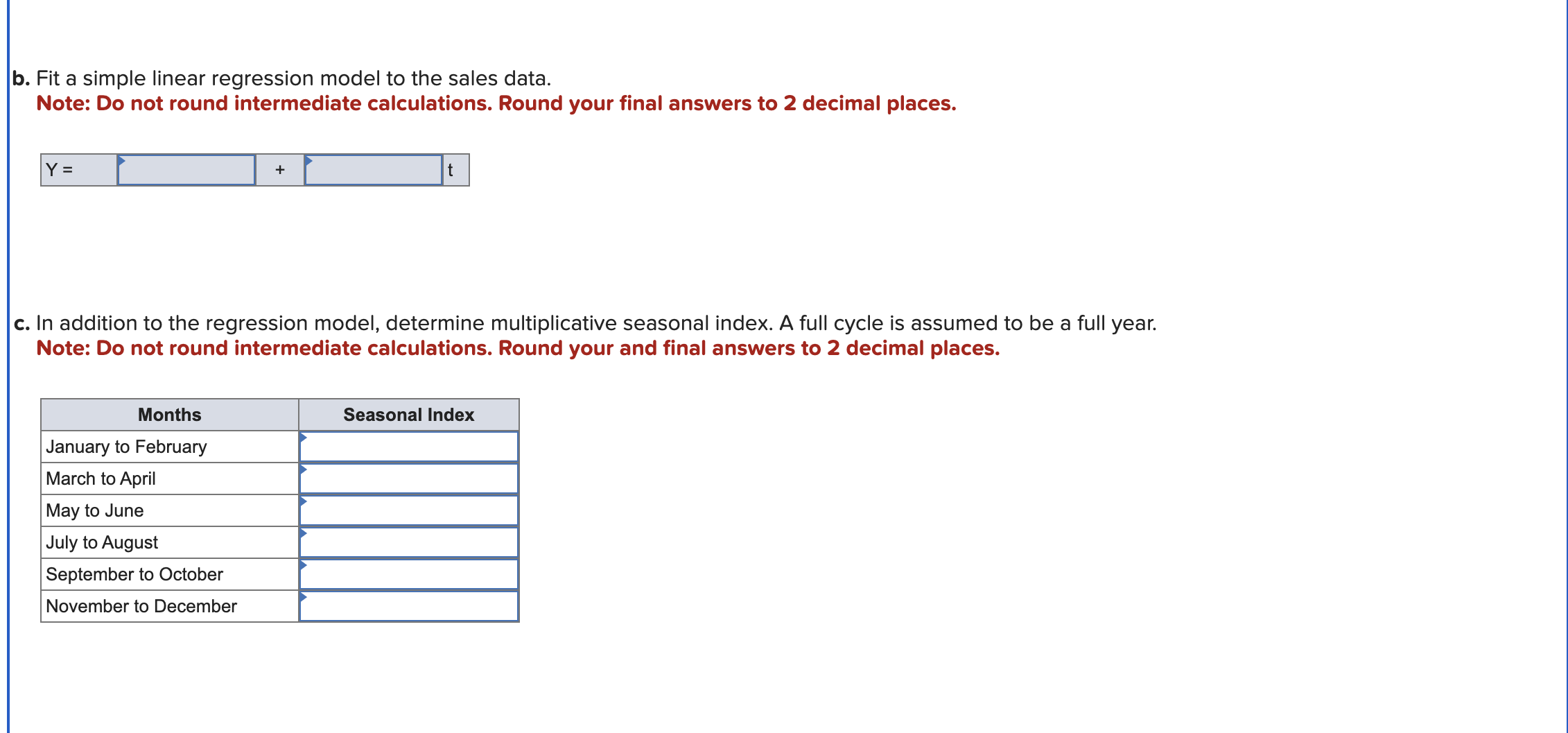
window. 6. Enter the exact coordinates for all 12 points. Click "ok" when finished. b. Fit a simple linear regression model to the sales data. Note: Do not round intermediate calculations. Round your final answers to 2 decimal places. c. In addition to the regression model, determine multiplicative seasonal index. A full cycle is assumed to be a full year. Note: Do not round intermediate calculations. Round your and final answers to 2 decimal places. d. Prepare sales forecasts for next year using both of your regression models derived above to show results both with and without adjustments for seasonality. Note: Do not round intermediate calculations. Round your final answers to 1 decimal places. The sales data for two years are as follows. Data are aggregated with two months of sales in each "period." a. Plot the data. Instructions: 1. Click the "Sales" line segment icon at the top right of graph. 2. Move your cursor to the approximate location for the first data point ( x=1,y= first sales value). Left click to insert the point. Release the left mouse button. 3. Move your cursor to the approximate location for the second data point. Left click to insert the point (a line segment will automatically connect this new point to the previous point). Release the left mouse button. 4. Repeat the above step for the remaining data points. 5. Click anywhere on the line segment between two points. A gear icon should appear. Click it to open the "line properties" window. 6. Enter the exact coordinates for all 12 points. Click "ok" when finished
Step by Step Solution
There are 3 Steps involved in it

Get step-by-step solutions from verified subject matter experts
 Study Help