







Question: Window Command Line -Skills Challenge 1. Write the DOS command to display a wide listing of the contents of the root directory of the C:
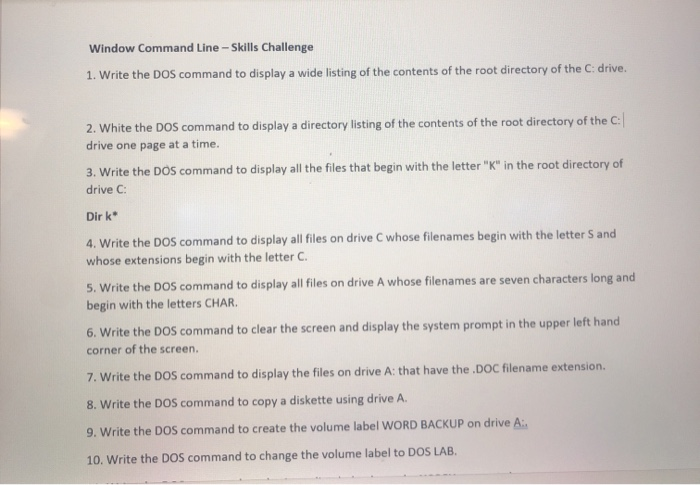
Window Command Line -Skills Challenge 1. Write the DOS command to display a wide listing of the contents of the root directory of the C: drive. 2. White the DOS command to display a directory listing of the contents of the root directory of the C: drive one page at a time. 3. Write the DOS command to display all the files that begin with the letter "K" in the root directory of drive C: Dirk 4. Write the DOS command to display all files on drive C whose filenames begin with the letter S and whose extensions begin with the letter C. 5. Write the DOS command to display all files on drive A whose filenames are seven characters long and begin with the letters CHAR. 6. Write the DOS command to clear the screen and display the system prompt in the upper left hand corner of the screen, 7. Write the DOS command to display the files on drive A: that have the .DOC filename extension. 8. Write the DOS command to copy a diskette using drive A. 9. Write the DOS command to create the volume label WORD BACKUP on drive A: 10. Write the DOS command to change the volume label to DOS LAB
Step by Step Solution
There are 3 Steps involved in it

Get step-by-step solutions from verified subject matter experts
 Study Help