







Question: Windows forms visual studio question help Question 4 (20 marks) Add inputs and buttons to the above form to enter and store information on up
Windows forms visual studio question help
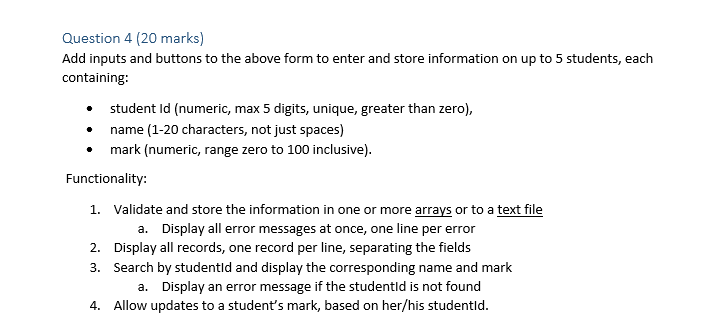
Question 4 (20 marks) Add inputs and buttons to the above form to enter and store information on up to 5 students, each containing: student Id (numeric, max 5 digits, unique, greater than zero), name (1-20 characters, not just spaces) mark (numeric, range zero to 100 inclusive). Functionality: 1. Validate and store the information in one or more arrays or to a text file a. Display all error messages at once, one line per error 2. Display all records, one record per line, separating the fields 3. Search by studentld and display the corresponding name and mark a. Display an error message if the studentld is not found 4. Allow updates to a student's mark, based on her/his studentld
Step by Step Solution
There are 3 Steps involved in it

Get step-by-step solutions from verified subject matter experts
 Study Help