







Question: with matlab code please 3 Gradients Next, we'll compute the gradients on our image. Generate three images using the original image (not smoothed): 1. One
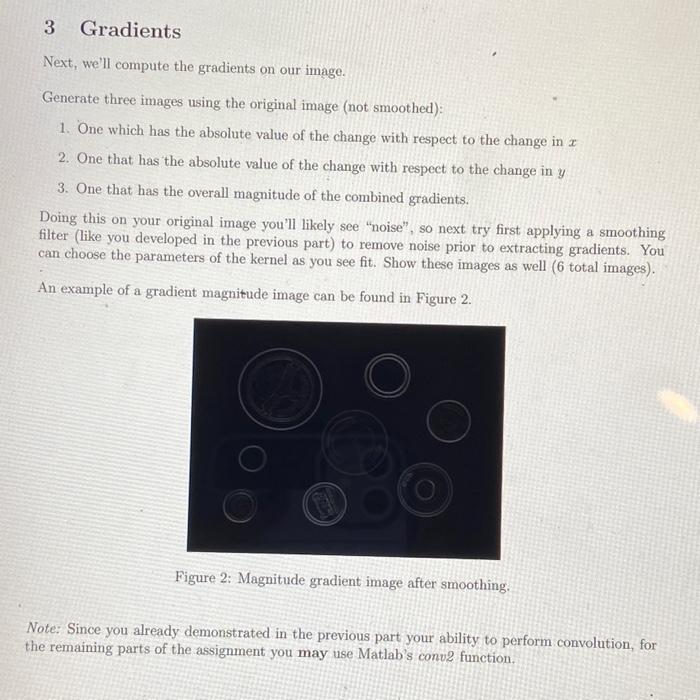
3 Gradients Next, we'll compute the gradients on our image. Generate three images using the original image (not smoothed): 1. One which has the absolute value of the change with respect to the change in x 2. One that has the absolute value of the change with respect to the change in y 3. One that has the overall magnitude of the combined gradients. Doing this on your original image you'll likely see "noise", so next try first applying a smoothing filter (like you developed in the previous part) to remove noise prior to extracting gradients. You can choose the parameters of the kernel as you see fit. Show these images as well ( 6 total images). An example of a gradient magnitude image can be found in Figure 2. Figure 2: Magnitude gradient image after smoothing. Note: Since you already demonstrated in the previous part your ability to perform convolution, for the remaining parts of the assignment you may use Matlab's conv2 function. 3 Gradients Next, we'll compute the gradients on our image. Generate three images using the original image (not smoothed): 1. One which has the absolute value of the change with respect to the change in x 2. One that has the absolute value of the change with respect to the change in y 3. One that has the overall magnitude of the combined gradients. Doing this on your original image you'll likely see "noise", so next try first applying a smoothing filter (like you developed in the previous part) to remove noise prior to extracting gradients. You can choose the parameters of the kernel as you see fit. Show these images as well ( 6 total images). An example of a gradient magnitude image can be found in Figure 2. Figure 2: Magnitude gradient image after smoothing. Note: Since you already demonstrated in the previous part your ability to perform convolution, for the remaining parts of the assignment you may use Matlab's conv2 function
Step by Step Solution
There are 3 Steps involved in it

Get step-by-step solutions from verified subject matter experts
 Study Help