







Question: With Slide 5 ( Standards for Review ) still displayed, modify shapes as follows to correct problems on the slide: a . Send the
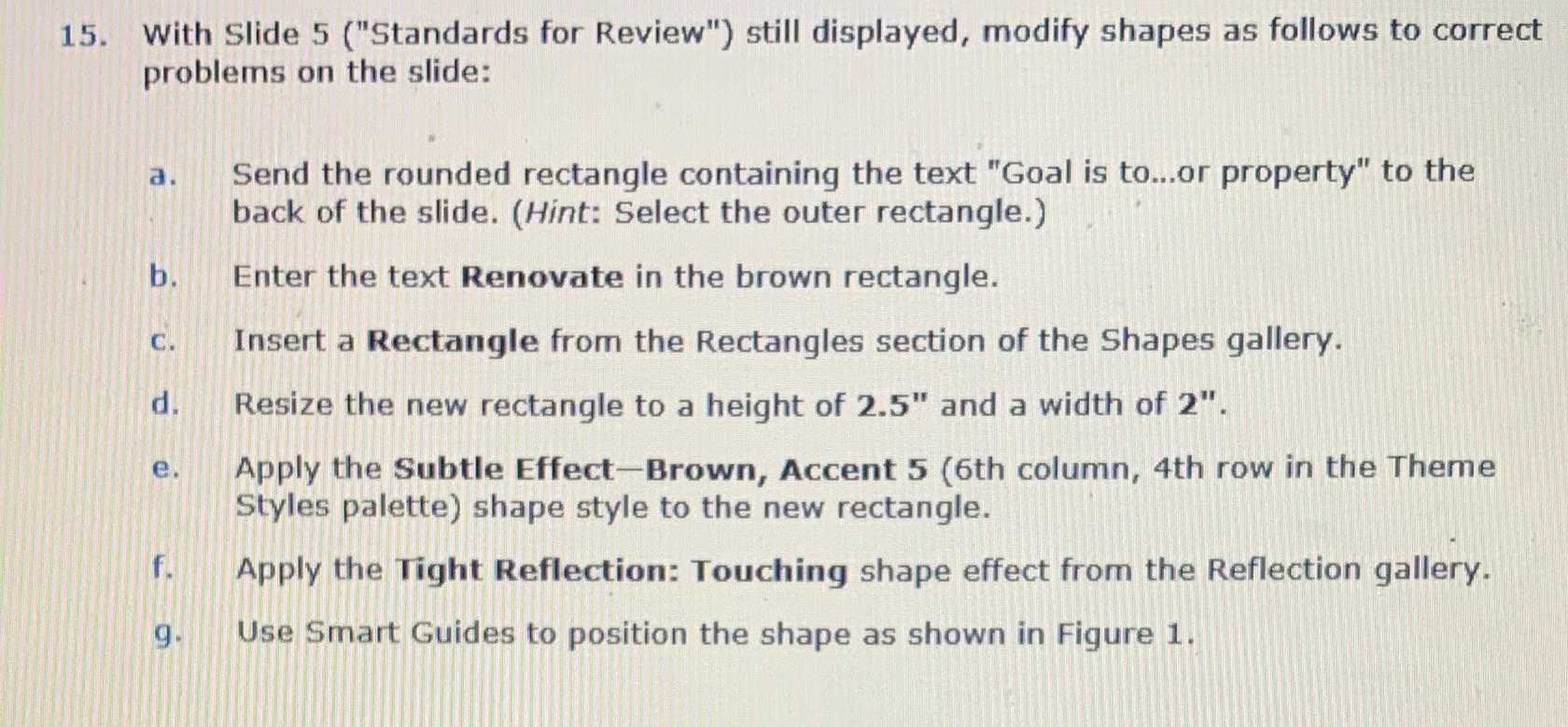
With Slide Standards for Review" still displayed, modify shapes as follows to correct problems on the slide:
a Send the rounded rectangle containing the text "Goal is toor property" to the back of the slide. Hint: Select the outer rectangle.
b Enter the text Renovate in the brown rectangle.
c Insert a Rectangle from the Rectangles section of the Shapes gallery.
d Resize the new rectangle to a height of and a width of
e Apply the Subtle EffectBrown, Accent th column, th row in the Theme Styles palette shape style to the new rectangle.
f Apply the Tight Reflection: Touching shape effect from the Reflection gallery.
g Use Smart Guides to position the shape as shown in Figure
Step by Step Solution
There are 3 Steps involved in it
1 Expert Approved Answer
Step: 1 Unlock

Question Has Been Solved by an Expert!
Get step-by-step solutions from verified subject matter experts
Step: 2 Unlock
Step: 3 Unlock
 Study Help