







Question: Write a bash script named 02.sh that will output IT and your name to the screen. The script should exit with a code of zero.
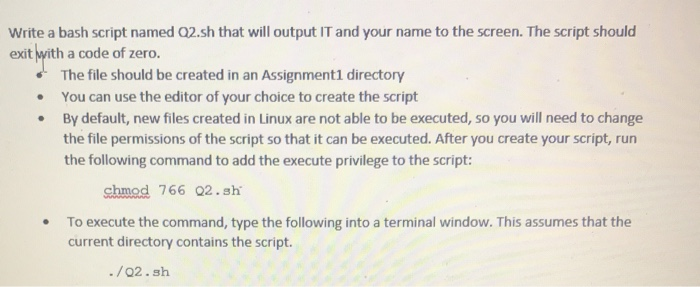
Write a bash script named 02.sh that will output IT and your name to the screen. The script should exit with a code of zero. The file should be created in an Assignment1 directory You can use the editor of your choice to create the script By default, new files created in Linux are not able to be executed, so you will need to change the file permissions of the script so that it can be executed. After you create your script, run the following command to add the execute privilege to the script: chmod 766 02.sh To execute the command, type the following into a terminal window. This assumes that the current directory contains the script. ./02.sh
Step by Step Solution
There are 3 Steps involved in it

Get step-by-step solutions from verified subject matter experts
 Study Help