







Question: Write a file viewing function in python. Use any .txt file to test. Write a file viewing function: def view(fname, view_size=25): ... This is a
Write a file viewing function in python. Use any .txt file to test.
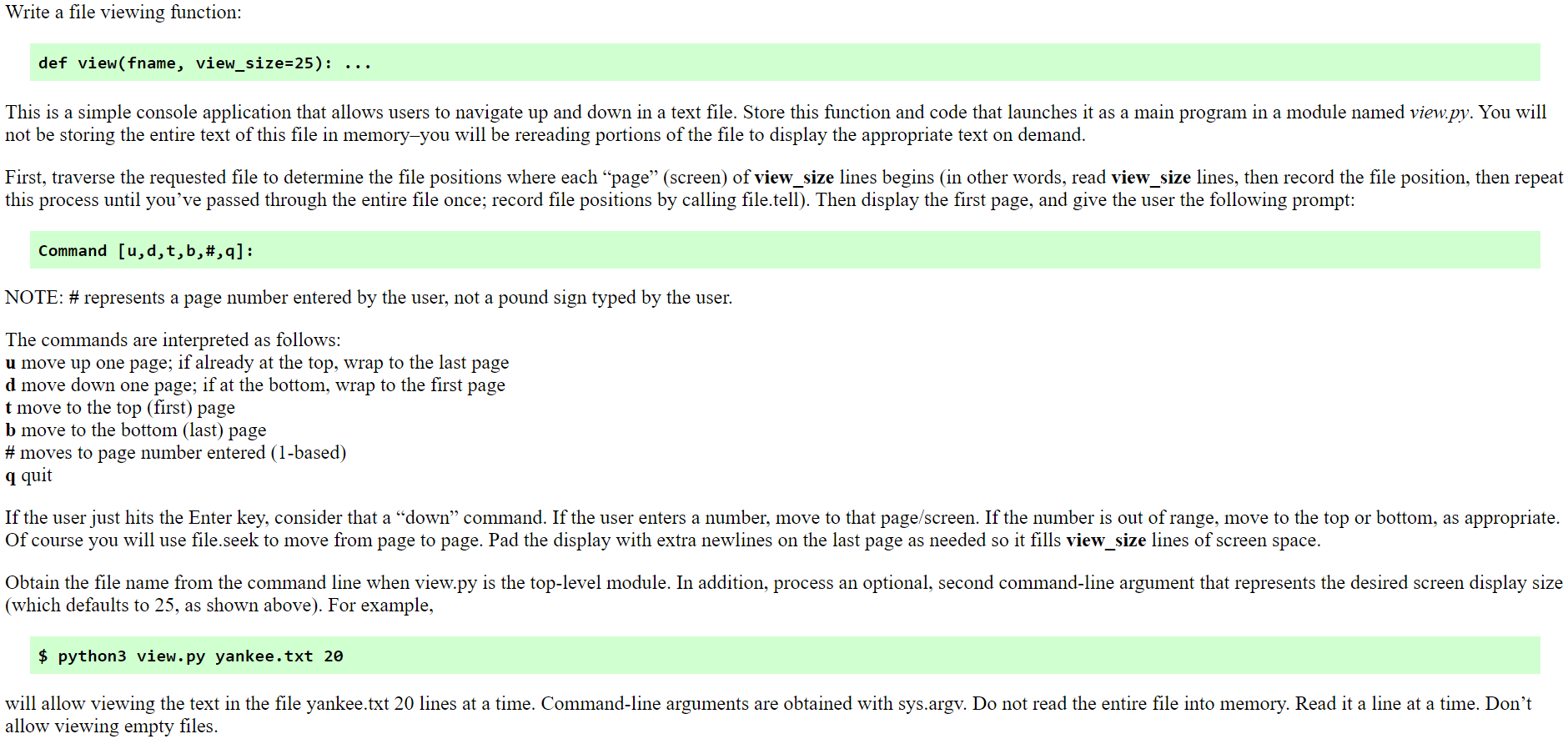
Write a file viewing function: def view(fname, view_size=25): ... This is a simple console application that allows users to navigate up and down in a text file. Store this function and code that launches it as a main program in a module named view.py. You will not be storing the entire text of this file in memory-you will be rereading portions of the file to display the appropriate text on demand. First, traverse the requested file to determine the file positions where each "page" (screen) of view size lines begins in other words, read view size lines, then record the file position, then repeat this process until you've passed through the entire file once; record file positions by calling file.tell). Then display the first page, and give the user the following prompt: Command [u,d,t,b,#,9]: NOTE: # represents a page number entered by the user, not a pound sign typed by the user. The commands are interpreted as follows: u move up one page; if already at the top, wrap to the last page d move down one page; if at the bottom, wrap to the first page t move to the top (first) page b move to the bottom (last) page # moves to page number entered (1-based) q quit If the user just hits the Enter key, consider that a down command. If the user enters a number, move to that page/screen. If the number is out of range, move to the top or bottom, as appropriate. Of course you will use file.seek to move from page to page. Pad the display with extra newlines on the last page as needed so it fills view_size lines of screen space. Obtain the file name from the command line when view.py is the top-level module. In addition, process an optional, second command-line argument that represents the desired screen display size (which defaults to 25, as shown above). For example, $ python3 view.py yankee.txt 20 will allow viewing the text in the file yankee.txt 20 lines at a time. Command-line arguments are obtained with sys.argv. Do not read the entire file into memory. Read it a line at a time. Don't allow viewing empty files. Write a file viewing function: def view(fname, view_size=25): ... This is a simple console application that allows users to navigate up and down in a text file. Store this function and code that launches it as a main program in a module named view.py. You will not be storing the entire text of this file in memory-you will be rereading portions of the file to display the appropriate text on demand. First, traverse the requested file to determine the file positions where each "page" (screen) of view size lines begins in other words, read view size lines, then record the file position, then repeat this process until you've passed through the entire file once; record file positions by calling file.tell). Then display the first page, and give the user the following prompt: Command [u,d,t,b,#,9]: NOTE: # represents a page number entered by the user, not a pound sign typed by the user. The commands are interpreted as follows: u move up one page; if already at the top, wrap to the last page d move down one page; if at the bottom, wrap to the first page t move to the top (first) page b move to the bottom (last) page # moves to page number entered (1-based) q quit If the user just hits the Enter key, consider that a down command. If the user enters a number, move to that page/screen. If the number is out of range, move to the top or bottom, as appropriate. Of course you will use file.seek to move from page to page. Pad the display with extra newlines on the last page as needed so it fills view_size lines of screen space. Obtain the file name from the command line when view.py is the top-level module. In addition, process an optional, second command-line argument that represents the desired screen display size (which defaults to 25, as shown above). For example, $ python3 view.py yankee.txt 20 will allow viewing the text in the file yankee.txt 20 lines at a time. Command-line arguments are obtained with sys.argv. Do not read the entire file into memory. Read it a line at a time. Don't allow viewing empty files
Step by Step Solution
There are 3 Steps involved in it

Get step-by-step solutions from verified subject matter experts
 Study Help