







Question: Write a MATLAB function newtonRaphson (fx, x0, sigfig, maxIT) that will return a root of the functionf(x) near x=x0 using the Newton-Raphson method, where sigfigis
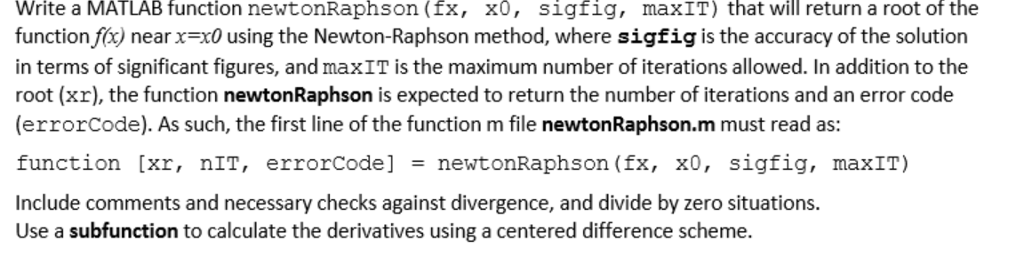
Write a MATLAB function newtonRaphson (fx, x0, sigfig, maxIT) that will return a root of the functionf(x) near x=x0 using the Newton-Raphson method, where sigfigis the accuracy of the solution in terms of significant figures, and maxIT is the maximum number of iterations allowed. In addition to the root (xr), the function newtonRaphson is expected to return the number of iterations and an error code (errorCode). As such, the first line of the function m file newtonRaphson.m must read as: function [xr, nIT, errorcode] = newtonRaphson (fx, x0, sigfig, maxIT) Include comments and necessary checks against divergence, and divide by zero situations. Use a subfunction to calculate the derivatives using a centered difference scheme. Write a MATLAB function newtonRaphson (fx, x0, sigfig, maxIT) that will return a root of the functionf(x) near x=x0 using the Newton-Raphson method, where sigfigis the accuracy of the solution in terms of significant figures, and maxIT is the maximum number of iterations allowed. In addition to the root (xr), the function newtonRaphson is expected to return the number of iterations and an error code (errorCode). As such, the first line of the function m file newtonRaphson.m must read as: function [xr, nIT, errorcode] = newtonRaphson (fx, x0, sigfig, maxIT) Include comments and necessary checks against divergence, and divide by zero situations. Use a subfunction to calculate the derivatives using a centered difference scheme
Step by Step Solution
There are 3 Steps involved in it

Get step-by-step solutions from verified subject matter experts
 Study Help