







Question: Write a program: Output: Thank you :) that translates the Strings it receives as command line arguments into Pig Latin. We will be using a
Write a program:
Output:

Thank you :)
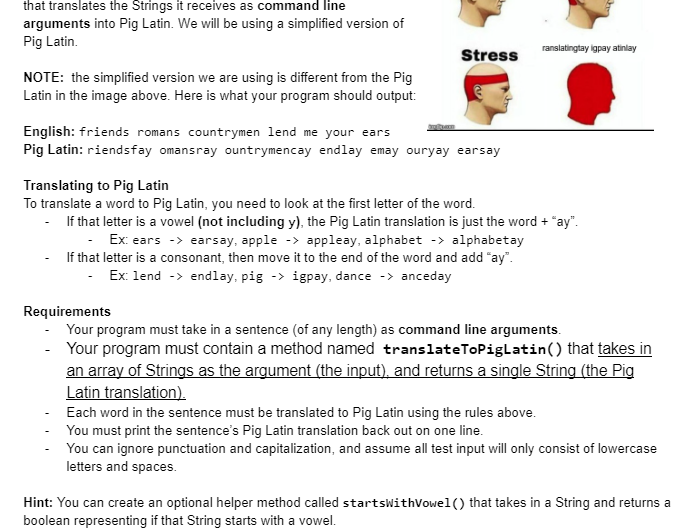
that translates the Strings it receives as command line arguments into Pig Latin. We will be using a simplified version of Pig Latin. NOTE: the simplified version we are using is different from the Pig Latin in the image above. Here is what your program should output: English: friends romans countrymen lend me your ears Pig Latin: riendsfay omansray ountrymencay endlay emay ouryay earsay Translating to Pig Latin To translate a word to Pig Latin, you need to look at the first letter of the word. - If that letter is a vowel (not including y), the Pig Latin translation is just the word + "ay". - Ex: ears -> earsay, apple -> appleay, alphabet -> alphabetay - If that letter is a consonant, then move it to the end of the word and add "ay". - Ex: lend endlay, pig igpay, dance anceday Requirements - Your program must take in a sentence (of any length) as command line arguments. - Your program must contain a method named translateToPiglatin() that takes in an array of Strings as the argument (the input), and returns a single String (the Pig Latin translation). - Each word in the sentence must be translated to Pig Latin using the rules above. - You must print the sentence's Pig Latin translation back out on one line. - You can ignore punctuation and capitalization, and assume all test input will only consist of lowercase letters and spaces. Hint: You can create an optional helper method called startsWithVowel() that takes in a String and returns a boolean representing if that String starts with a vowel
Step by Step Solution
There are 3 Steps involved in it

Get step-by-step solutions from verified subject matter experts
 Study Help