







Question: Write an Active Processing program which will draw a planet orhiting a sun. To give it a somewhat 3 D appearance, two things will he
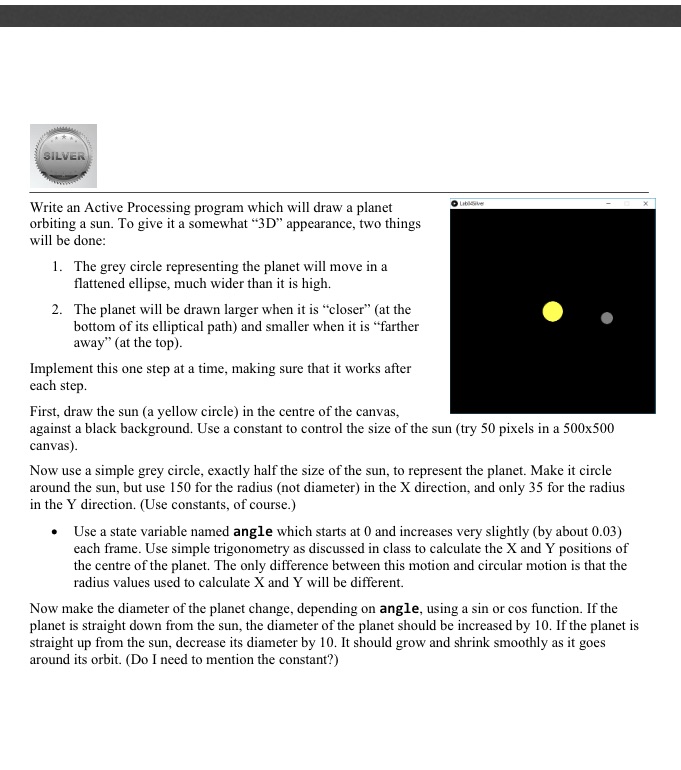
Write an Active Processing program which will draw a planet orhiting a sun. To give it a somewhat \"3 D\" appearance, two things will he done: 1. The grey circle representing the planet will move in a attened ellipse, much wider than it is high. 2. The planet will he drawn larger when it is \"closer\" [at the bottom of its elliptical pai} and smaller when it is \"farther away" (at the top}. Implement this one step at a time, making sure that it works after each step. First, draw the sun (a yellow circle] in the centre of the canvas, against a black background. Use a constant to control the size of the sun {try 51'] pixels in a Sllx-El canvas}. Now use a simple grey circle, exactly half the size of the sun, to represent the planet. Make it circle around the sun, but use 150 for the radius {not diameter} in the X direction, and only 35 for the radius in the '1' direction. {Use constants, of course}.L In Use a state variable named angle which starts at {I and increases very slightly {by about 0.03} each frame. Use simple trigonometry as discussed in class to calculate the X and Y positions of the centre of the planet. The only difference hetween tis motion and circular motion is that the radius values used to calculate X and Y will he different. Now make the diameter of the planet change, depending on angle, using a sin or cos function. If the planet is straight down from the sun, the diameter of the planet should he increased by ll]. If the planet is straight up from the sun, decrease its diameter by ll]. It should grow and shrink smoothly as it goes around its orbit. {Do I need to mention the constant?)
Step by Step Solution
There are 3 Steps involved in it

Get step-by-step solutions from verified subject matter experts
 Study Help