







Question: - Write the code for a n-bit up/down counter in file n_count.v - The value of n is set in a 'define - Set it
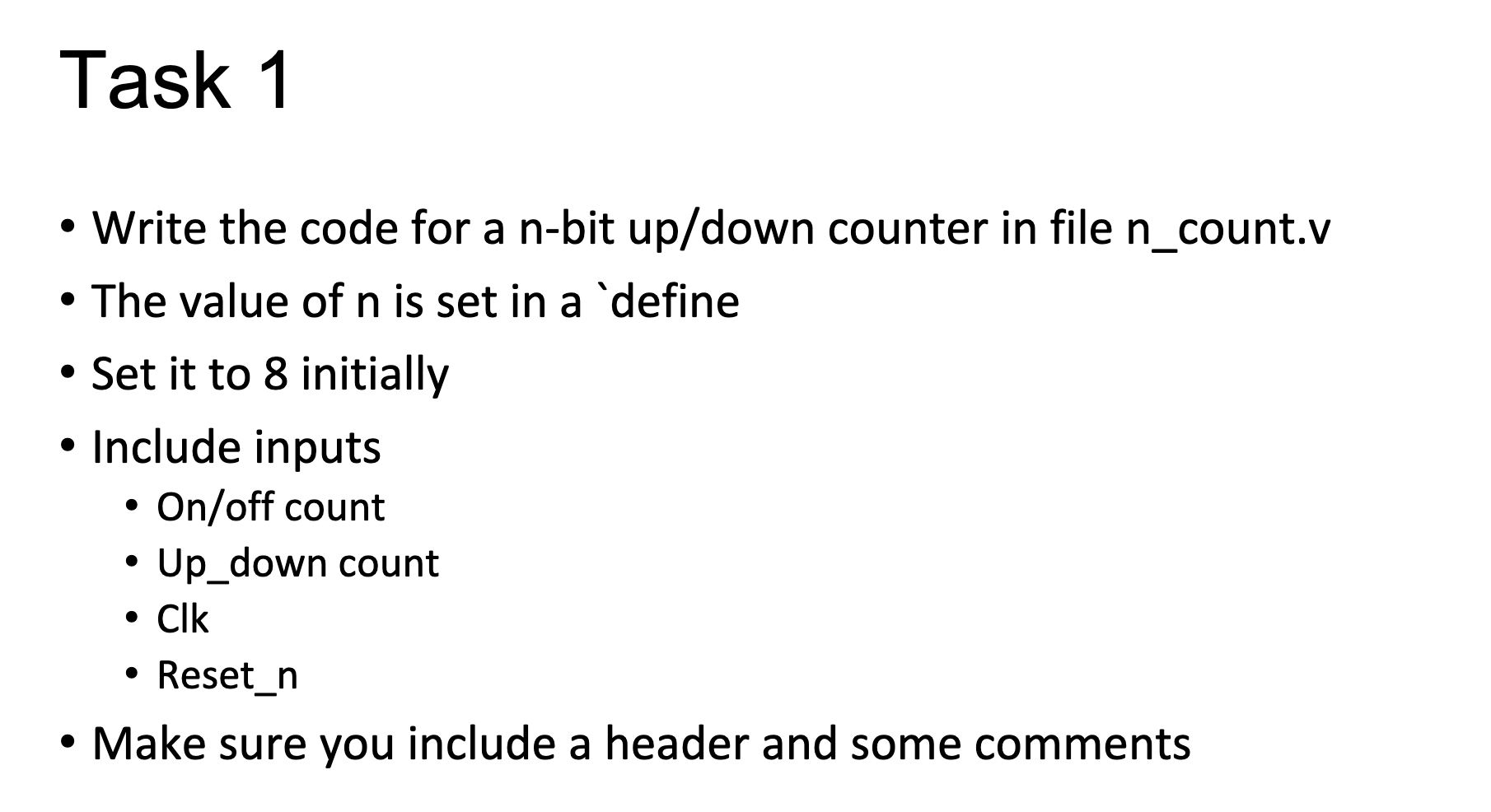
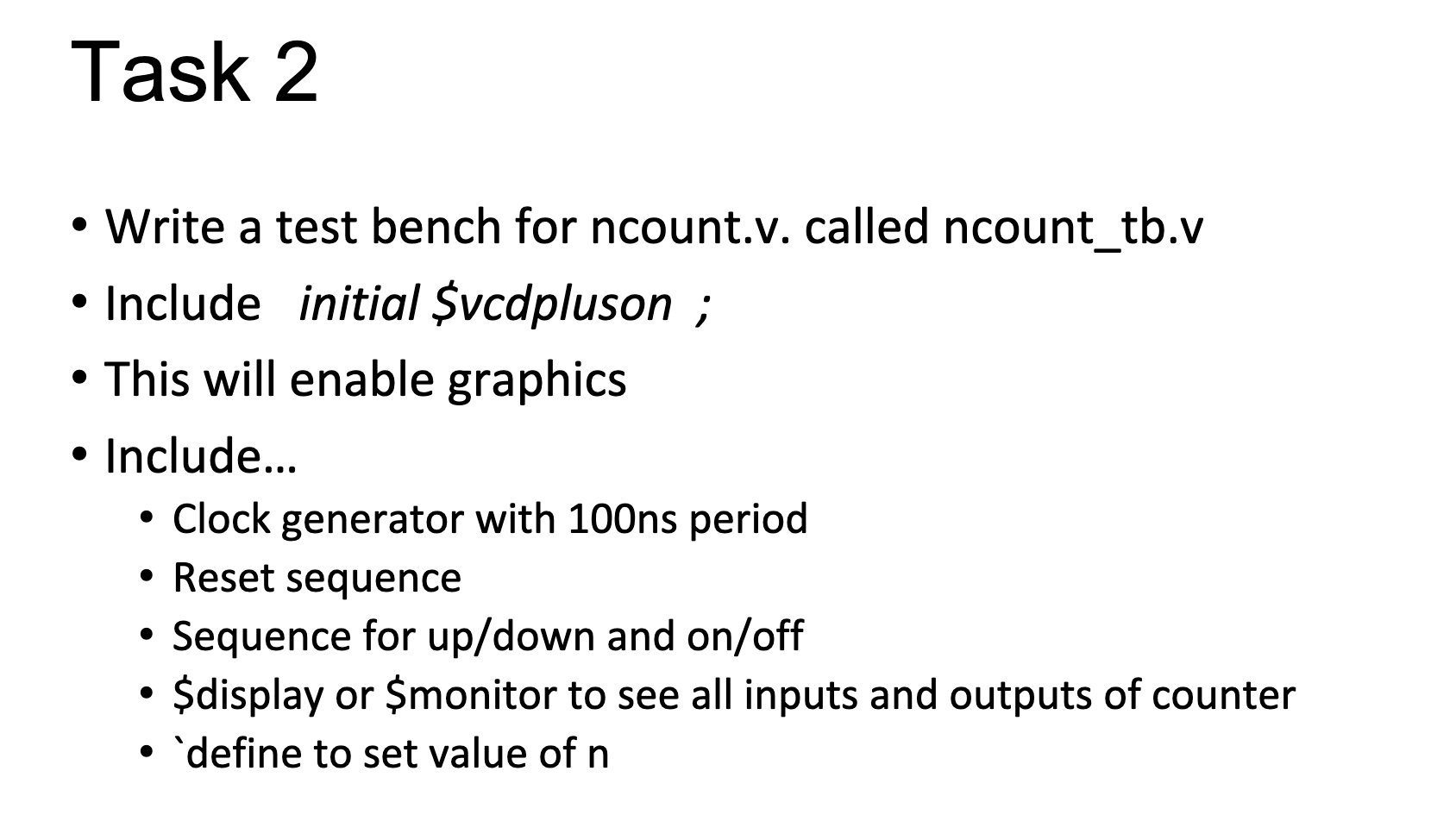
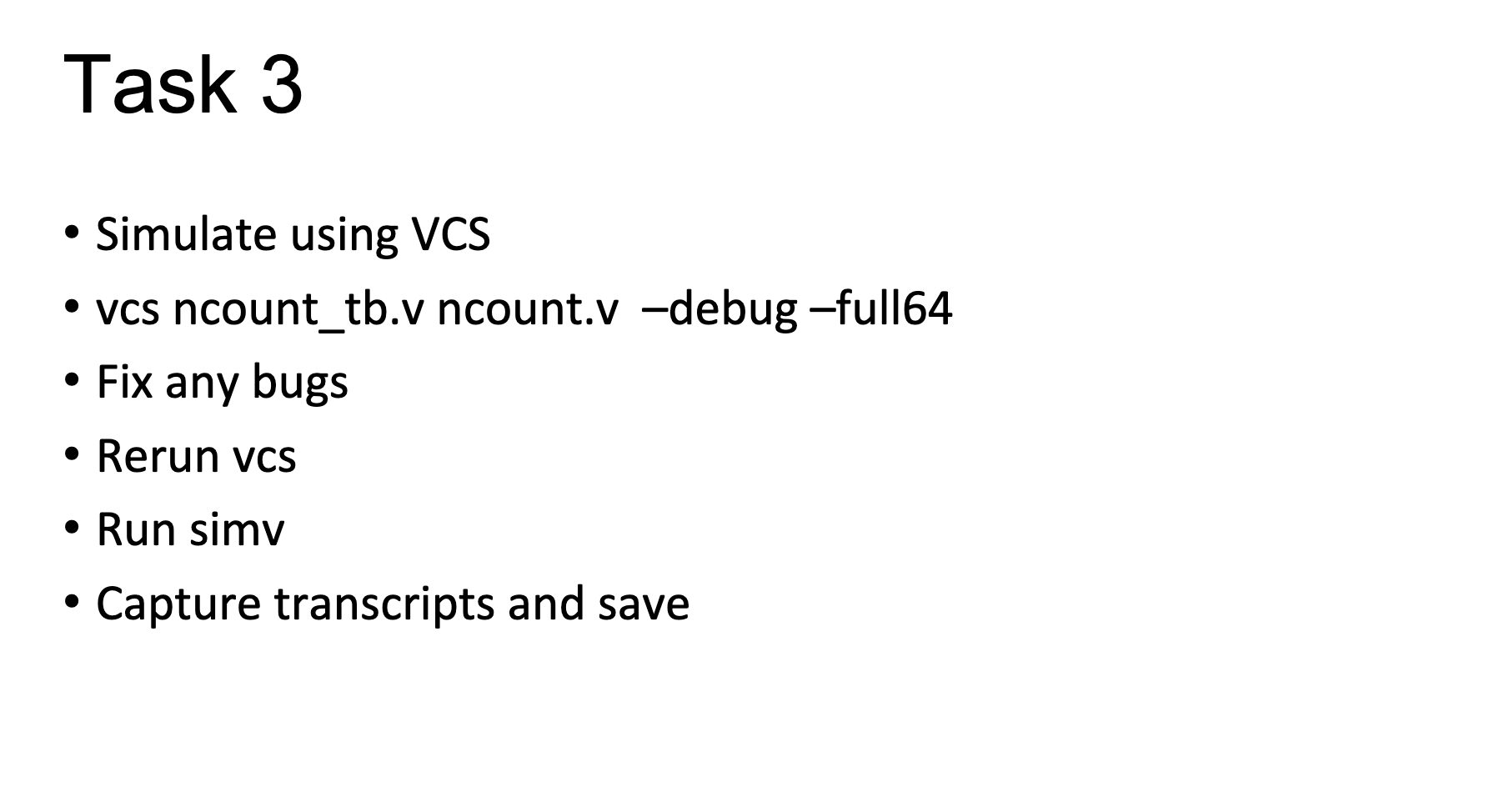
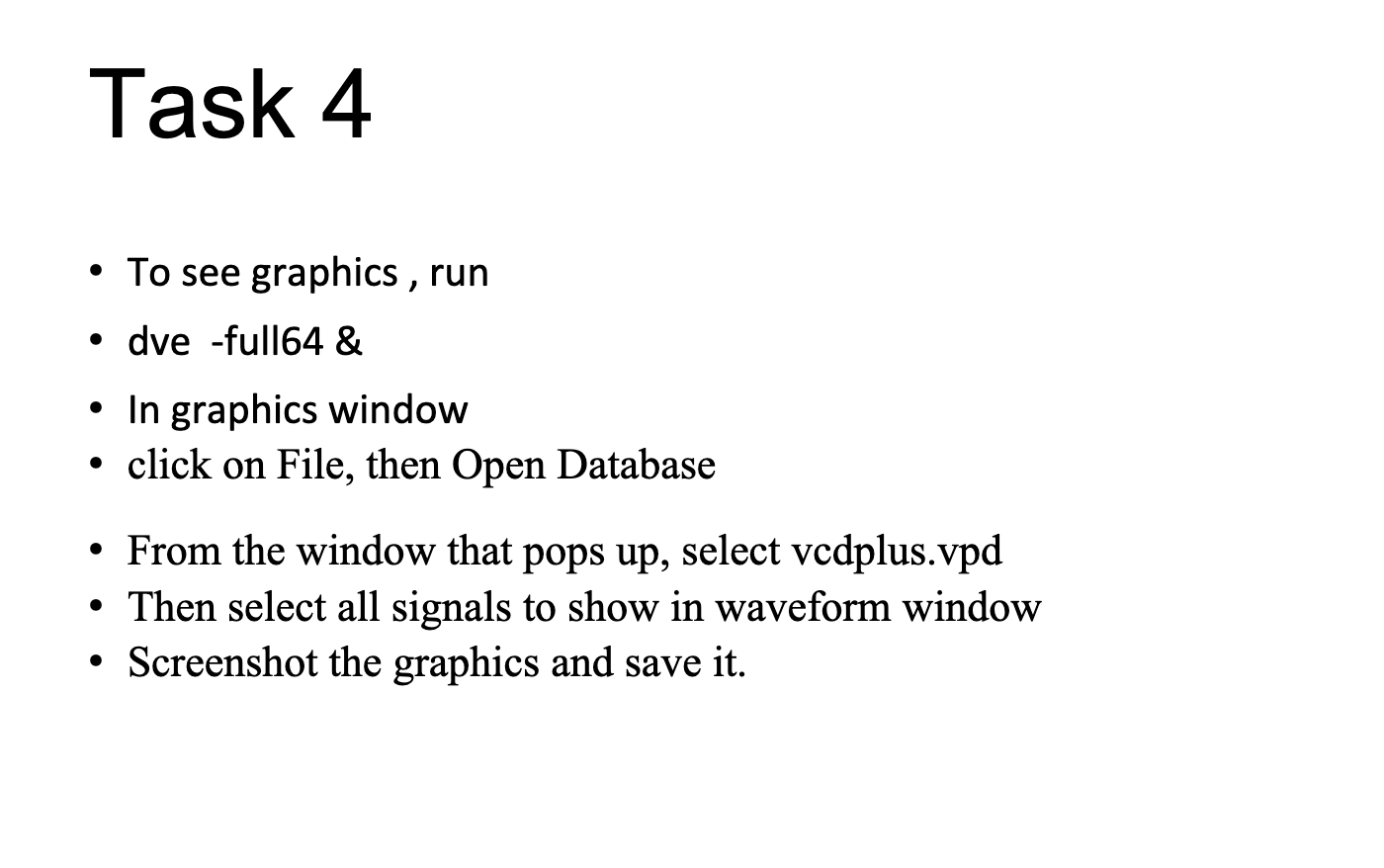
- Write the code for a n-bit up/down counter in file n_count.v - The value of n is set in a 'define - Set it to 8 initially - Include inputs - On/off count - Up_down count - Clk - Reset_n - Make sure you include a header and some comments - Write a test bench for ncount.v. called ncount_tb.v - Include initial Svcdpluson ; - This will enable graphics - Include... - Clock generator with 100ns period - Reset sequence - Sequence for up/down and on/off - \$display or \$monitor to see all inputs and outputs of counter - define to set value of n - Simulate using VCS - vcs ncount_tb.v ncount.v -debug -full64 - Fix any bugs - Rerun vcs - Run simv - Capture transcripts and save - To see graphics , run - dve -full64 \& - In graphics window - click on File, then Open Database - From the window that pops up, select vcdplus.vpd - Then select all signals to show in waveform window - Screenshot the graphics and save it
Step by Step Solution
There are 3 Steps involved in it

Get step-by-step solutions from verified subject matter experts
 Study Help