







Question: You are configuring a map and after testing your process realize you don't have all the data you need for your destination profile. What is
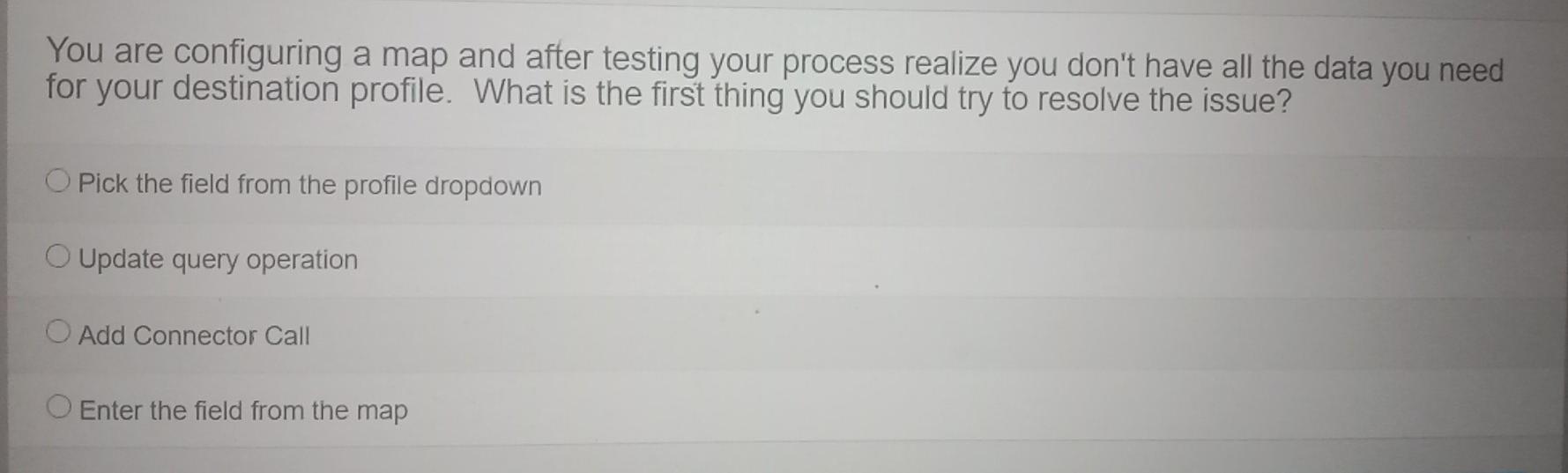
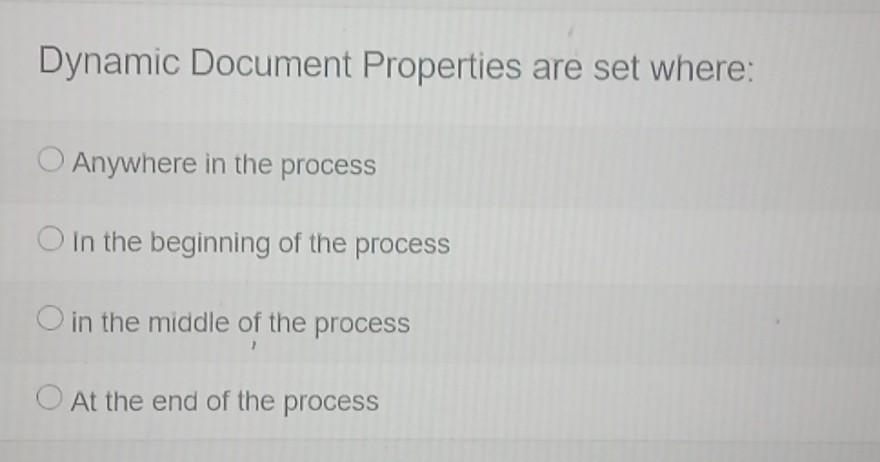
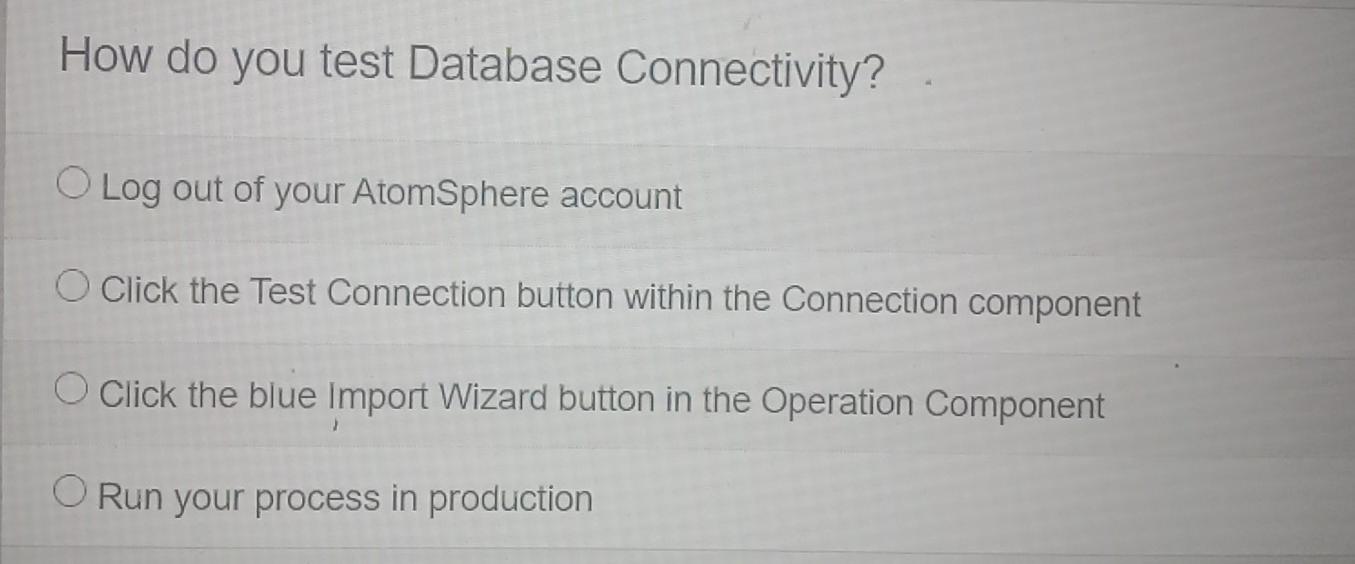
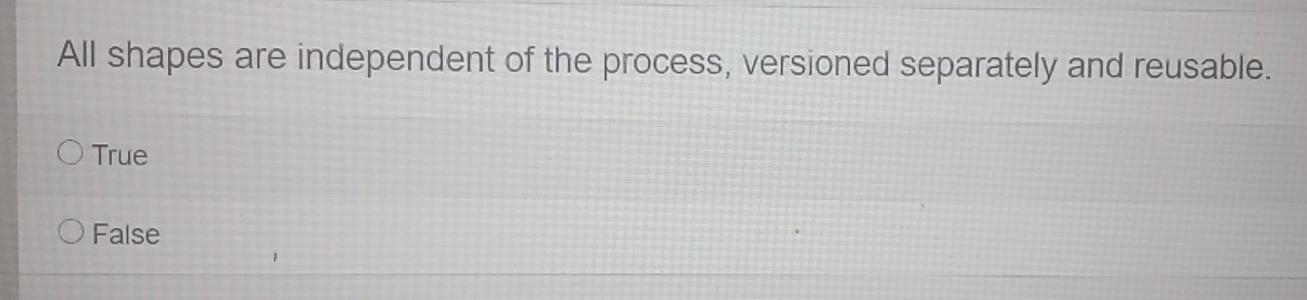
You are configuring a map and after testing your process realize you don't have all the data you need for your destination profile. What is the first thing you should try to resolve the issue? Pick the field from the profile dropdown Update query operation Add Connector Call O Enter the field from the map Dynamic Document Properties are set where: Anywhere in the process O in the beginning of the process O in the middle of the process O At the end of the process How do you test Database Connectivity? O Log out of your AtomSphere account Click the Test Connection button within the Connection component O Click the blue Import Wizard button in the Operation Component O Run your process in production All shapes are independent of the process, versioned separately and reusable. O True O False
Step by Step Solution
There are 3 Steps involved in it

Get step-by-step solutions from verified subject matter experts
 Study Help