







Question: You are making a sales performance report in Excel which you would like to present to the top management. Some of the column headings are
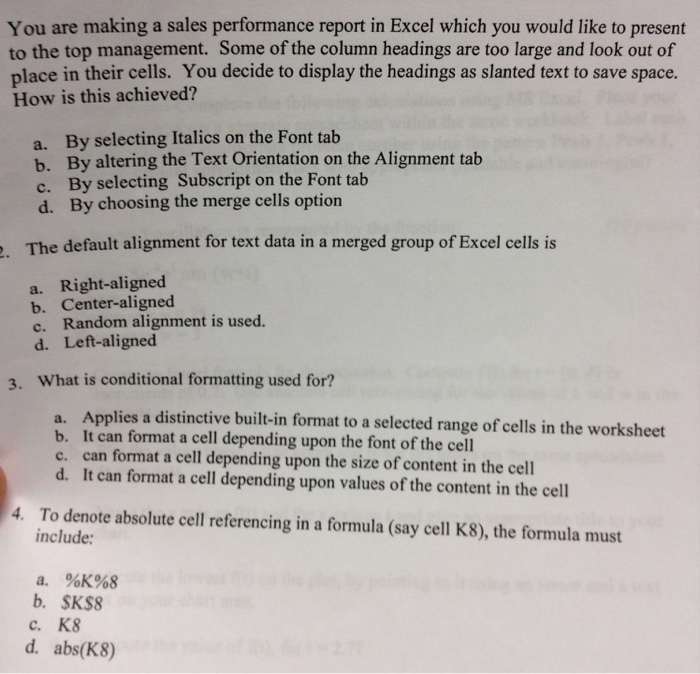
You are making a sales performance report in Excel which you would like to present to the top management. Some of the column headings are too large and look out of place in their cells. You decide to display the headings as slanted text to save space. How is this achieved? a. By selecting Italics on the Font tab b. By altering the Text Orientation on the Alignment c. By selecting Subscript on the Font tab d. By choosing the merge cells option . The default alignment for text data in a merged group of Excel cells is a. Right-aligned b. Center-aligned c. Random alignment is used. d. Left-aligned 3. What is conditional formatting used for? Applies a distinctive built-in format to a selected range of cells in the worksheet a. b. It can format a cell depending upon the font of the cell can format a cell depending upon the size of content in the cell c. d. It can format a cell depending upon values of the content in the cell To denote absolute cell referencing in a formula (say cell K8), the formula must include: 4. a. %KY68 b. SK$8 c. K8 d. abs(K8)
Step by Step Solution
There are 3 Steps involved in it

Get step-by-step solutions from verified subject matter experts
 Study Help