







Question: You should be familiar with the circle method from previous activities. For example, turtle.circle ( 2 0 ) draws a circle with a radius of
You should be familiar with the circle method from previous activities. For example, turtle.circle draws a circle with a radius of Recall from Activity that you can specify a second parameter, the extent of the circle, to draw an arc. For example, turtle.circle will draw one half of a circle with radius
Step : Use this code editor to experiment with drawing arcs.
Change the radius and extent parameter values of circle.
Change the toangle in setheading.
Experiment with both positive and negative parameter values. import turtle as trtl
painter trtlTurtle
painter.pensize
# draw curved arc
painter.penup
painter.goto
painter.pendown
painter.circle
# draw segmented arc
painter.penup
painter.goto
painter.pendown
painter.circle
wn trtlScreen
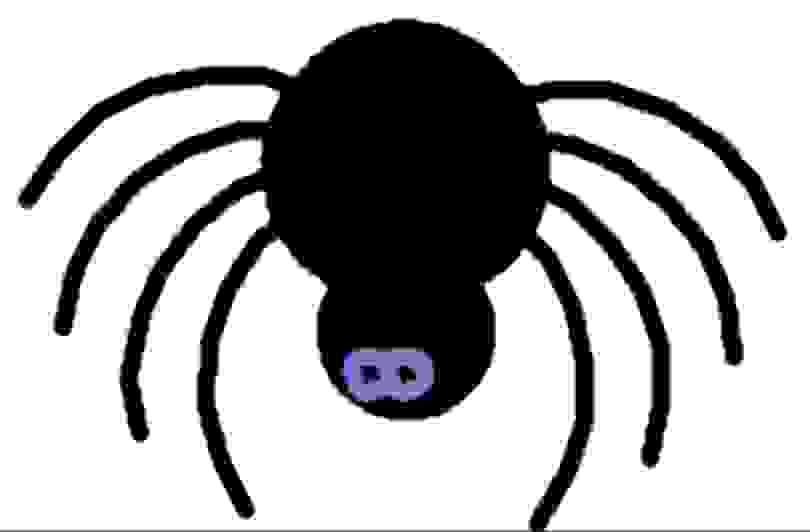
wnmainloop In your spider program, use the circle and setheading methods in an iterationlooping algorithm to draw curved legs on a bug instead of straight ones. Change the direction of the circle using a positive or negative extent value.
Use the penup and pendown methods to stop drawing after the extent of the circle is drawn. Otherwise you will draw the path back to the center of the spider.
Opposite sides of the spiders body do not need to be exactly opposite to get a spidery effect. Add a head to the spider by drawing a smaller circle close to the body of the spider and change the eye location. A possible variation of your spider image is shown; yours may look quite different
Step by Step Solution
There are 3 Steps involved in it
1 Expert Approved Answer
Step: 1 Unlock

Question Has Been Solved by an Expert!
Get step-by-step solutions from verified subject matter experts
Step: 2 Unlock
Step: 3 Unlock
 Study Help