







Question: You will need to create two files: Animal.py - file containing a class definition for an Animal object. AnimalShelter.py - file containing a class definition
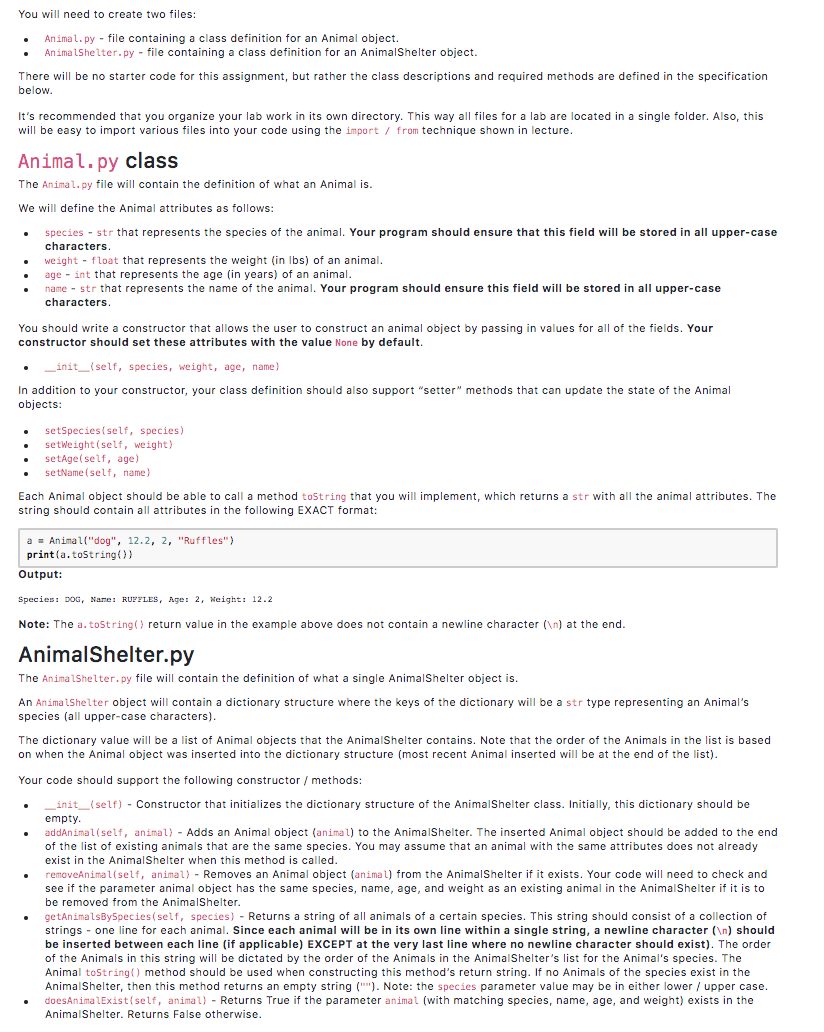
You will need to create two files: Animal.py - file containing a class definition for an Animal object. AnimalShelter.py - file containing a class definition for an AnimalShelter object. There will be no starter code for this assignment, but rather the class descriptions and required methods are defined in the specification below. It's recommended that you organize your lab work in its own directory. This way all files for a lab are located in a single folder. Also, this will be easy to import various files into your code using the import / from technique shown in lecture. Animal.py class The Animal.py file will contain the definition of what an Animal is. We will define the Animal attributes as follows: species - str that represents the species of the animal. Your program should ensure that this field will be stored in all upper-case characters. weight - float that represents the weight (in lbs) of an animal. age - int that represents the age (in years) of an animal. name - str that represents the name of the animal. Your program should ensure this field will be stored in all upper-case characters. You should write a constructor that allows the user to construct an animal object by passing in values for all of the fields. Your constructor should set these attributes with the value None by default. _init__(self, species, weight, age, name) In addition to your constructor, your class definition should also support "setter" methods that can update the state of the Animal objects: setSpecies(self, species) setWeight (self, weight) setAge(self, age) setName(self, name) Each Animal object should be able to call a method toString that you will implement, which returns a str with all the animal attributes. The string should contain all attributes in the following EXACT format: a = Animal("dog", 12.2, 2, "Ruffles") print(a.toString() Output: Species: DOG, Name: RUFFLES, Age: 2, Weight: 12.2 Note: The a.toString() return value in the example above does not contain a newline character ( ) at the end. AnimalShelter.py The Animal Shelter.py file will contain the definition of what a single AnimalShelter object is. An Animal Shelter object will contain a dictionary structure where the keys of the dictionary will be a str type representing an Animal's species (all upper-case characters). The dictionary value will be a list of Animal objects that the AnimalShelter contains. Note that the order of the Animals in the list is based on when the Animal object was inserted into the dictionary structure (most recent Animal inserted will be at the end of the list). Your code should support the following constructor / methods: _init__(self) - Constructor that initializes the dictionary structure of the Animal Shelter class. Initially, this dictionary should be empty. addAnimal(self, animal) - Adds an Animal object (animal) to the AnimalShelter. The inserted Animal object should be added to the end of the list of existing animals that are the same species. You may assume that an animal with the same attributes does not already exist in the Animal Shelter when this method is called. moveAni L(self, animal) - Re an object (animal) from the AnimalShelter if it e ists. Your code will need to ch see if the parameter animal object has the same species, name, age, and weight as an existing animal in the Animal Shelter if it is to be removed from the AnimalShelter. getAnimalsBySpecies(self, species) - Returns a string of all animals of a certain species. This string should consist of a collection of strings - one line for each animal. Since each animal will be in its own line within a single string, a newline character ( ) should be inserted between each line (if applicable) EXCEPT at the very last line where no newline character should exist). The order of the Animals in this string will be dictated by the order of the Animals in the Animal Shelter's list for the Animal's species. The Animal toString() method should be used when constructing this method's return string. If no Animals of the species exist in the Animal Shelter, then this method returns an empty string(""). Note: the species parameter value may be in either lower / upper case. doesAnimalExist(self, animal) - Returns True if the parameter animal (with matching species, name, age, and weight) exists in the Animal Shelter. Returns False otherwise
Step by Step Solution
There are 3 Steps involved in it

Get step-by-step solutions from verified subject matter experts
 Study Help