







Question: You will write a program that creates negative image of a given image but leaves a frame of size percent with original colors around
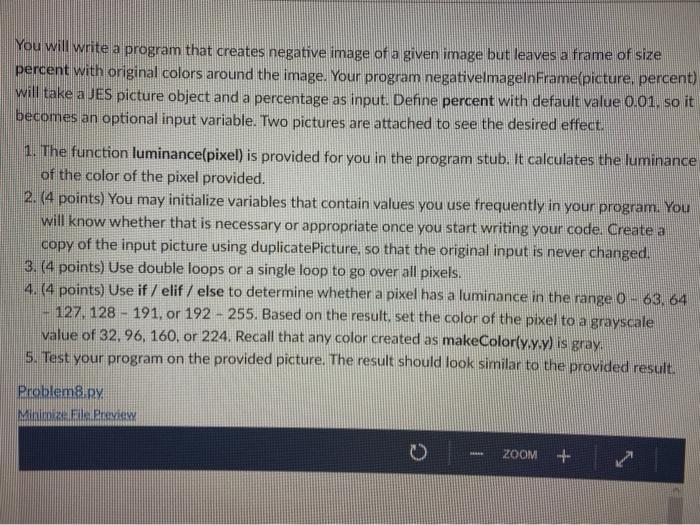
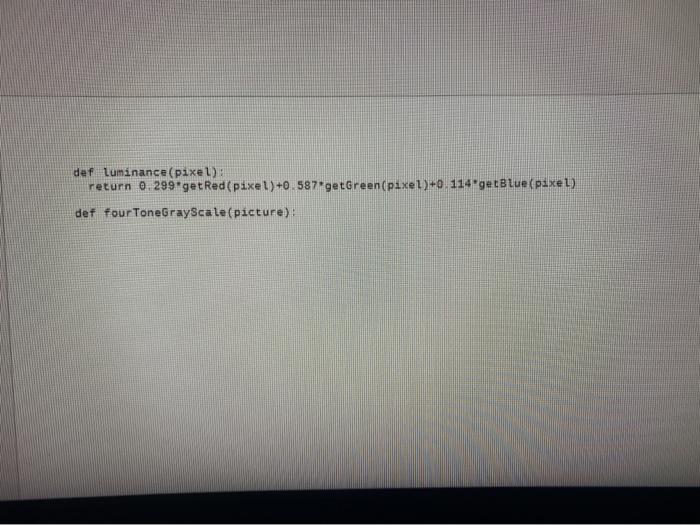
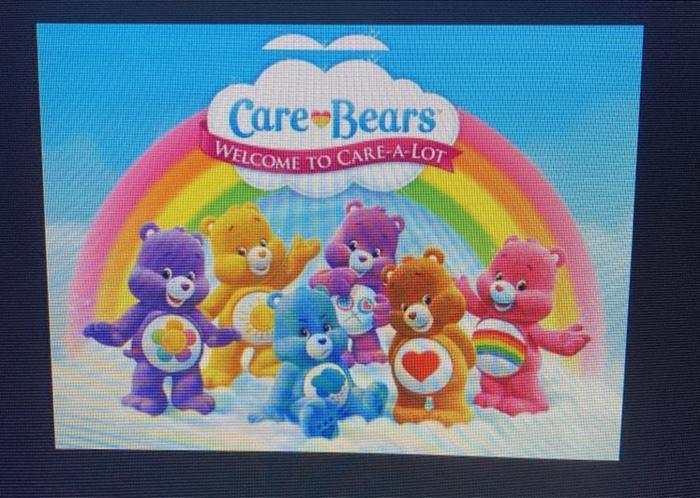
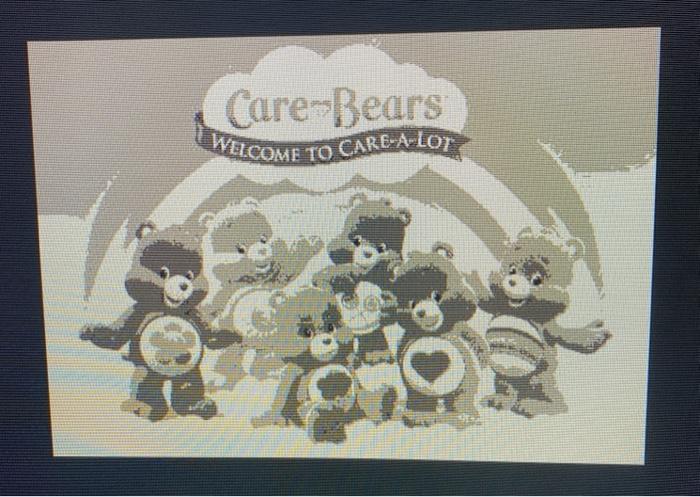
You will write a program that creates negative image of a given image but leaves a frame of size percent with original colors around the image. Your program negativelmagelnFrame(picture, percent) will take a JES picture object and a percentage as input. Define percent with default value 0.01. so it becomes an optional input variable. Two pictures are attached to see the desired effect. 1. The function luminance(pixel) is provided for you in the program stub. It calculates the luminance of the color of the pixel provided. 2. (4 points) You may initialize variables that contain values you use frequently in your program. You will know whether that is necessary or appropriate once you start writing your code. Create a copy of the input picture using duplicatePicture, so that the original input is never changed. 3. (4 points) Use double loops or a single loop to go over all pixels. 4. (4 points) Use if / elif / else to determine whether a pixel has a luminance in the range 0- 63, 64 127, 128 191, or 192 255. Based on the result, set the color of the pixel to a grayscale value of 32, 96, 160, or 224. Recall that any color created as makeColor(y.y.y) is gray. 5. Test your program on the provided picture. The result should look similar to the provided result. Problem8.py Minimize File Preview ZOOM def luminance (pixel): return 0. 299*getRed(pixel)+0.587 getGreen (pixel)+0.114 getBlue(pixel) def fourToneGrayScale(picture): Care-Bears WELCOME TO CARE-A-LOT Care-Bears WELCOME TO CARE-A-LOT
Step by Step Solution
3.58 Rating (169 Votes )
There are 3 Steps involved in it
Imported PIL Library from PIL import Image Open an Image def openimagepath newImage Imageopenpath return newImage Save Image def saveimageimage path imagesavepath png Create a new image def createimag... View full answer

Get step-by-step solutions from verified subject matter experts
 Study Help