







Question: Your Tasks timeclient.py > dots Click to add a breakpoint timeclienthandler.py > dots Click to add a breakpoint Sometimes servers are down, so clients cannot
Your Tasks
timeclient.py dots
Click to add a breakpoint
timeclienthandler.py dots Click to add a breakpoint
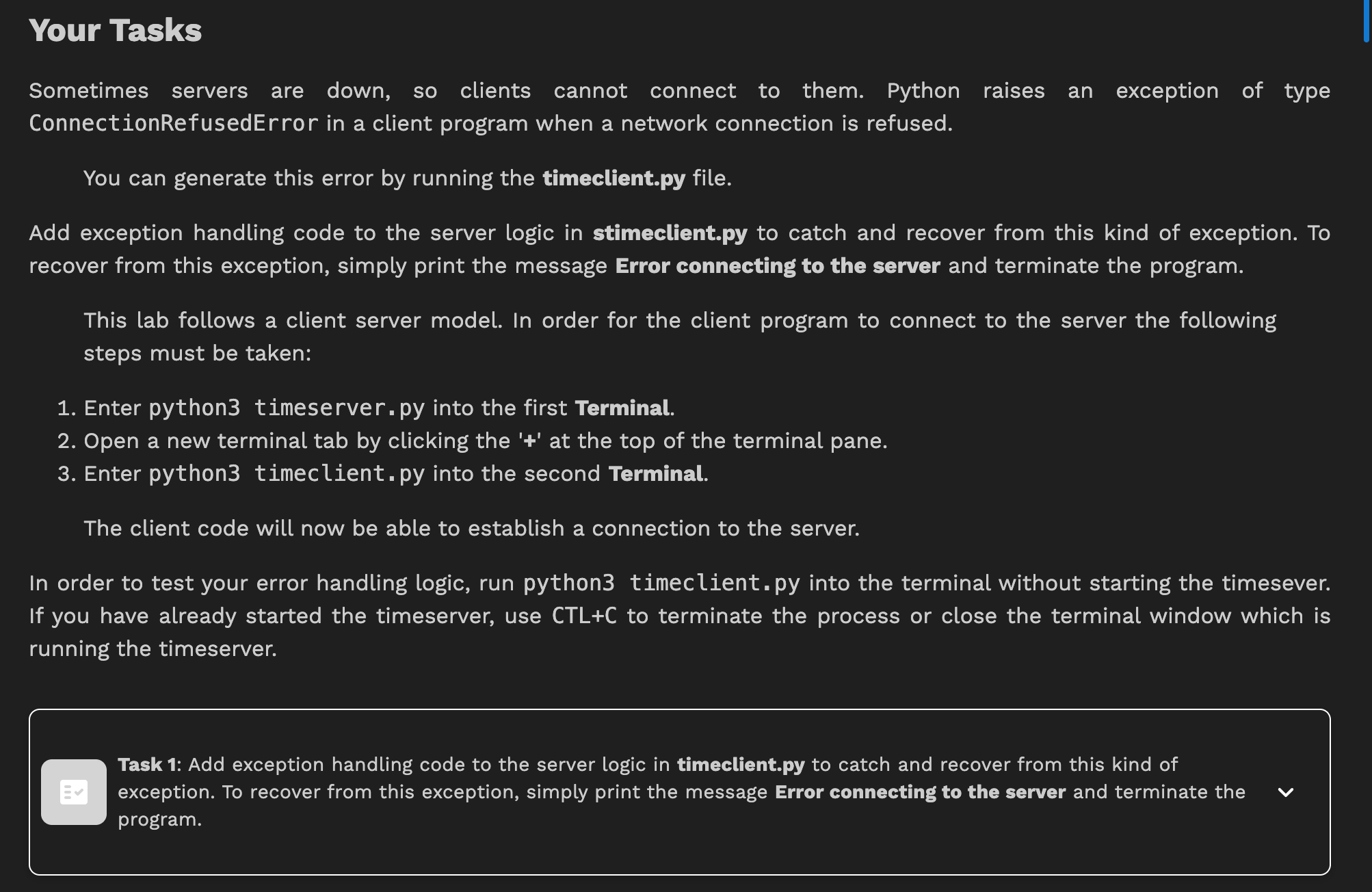
Sometimes servers are down, so clients cannot connect to them. Python raises an exception of type
ConnectionRefusedError in a client program when a network connection is refused.
You can generate this error by running the
timeclient.py file.
Add exception handling code to the server logic in
stimeclient.py to catch and recover from this kind of exception. To
recover from this exception, simply print the message Error connecting to the server and terminate the program.
This lab follows a client server model. In order for the client program to connect to the server the following
steps must be taken:
Enter python timeserver. py into the first Terminal.
Open a new terminal tab by clicking the at the top of the terminal pane.
Enter python timeclient. py into the second Terminal.
The client code will now be able to establish a connection to the server.
In order to test your error handling logic, run python timeclient, py into the terminal without starting the timesever.
If you have already started the timeserver, use CTLC to terminate the process or close the terminal window which is
running the timeserver.
Task : Add exception handling code to the server logic in
timeclient.py to catch and recover from this kind of
exception. To recover from this exception, simply print the message Error connecting to the server and terminate the
program.
PS: Many people have asked this exact same question here but no of then answers seem to work well
Step by Step Solution
There are 3 Steps involved in it
1 Expert Approved Answer
Step: 1 Unlock

Question Has Been Solved by an Expert!
Get step-by-step solutions from verified subject matter experts
Step: 2 Unlock
Step: 3 Unlock
 Study Help