







Question: 1 . 1 Using the data on the Employee Data worksheet, insert a PivotTable on the # Employees worksheet to calculate the number of
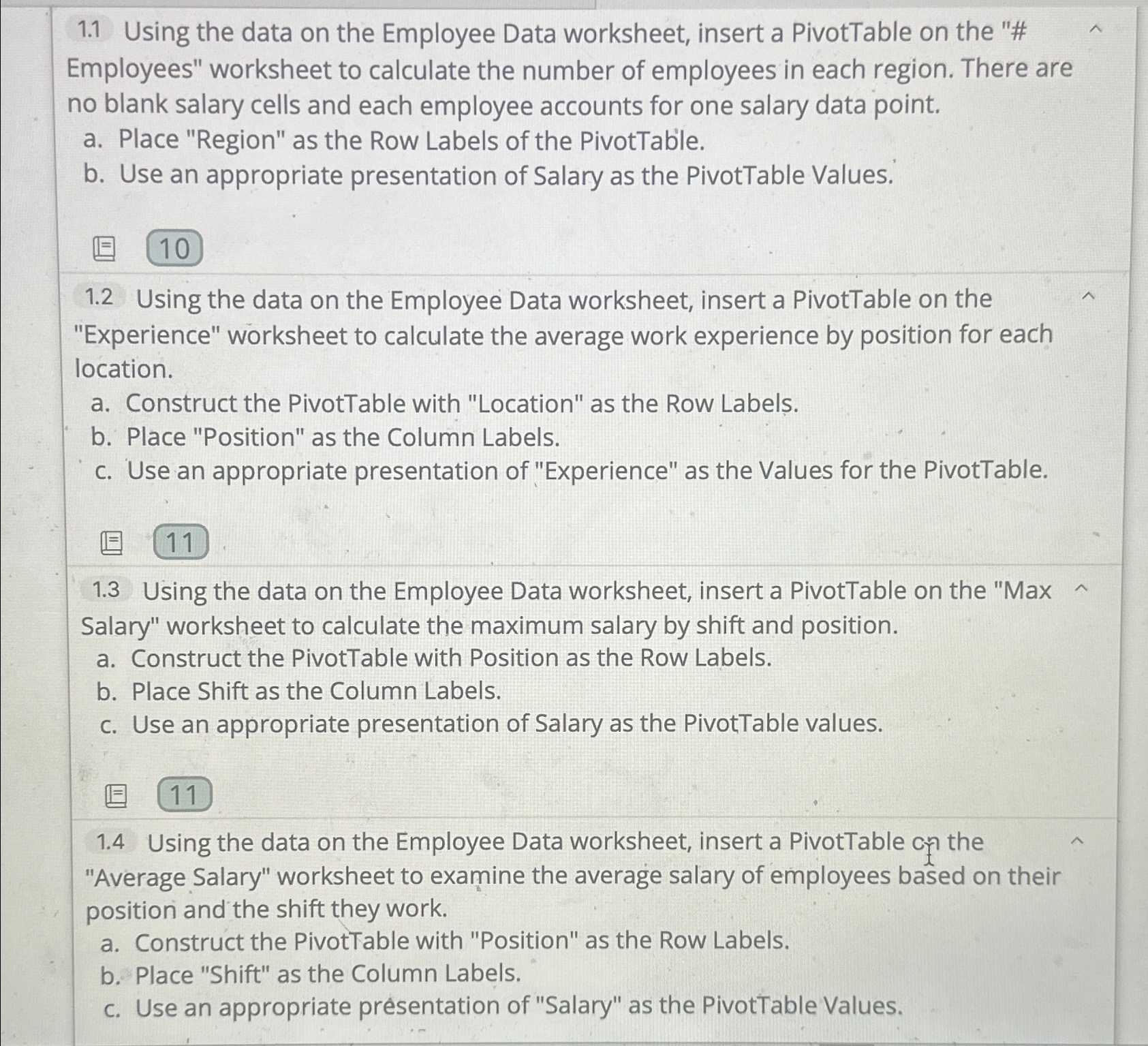
Using the data on the Employee Data worksheet, insert a PivotTable on the # Employees" worksheet to calculate the number of employees in each region. There are no blank salary cells and each employee accounts for one salary data point.
a Place "Region" as the Row Labels of the PivotTable.
b Use an appropriate presentation of Salary as the PivotTable Values.
Using the data on the Employee Data worksheet, insert a PivotTable on the "Experience" worksheet to calculate the average work experience by position for each location.
a Construct the PivotTable with "Location" as the Row Labels.
b Place "Position" as the Column Labels.
c Use an appropriate presentation of "Experience" as the Values for the PivotTable.
Using the data on the Employee Data worksheet, insert a PivotTable on the "Max Salary" worksheet to calculate the maximum salary by shift and position.
a Construct the PivotTable with Position as the Row Labels.
b Place Shift as the Column Labels.
c Use an appropriate presentation of Salary as the PivotTable values.
Using the data on the Employee Data worksheet, insert a PivotTable cn the "Average Salary" worksheet to examine the average salary of employees based on their position and the shift they work.
a Construct the PivotTable with "Position" as the Row Labels.
b Place "Shift" as the Column Labels.
c Use an appropriate presentation of "Salary" as the PivotTable Values.
Using the data on the Employee Data worksheet, insert a PivotTable on the # Employees" worksheet to calculate the number of employees in each region. There are no blank salary cells and each employee accounts for one salary data point.
a Place "Region" as the Row Labels of the PivotTable.
b Use an appropriate presentation of Salary as the PivotTable Values.
Using the data on the Employee Data worksheet, insert a PivotTable on the "Experience" worksheet to calculate the average work experience by position for each location.
a Construct the PivotTable with "Location" as the Row Labels.
b Place "Position" as the Column Labels.
c Use an appropriate presentation of "Experience" as the Values for the PivotTable.
Using the data on the Employee Data worksheet, insert a PivotTable on the "Max Salary" worksheet to calculate the maximum salary by shift and position.
a Construct the PivotTable with Position as the Row Labels.
b Place Shift as the Column Labels.
c Use an appropriate presentation of Salary as the PivotTable values.
Using the data on the Employee Data worksheet, insert a PivotTable on the "Average Salary" worksheet to examine the average salary of employees based on their position and the shift they work.
a Construct the PivotTable with "Position" as the Row Labels.
b Place "Shift" as the Column Labels.
c Use an appropriate presentation of "Salary" as the PivotTable Values.
Step by Step Solution
There are 3 Steps involved in it
1 Expert Approved Answer
Step: 1 Unlock

Question Has Been Solved by an Expert!
Get step-by-step solutions from verified subject matter experts
Step: 2 Unlock
Step: 3 Unlock
 Study Help