







Question: 1 . 5 Using the data on the Employee Data worksheet, insert a PivotTable on the Position worksheet to calculate the percentage of employees for
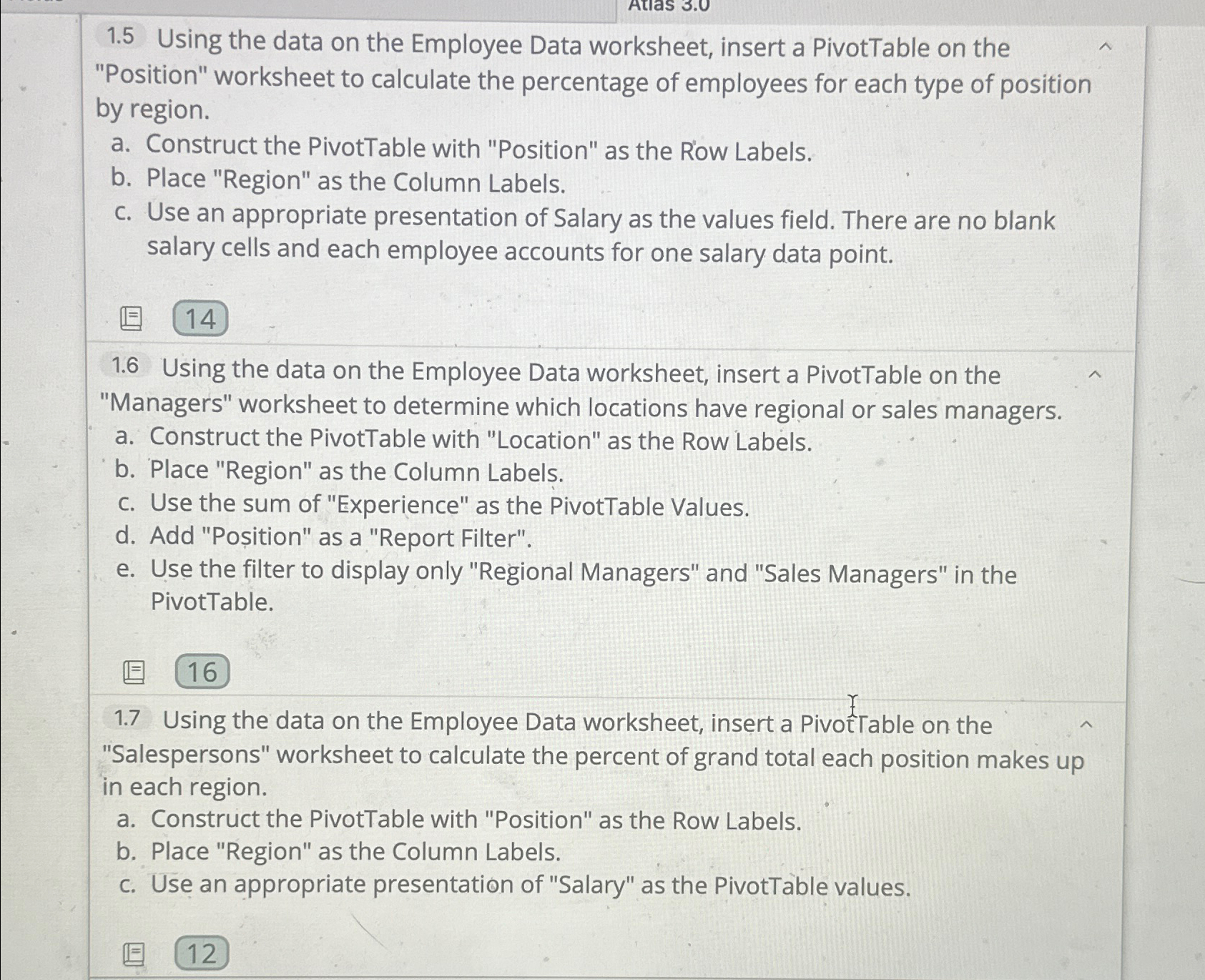
Using the data on the Employee Data worksheet, insert a PivotTable on the "Position" worksheet to calculate the percentage of employees for each type of position by region.
a Construct the PivotTable with "Position" as the Row Labels.
b Place "Region" as the Column Labels.
c Use an appropriate presentation of Salary as the values field. There are no blank salary cells and each employee accounts for one salary data point.
Using the data on the Employee Data worksheet, insert a PivotTable on the "Managers" worksheet to determine which locations have regional or sales managers.
a Construct the PivotTable with "Location" as the Row Labels.
b Place "Region" as the Column Labels.
c Use the sum of "Experience" as the PivotTable Values.
d Add Poition as a "Report Filter".
e Use the filter to display only "Regional Managers" and "Sales Managers" in the PivotTable.
Using the data on the Employee Data worksheet, insert a Pivot able on the "Salespersons" worksheet to calculate the percent of grand total each position makes up in each region.
a Construct the PivotTable with "Position" as the Row Labels.
b Place "Region" as the Column Labels.
c Use an appropriate presentation of "Salary" as the PivotTable values.
Step by Step Solution
There are 3 Steps involved in it
1 Expert Approved Answer
Step: 1 Unlock

Question Has Been Solved by an Expert!
Get step-by-step solutions from verified subject matter experts
Step: 2 Unlock
Step: 3 Unlock
 Study Help