







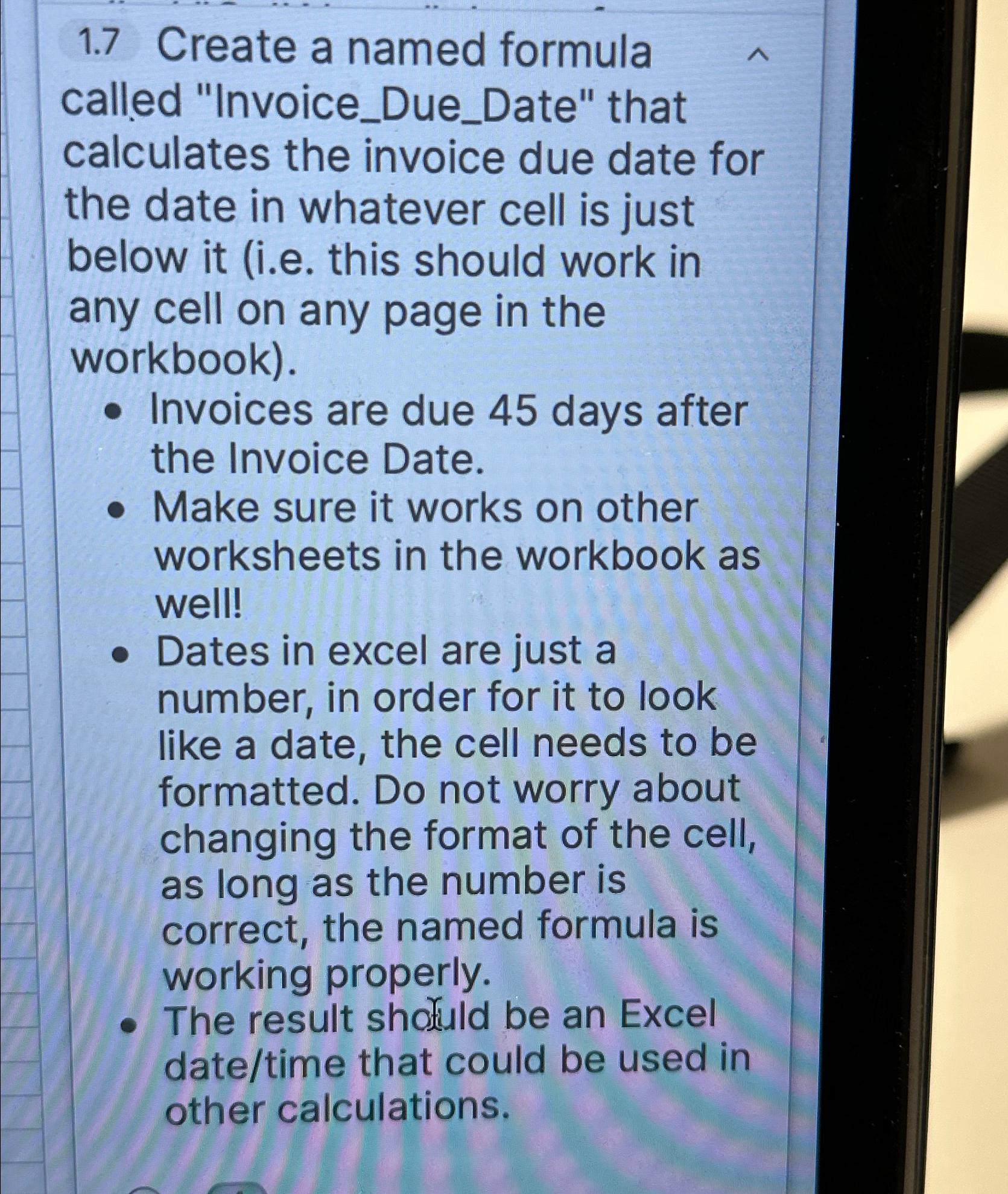
Question: 1 . 7 Create a named formula called Invoice _ Due _ Date that calculates the invoice due date for the date in whatever cell
Create a named formula called "InvoiceDueDate" that calculates the invoice due date for the date in whatever cell is just below it ie this should work in any cell on any page in the workbook
Invoices are due days after the Invoice Date.
Make sure it works on other worksheets in the workbook as well!
Dates in excel are just a number, in order for it to look like a date, the cell needs to be formatted. Do not worry about changing the format of the cell, as long as the number is correct, the named formula is working properly.
The result shofuld be an Excel datetime that could be used in other calculations.
Step by Step Solution
There are 3 Steps involved in it
1 Expert Approved Answer
Step: 1 Unlock

Question Has Been Solved by an Expert!
Get step-by-step solutions from verified subject matter experts
Step: 2 Unlock
Step: 3 Unlock
 Study Help