







Question: In Javascript 5 points: Declare and instantiate an array containing at least 5 numbers. NOTE: this can just be hard - coded, you don't need
In Javascript points: Declare and instantiate an array containing at least numbers. NOTE: this can just be hardcoded, you don't need to prompt users for this array.
points: Write the last number in the array to the element with class lastNum
points: Write the contents of the array to the HTML element with the class numArray
points: Loop through this array using a for loop, adding each value to a variable named sum
points: Write sum to the element with class numSum
points: Use the proper conditional structure to write to the element with class sumDescription:
If the sum is less than write "small"
Otherwise, if the sum is between and inclusive write "medium"
Otherwise, write "large"
points: Declare two empty arrays named foods and foods
points: Do the following until the user enters quit hint: you have to do this at least once:
Gather input with this popup prompt: let input promptEnter a food, or "quit" to stop.";
If the user didn't enter quit, append this string to the array foods
points: Write the contents of the foods array to the HTML element with the class foodsArray
points: Write true or false to the HTML element with the class appleSearch, based on whether the foods array contains "apple"
points: While the foods array still has values length do the following:
Remove the current first value in foods
Append this value to the end of foods
points: Write the following to the specified HTML elements:
Contents of foods to the element with class finalFoods
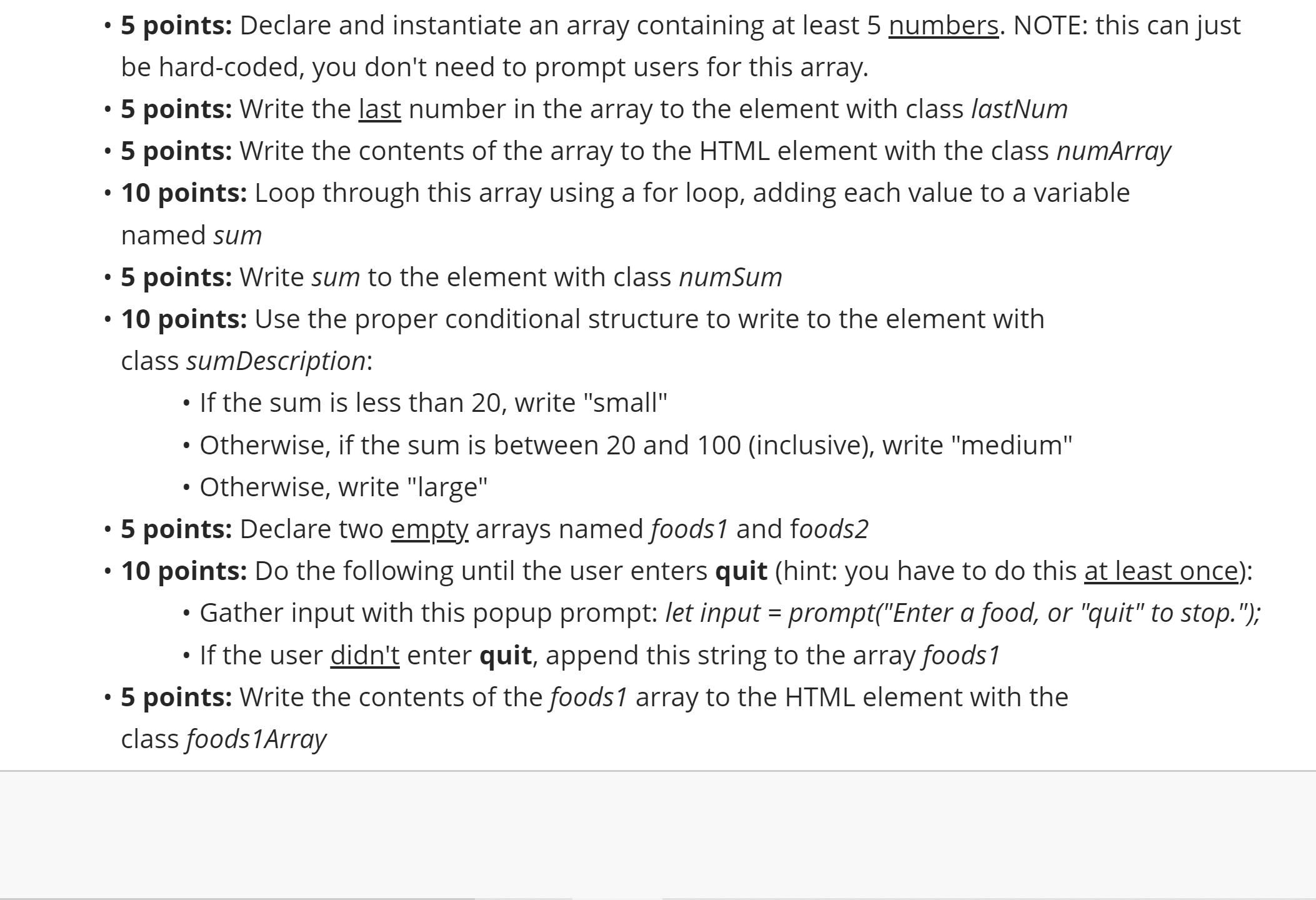
Contents of foods to the element with class finalFoods points: Declare and instantiate an array containing at least numbers. NOTE: this can just
be hardcoded, you don't need to prompt users for this array.
points: Write the last number in the array to the element with class lastNum
points: Write the contents of the array to the HTML element with the class numArray
points: Loop through this array using a for loop, adding each value to a variable
named sum
points: Write sum to the element with class numSum
points: Use the proper conditional structure to write to the element with
class sumDescription:
If the sum is less than write "small"
Otherwise, if the sum is between and inclusive write "medium"
Otherwise, write "large"
points: Declare two empty arrays named foods and foods
points: Do the following until the user enters quit hint: you have to do this at least once:
Gather input with this popup prompt: let input promptEnter a food, or "quit" to stop.";
If the user didn't enter quit, append this string to the array foods
points: Write the contents of the foods array to the HTML element with the
class foodsArray
Step by Step Solution
There are 3 Steps involved in it
1 Expert Approved Answer
Step: 1 Unlock

Question Has Been Solved by an Expert!
Get step-by-step solutions from verified subject matter experts
Step: 2 Unlock
Step: 3 Unlock
 Study Help