







Question: 1) Log onto the Linux server. 2) Create a directory in your home directory named PREP (note it is all caps). 3) Change directories so
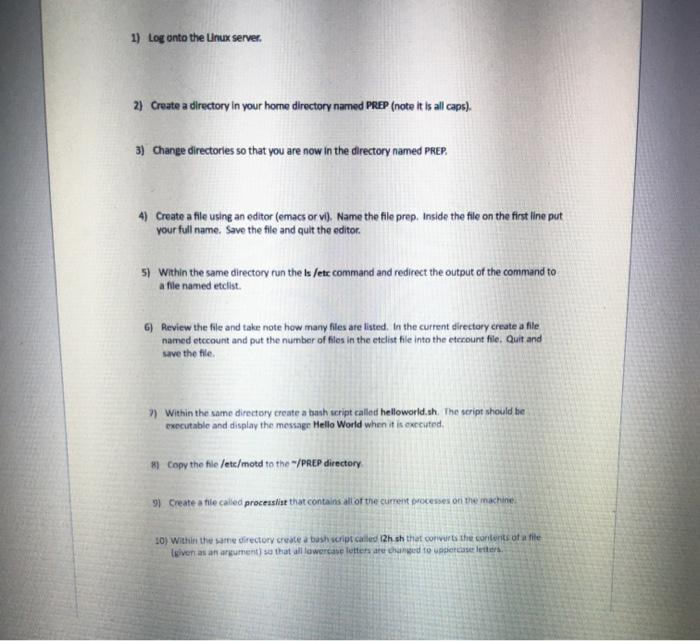
1) Log onto the Linux server. 2) Create a directory in your home directory named PREP (note it is all caps). 3) Change directories so that you are now in the directory named PREP. 4) Create a file using an editor (emacs or vi). Name the file prep. Inside the file on the first line put your full name. Save the file and quit the editor 5) within the same directory run the ls /etc command and redirect the output of the command to a file named etclist. 6) Review the file and take note how many files are listed. In the current directory create a file named etccount and put the number of files in the etelist file into the eterunt file. Quit and Save the file 7) Within the same directory create a script called helloworld, th The script should be executable and display the message Hello World when it is executed 8) Copy the file /etc/motd to the "/PREP directory 9) Create a file called processing that contains all of the current processes on the machine LO) Within the same directory create a bush script called 12h.sh that converts the contents of a file gives an arguments that all lowercase letters are red to uppercase letters
Step by Step Solution
There are 3 Steps involved in it

Get step-by-step solutions from verified subject matter experts
 Study Help