





Question: 1. Start NetBeans and open the project named ch05_ex3_future Value that's in the more_ex_starts directory. 2. Open the Calculation class. Note that it follows all
1. Start NetBeans and open the project named
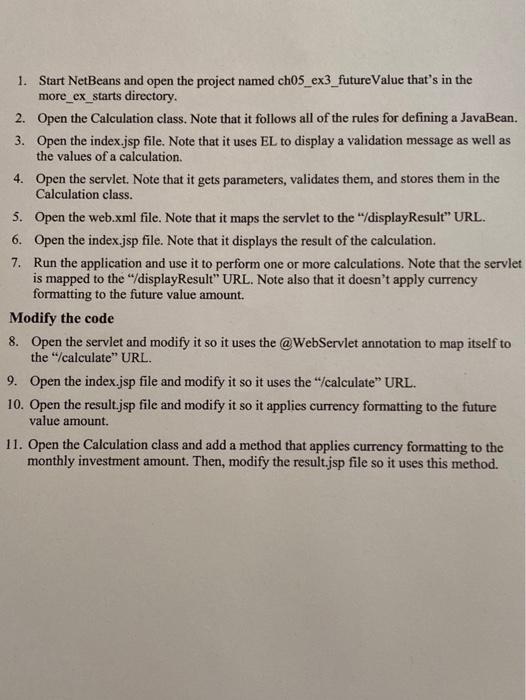
1. Start NetBeans and open the project named ch05_ex3_future Value that's in the more_ex_starts directory. 2. Open the Calculation class. Note that it follows all of the rules for defining a JavaBean. 3. Open the index.jsp file. Note that it uses EL to display a validation message as well as the values of a calculation. 4. Open the servlet. Note that it gets parameters, validates them, and stores them in the Calculation class. 5. Open the web.xml file. Note that it maps the serviet to the "displayResult" URL. 6. Open the index.jsp file. Note that it displays the result of the calculation. 7. Run the application and use it to perform one or more calculations. Note that the servlet is mapped to the "/displayResult" URL. Note also that it doesn't apply currency formatting to the future value amount. Modify the code 8. Open the serviet and modify it so it uses the @WebServlet annotation to map itself to the "calculate" URL. 9. Open the index.jsp file and modify it so it uses the "calculate URL. 10. Open the result.jsp file and modify it so it applies currency formatting to the future value amount. 11. Open the Calculation class and add a method that applies currency formatting to the monthly investment amount. Then, modify the result.jsp file so it uses this method

Step by Step Solution

There are 3 Steps involved in it

1 Expert Approved Answer
Step: 1 Unlock blur-text-image

Question Has Been Solved by an Expert!

Get step-by-step solutions from verified subject matter experts

Step: 2 Unlock
Step: 3 Unlock

Students Have Also Explored These Related General Management Questions!