



Question: 1. Start with the serial.c file from class, renaming the file lab4_your_name.c, where your_name is replaced with your name as it appears in MyMav. The
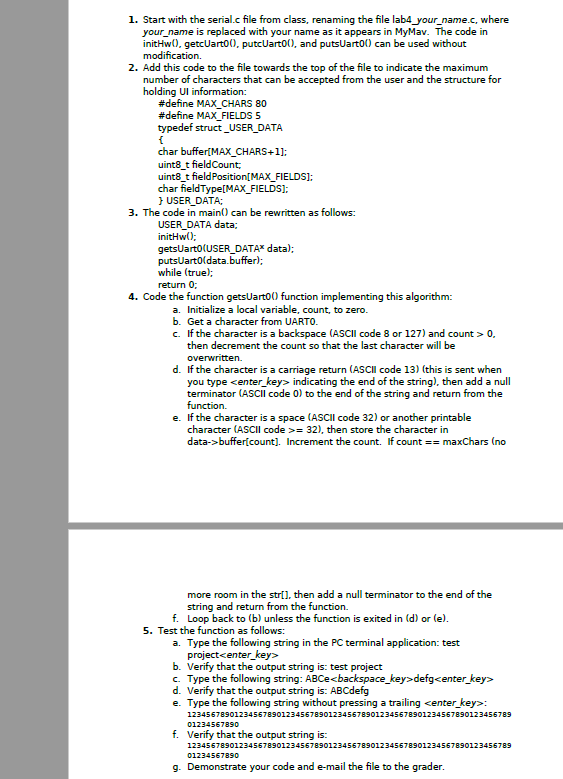
1. Start with the serial.c file from class, renaming the file lab4_your_name.c, where your_name is replaced with your name as it appears in MyMav. The code in initHw().getcUarto, putcUart00), and putsuarto can be used without modification. 2. Add this code to the file towards the top of the file to indicate the maximum number of characters that can be accepted from the user and the structure for holding Ul information: #define MAX_CHARS 80 #define MAX_FIELDS 5 typedef struct _USER_DATA char buffer[MAX_CHARS+1]: uint8_t field Count: uint8_t field Position[MAX_FIELDS]: char FieldType[MAX_FIELDS): USER_DATA: 3. The code in main() can be rewritten as follows: USER_DATA data: initHw(); getsUarto (USER_DATA* data); putsUart(data.buffer); while (true); return 0; 4. Code the function getsUarto function implementing this algorithm: a. Initialize a local variable, count, to zero. b. Get a character from UARTO. c. If the character is a backspace (ASCII code 8 or 127) and count > 0. then decrement the count so that the last character will be overwritten. d. If the character is a carriage return (ASCII code 13) (this is sent when you type center_key indicating the end of the string), then add a null terminator (ASCII code 0) to the end of the string and return from the function. e. If the character is a space (ASCII code 32) or another printable character (ASCII code >= 32), then store the character in data->buffer[count]. Increment the count. If count == maxChars (no more room in the stri), then add a null terminator to the end of the string and return from the function. f. Loop back to (b) unless the function is exited in (d) or le). 5. Test the function as follows: a. Type the following string in the PC terminal application: test project
Step by Step Solution
There are 3 Steps involved in it

Get step-by-step solutions from verified subject matter experts