







Question: 10) Create a query called QUERY10 that finds the average price of all products call the output field AverageProductPrice 11) Create a query called QUERY11
10) Create a query called QUERY10 that finds the average price of all products call the output field AverageProductPrice
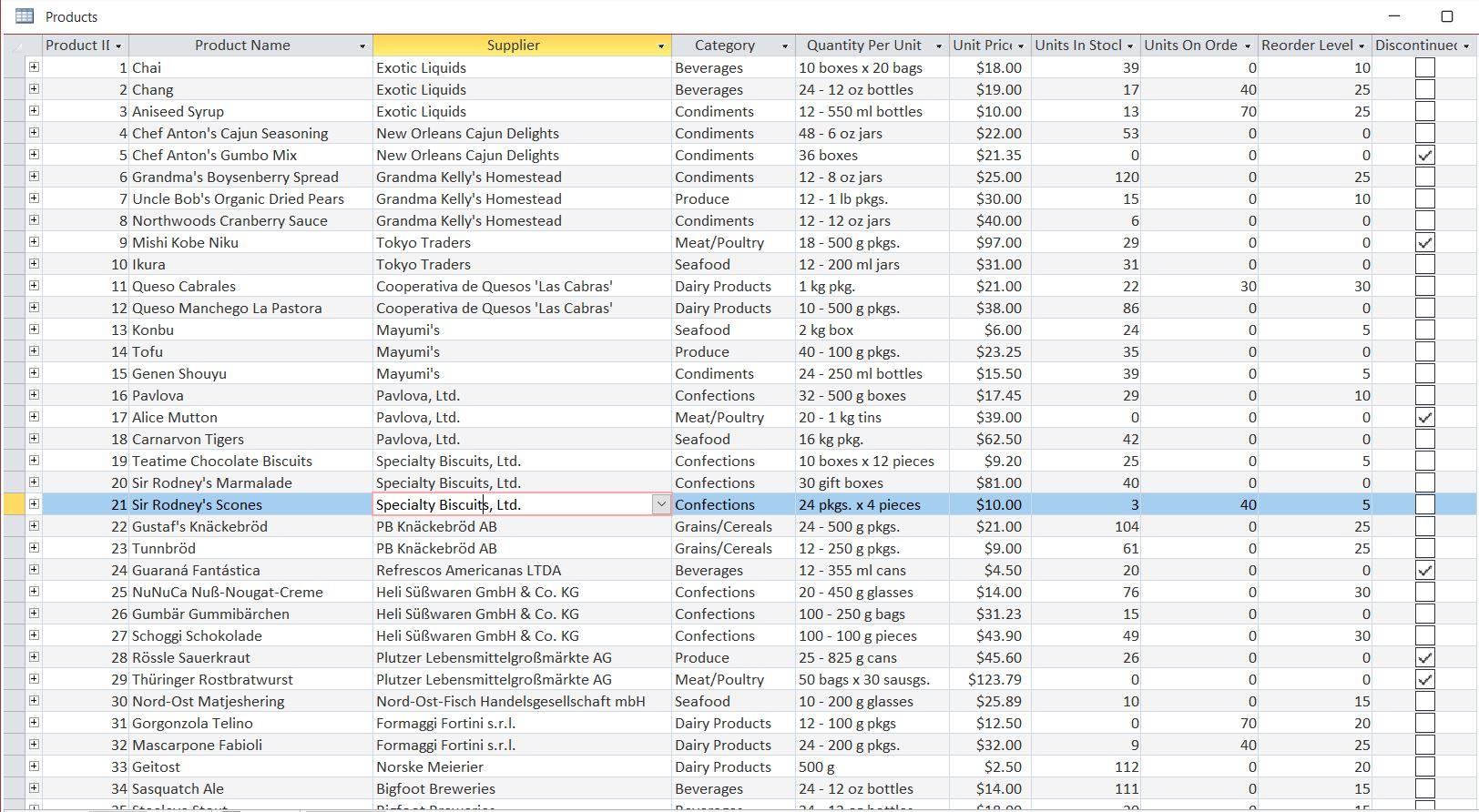
11) Create a query called QUERY11 that finds the average price all products that are of type Seafood, label the output field as AvgSeafoodPrice (note this is now a multi-table query).
12) Create a query called QUERY12 that returns the first and last name of each employee and a count of how many orders they have placed.

13) Create a query called QUERY13 that returns the unique combinations of customers (companyname) have bought what products (productname) that is I dont want duplicate customer-product combinations.
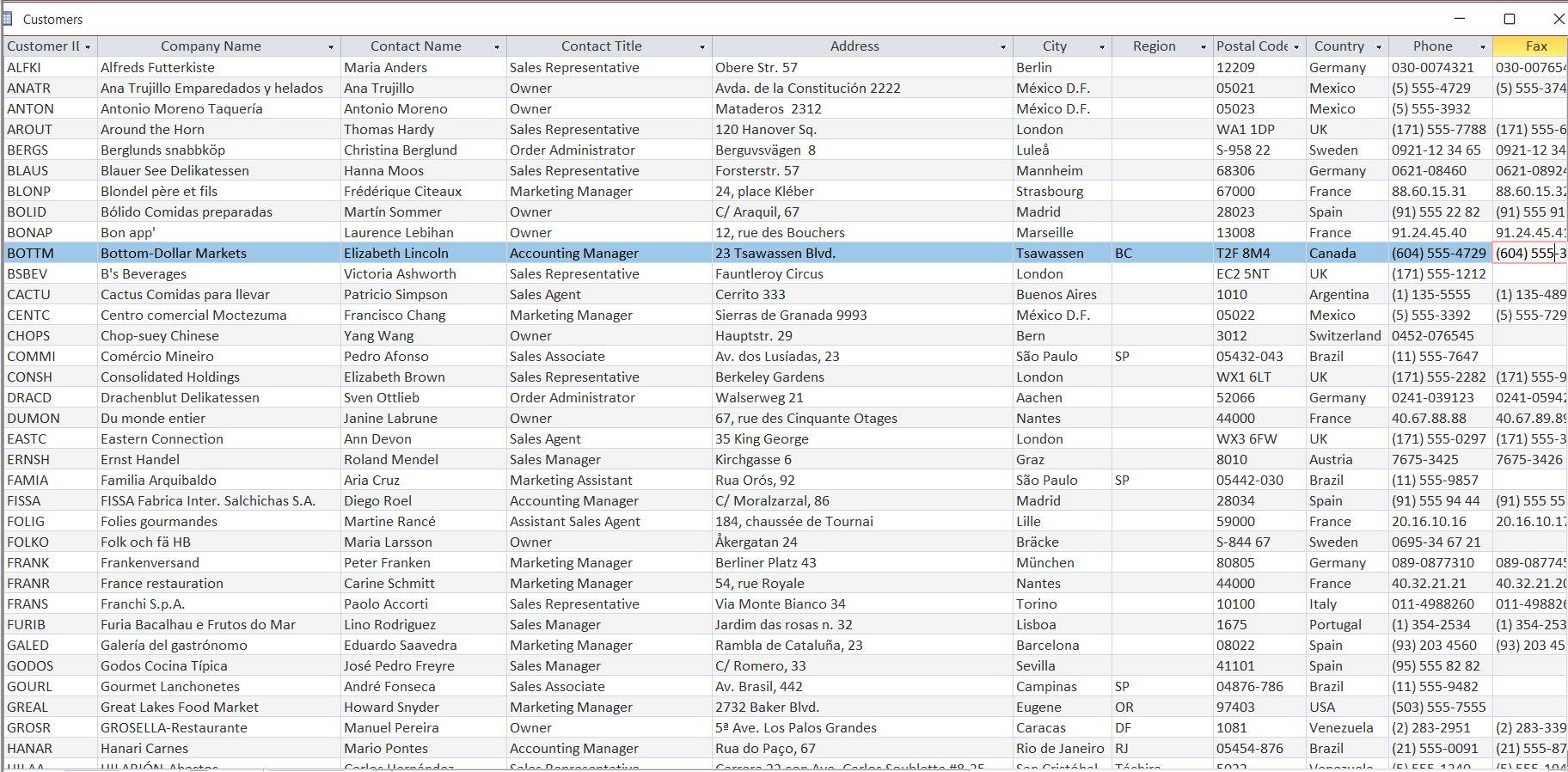
14) Create a query called QUERY14 that returns what customers (contactname) have placed more than 20 orders.
15) Create a query called QUERY15 that, that updates the price of all products by 10%
16) Create a query called QUERY16 that returns all companies (CompanyName) from both our suppliers and our customers that we do business with.
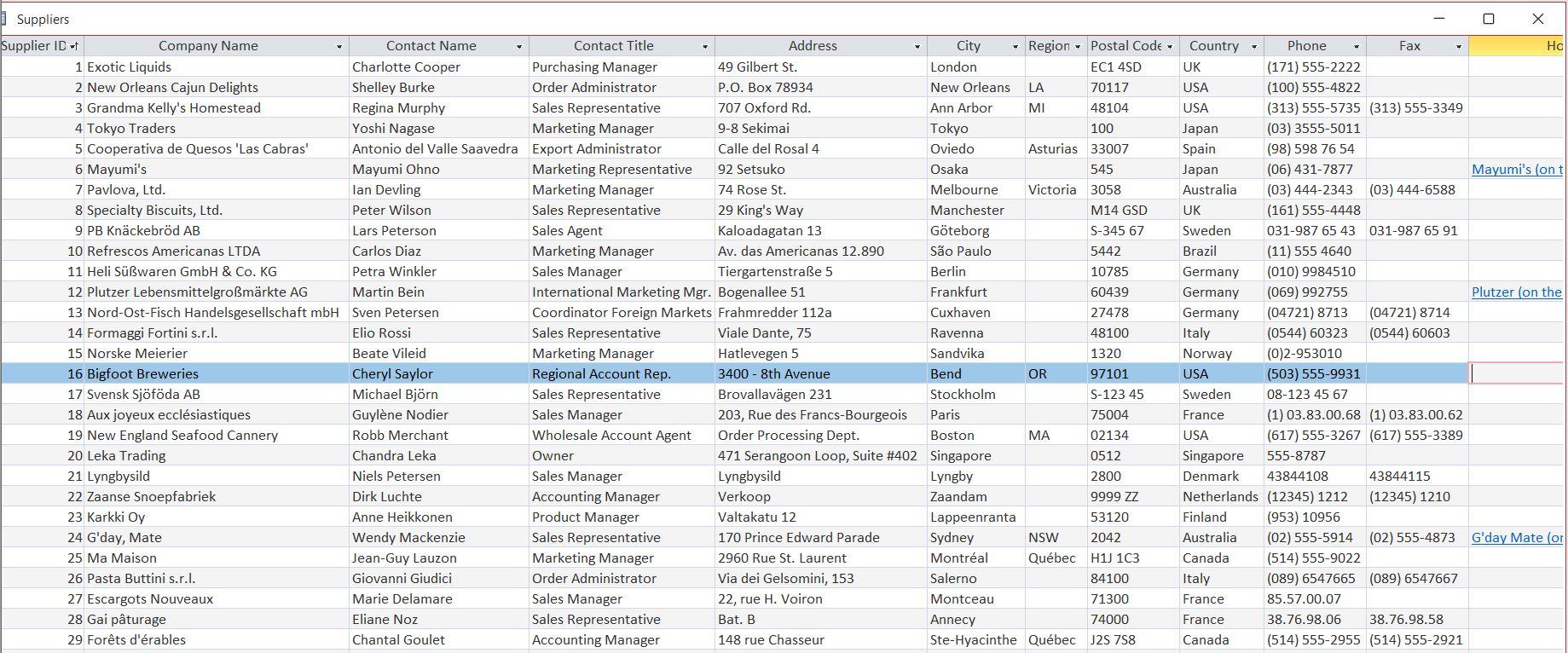
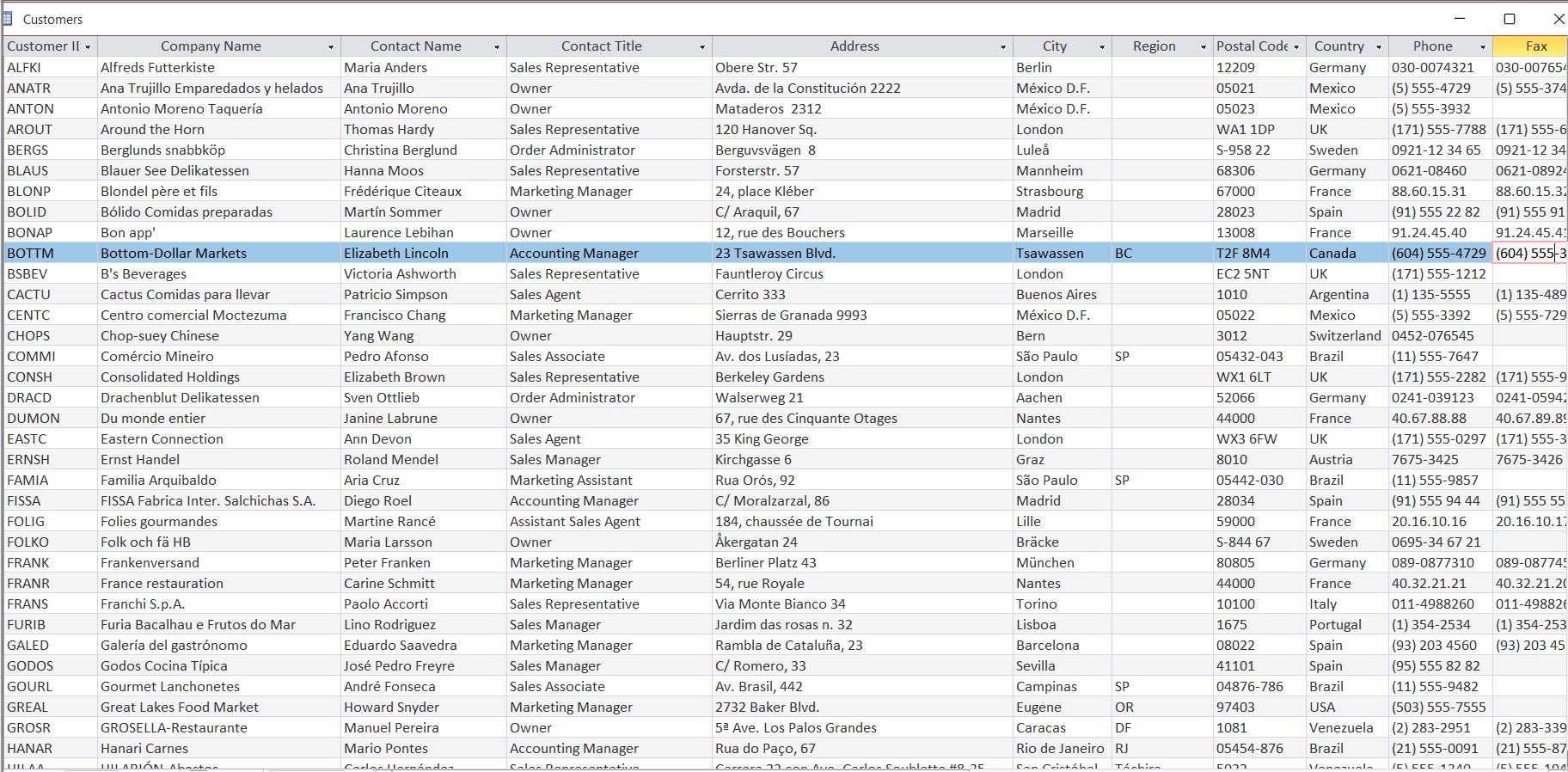
17) Create a query called QUERY17 that returns all companies (CompanyName) from both our suppliers and our customers that we do business with in Germany.
18) Create a query called QUERY18 that shows the 3 most expensive products (ProductName and UnitPrice).
19) Create a query called QUERY19 that shows the 10 most expensive orders (unitprice * quantity is sufficient for the calculation), make sure to output both the OrderID and the total order price.
20) Create a query called QUERY20 that finds the CompanyName of all the customers that did not buy anything in 1998.
Products
Step by Step Solution
There are 3 Steps involved in it

Get step-by-step solutions from verified subject matter experts
 Study Help