







Question: 2 - Speed of the Wave Open the simulation (https://phet.colorado.edu/en/simulation/wave-on-a-string). Run the simulation and select Pulse from the top left corner Set the parameters: Fixed
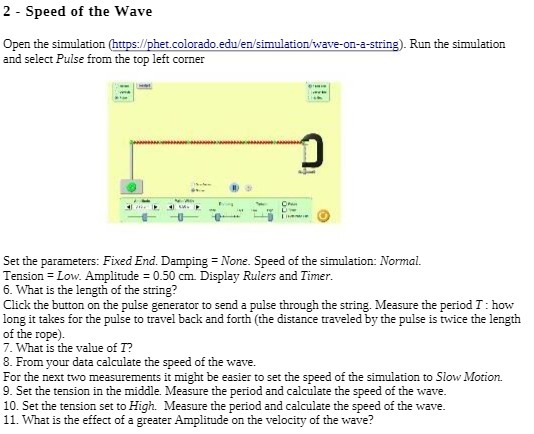
2 - Speed of the Wave Open the simulation (https://phet.colorado.edu/en/simulation/wave-on-a-string). Run the simulation and select Pulse from the top left corner Set the parameters: Fixed End. Damping = None. Speed of the simulation: Normal. Tension = Low. Amplitude = 0.50 cm. Display Rulers and Timer. 6. What is the length of the string? Click the button on the pulse generator to send a pulse through the string. Measure the period I : how long it takes for the pulse to travel back and forth (the distance traveled by the pulse is twice the length of the rope) 7. What is the value of I? 8. From your data calculate the speed of the wave. For the next two measurements it might be easier to set the speed of the simulation to Slow Motion. 9. Set the tension in the middle. Measure the period and calculate the speed of the wave. 10. Set the tension set to High. Measure the period and calculate the speed of the wave. 11. What is the effect of a greater Amplitude on the velocity of the wave
Step by Step Solution
There are 3 Steps involved in it

Get step-by-step solutions from verified subject matter experts
 Study Help