







Question: 6. Use the Form Wizard to create a new form for inputting sales data. a. Include all the fields from the Sales table. b. Include
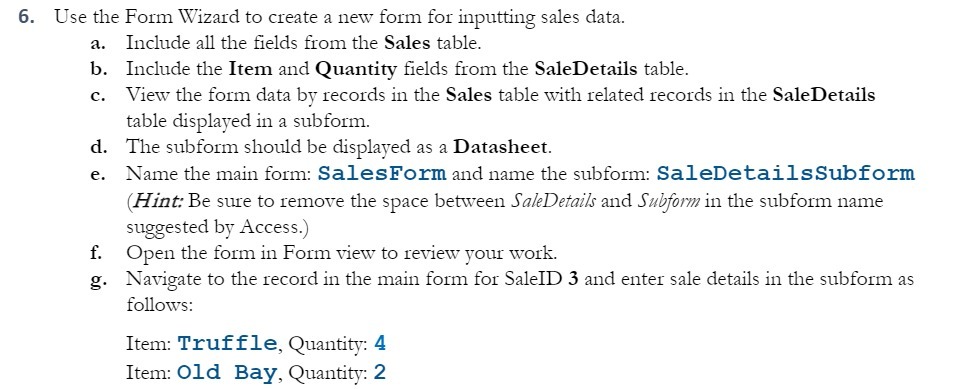
6. Use the Form Wizard to create a new form for inputting sales data. a. Include all the fields from the Sales table. b. Include the Item and Quantity fields from the SaleDetails table. c. View the form data by records in the Sales table with related records in the SaleDetails table displayed in a subform. d. The subform should be displayed as a Datasheet. e. Name the main form: SalesForm and name the subform: SaleDetailsSubform (Hint: Be sure to remove the space between SaleDetails and Subform in the subform name suggested by Access.) f. Open the form in Form view to review your work. g. Navigate to the record in the main form for SaleID 3 and enter sale details in the subform as follows: Item: Truffle, Quantity: 4 Item: Old Bay, Quantity: 2
Step by Step Solution
There are 3 Steps involved in it

Get step-by-step solutions from verified subject matter experts
 Study Help