



Question: 6.4 The 'My bookings' link This link should allow a logged-in guest to see all his/her bookings. After clicking this link, a table with the
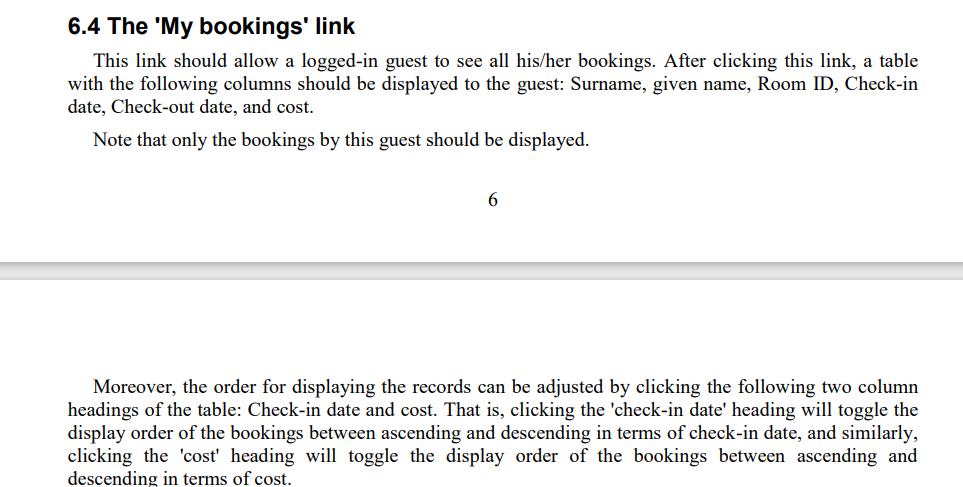
6.4 The 'My bookings' link This link should allow a logged-in guest to see all his/her bookings. After clicking this link, a table with the following columns should be displayed to the guest: Surname, given name, Room ID, Check-in date, Check-out date, and cost. Note that only the bookings by this guest should be displayed. 6 Moreover, the order for displaying the records can be adjusted by clicking the following two column headings of the table: Check-in date and cost. That is, clicking the 'check-in date' heading will toggle the display order of the bookings between ascending and descending in terms of check-in date, and similarly, clicking the 'cost' heading will toggle the display order of the bookings between ascending and descending in terms of cost
Step by Step Solution
There are 3 Steps involved in it

Get step-by-step solutions from verified subject matter experts