







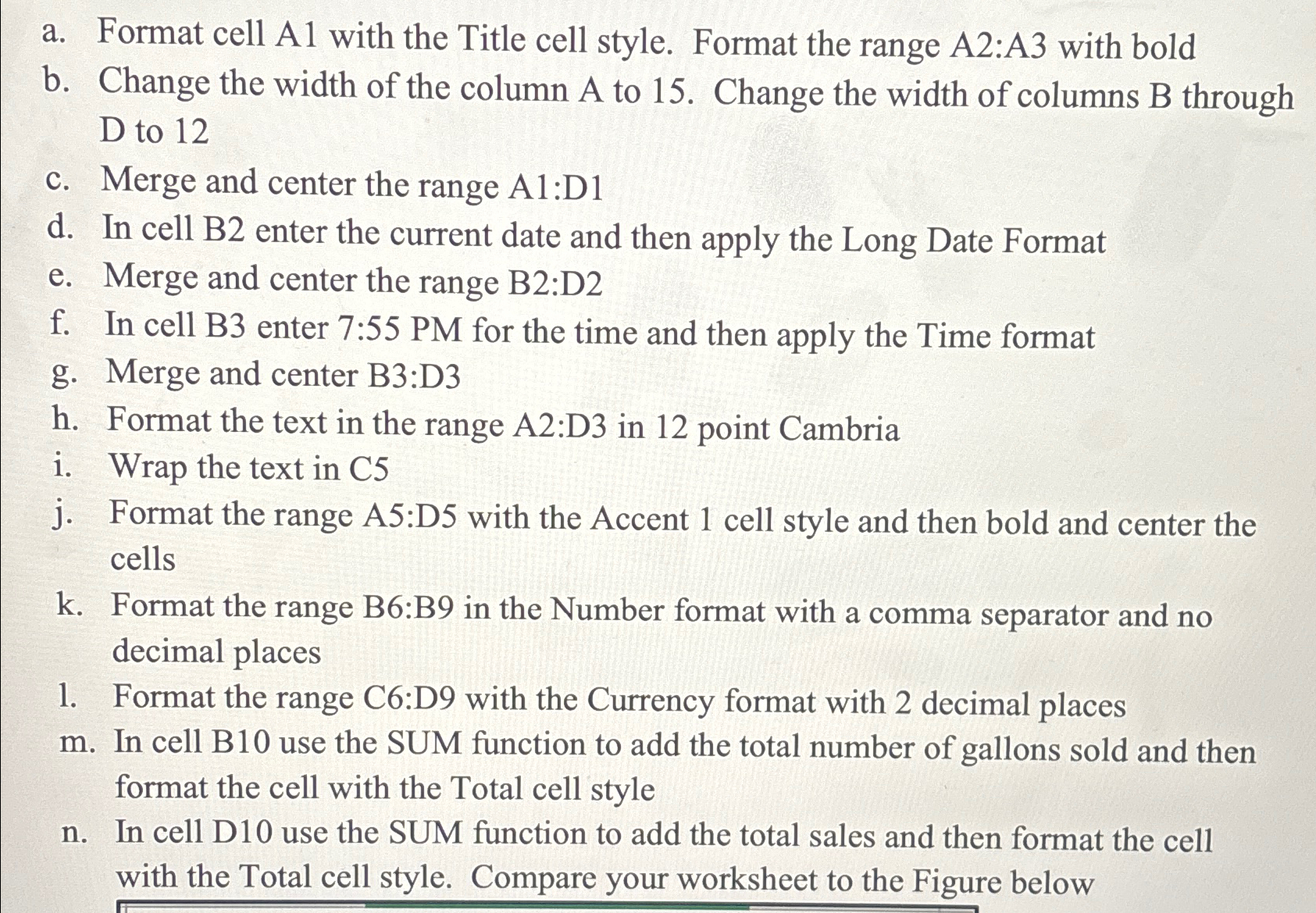
Question: a . Format cell A 1 with the Title cell style. Format the range A 2 :A 3 with bold b . Change the width
a Format cell A with the Title cell style. Format the range A:A with bold
b Change the width of the column A to Change the width of columns B through D to
c Merge and center the range A:D
d In cell B enter the current date and then apply the Long Date Format
e Merge and center the range B:D
f In cell B enter : PM for the time and then apply the Time format
g Merge and center B:D
h Format the text in the range : in point Cambria
i Wrap the text in
j Format the range A:D with the Accent cell style and then bold and center the cells
k Format the range B:B in the Number format with a comma separator and no decimal places
Format the range C:D with the Currency format with decimal places
In cell B use the SUM function to add the total number of gallons sold and then format the cell with the Total cell style
n In cell D use the SUM function to add the total sales and then format the cell with the Total cell style. Compare your worksheet to the Figure below
Step by Step Solution
There are 3 Steps involved in it
1 Expert Approved Answer
Step: 1 Unlock

Question Has Been Solved by an Expert!
Get step-by-step solutions from verified subject matter experts
Step: 2 Unlock
Step: 3 Unlock
 Study Help