Question: Answer numbered questions only Assignment #6 deals with the Excel tools we used in Module 5 Part 1. Make sure you have worked on the
Answer numbered questions only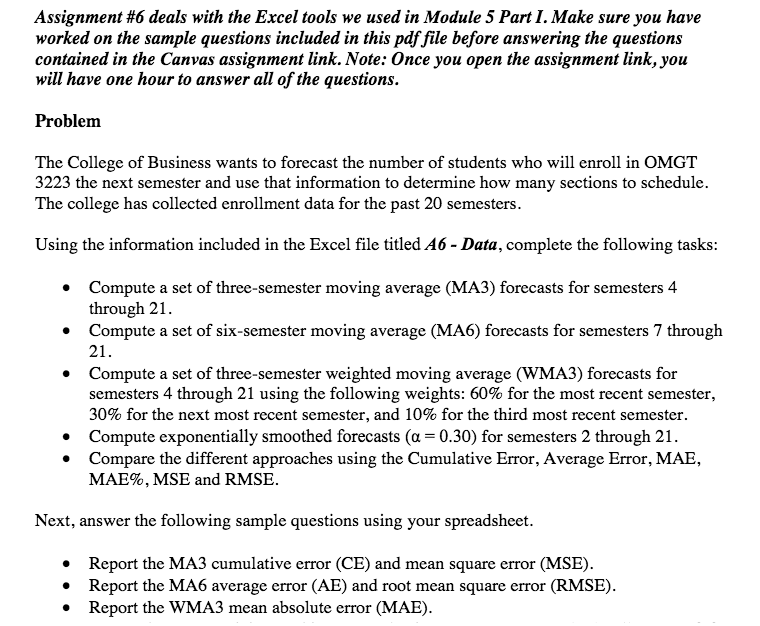
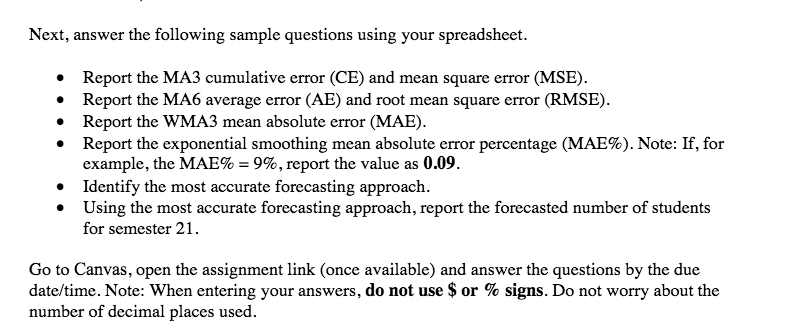
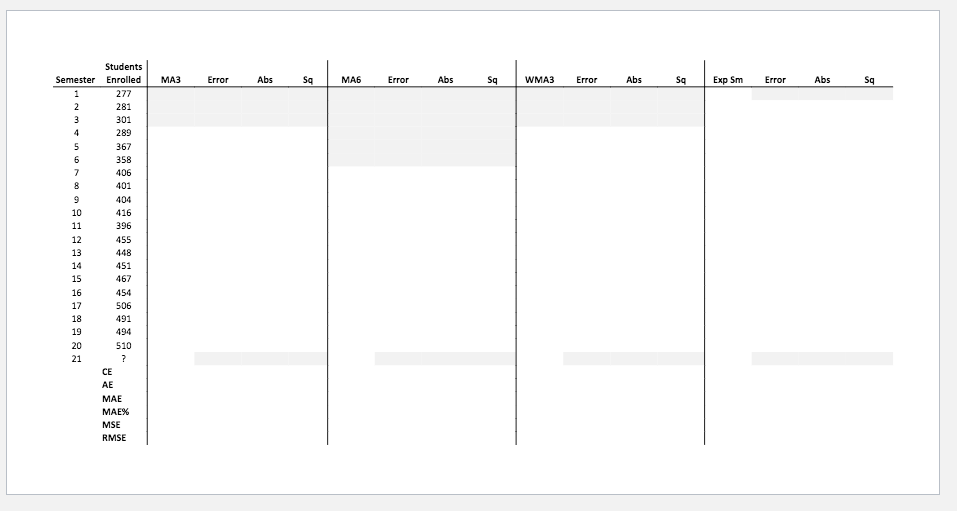
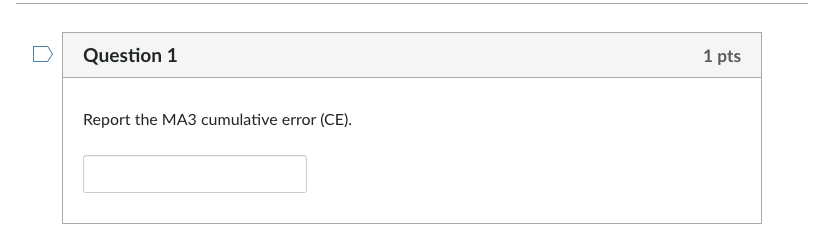
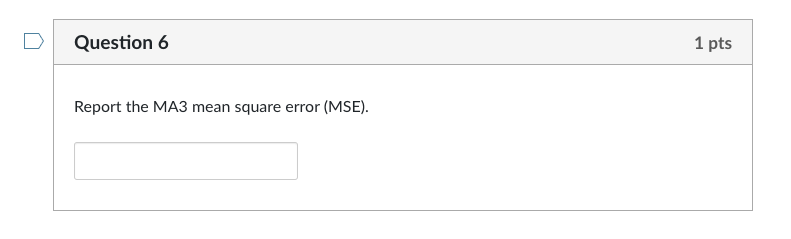
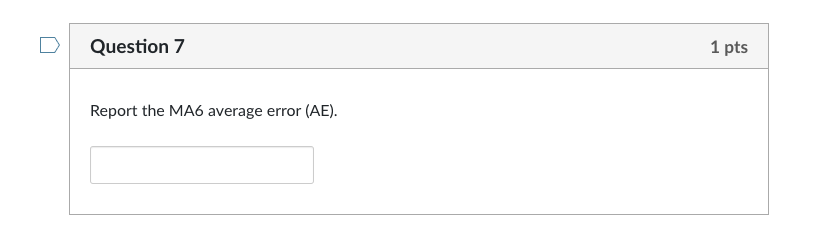
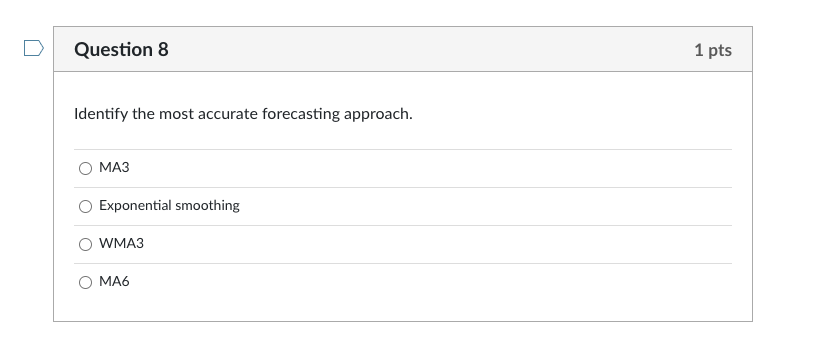
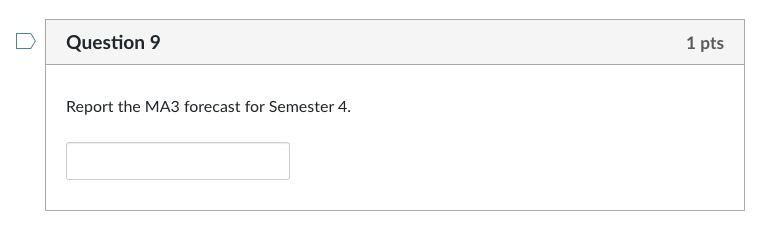
Assignment #6 deals with the Excel tools we used in Module 5 Part 1. Make sure you have worked on the sample questions included in this pdf file before answering the questions contained in the Canvas assignment link. Note: Once you open the assignment link, you will have one hour to answer all of the questions. Problem The College of Business wants to forecast the number of students who will enroll in OMGT 3223 the next semester and use that information to determine how many sections to schedule. The college has collected enrollment data for the past 20 semesters. Using the information included in the Excel file titled A6 - Data, complete the following tasks: Compute a set of three-semester moving average (MA3) forecasts for semesters 4 through 21. Compute a set of six-semester moving average (MA6) forecasts for semesters 7 through 21. Compute a set of three-semester weighted moving average (WMA3) forecasts for semesters 4 through 21 using the following weights: 60% for the most recent semester, 30% for the next most recent semester, and 10% for the third most recent semester. Compute exponentially smoothed forecasts (a = 0.30) for semesters 2 through 21. Compare the different approaches using the Cumulative Error, Average Error, MAE, MAE%, MSE and RMSE. Next, answer the following sample questions using your spreadsheet. Report the MA3 cumulative error (CE) and mean square error (MSE). Report the MA6 average error (AE) and root mean square error (RMSE). Report the WMA3 mean absolute error (MAE). Next, answer the following sample questions using your spreadsheet. Report the MA3 cumulative error (CE) and mean square error (MSE). Report the MA6 average error (AE) and root mean square error (RMSE). Report the WMA3 mean absolute error (MAE). Report the exponential smoothing mean absolute error percentage (MAE%). Note: If, for example, the MAE% = 9%, report the value as 0.09. Identify the most accurate forecasting approach. Using the most accurate forecasting approach, report the forecasted number of students for semester 21. Go to Canvas, open the assignment link (once available) and answer the questions by the due date/time. Note: When entering your answers, do not use $ or % signs. Do not worry about the number of decimal places used. Students Semester Enrolled Error Abs Sq MA6 Error Abs Sq WMA3 Error Abs Sa Exp Sm Error Abs Sq 1 277 2 281 3 301 289 5 367 6 358 7 406 8 401 404 10 416 11 396 12 455 13 448 14 451 15 467 16 454 17 506 18 491 19 494 20 510 21 ? CE AE MAE MAE% MSE RMSE Question 1 1 pts Report the MA3 cumulative error (CE). Question 2 1 pts Report the exponential smoothing mean absolute error percentage (MAE%). Note: If, for example, the MAE% = 9%, report the value as .09 or 0.09. Question 3 1 pts Report the exponential smoothing forecast for Semester 2. Question 4 1 pts Using the most accurate forecasting approach, report the forecasted number of students for semester 21. Question 5 1 pts Report the MA6 root mean square error (RMSE). Question 6 1 pts Report the MA3 mean square error (MSE). Question 7 1 pts Report the MA6 average error (AE). Question 8 1 pts Identify the most accurate forecasting approach. Exponential smoothing O WMA3 0 MA6 Question 9 1 pts Report the MA3 forecast for Semester 4. Good luck! Question 10 1 pts Report the WMA3 mean absolute error (MAE). Previous









 Study Help