







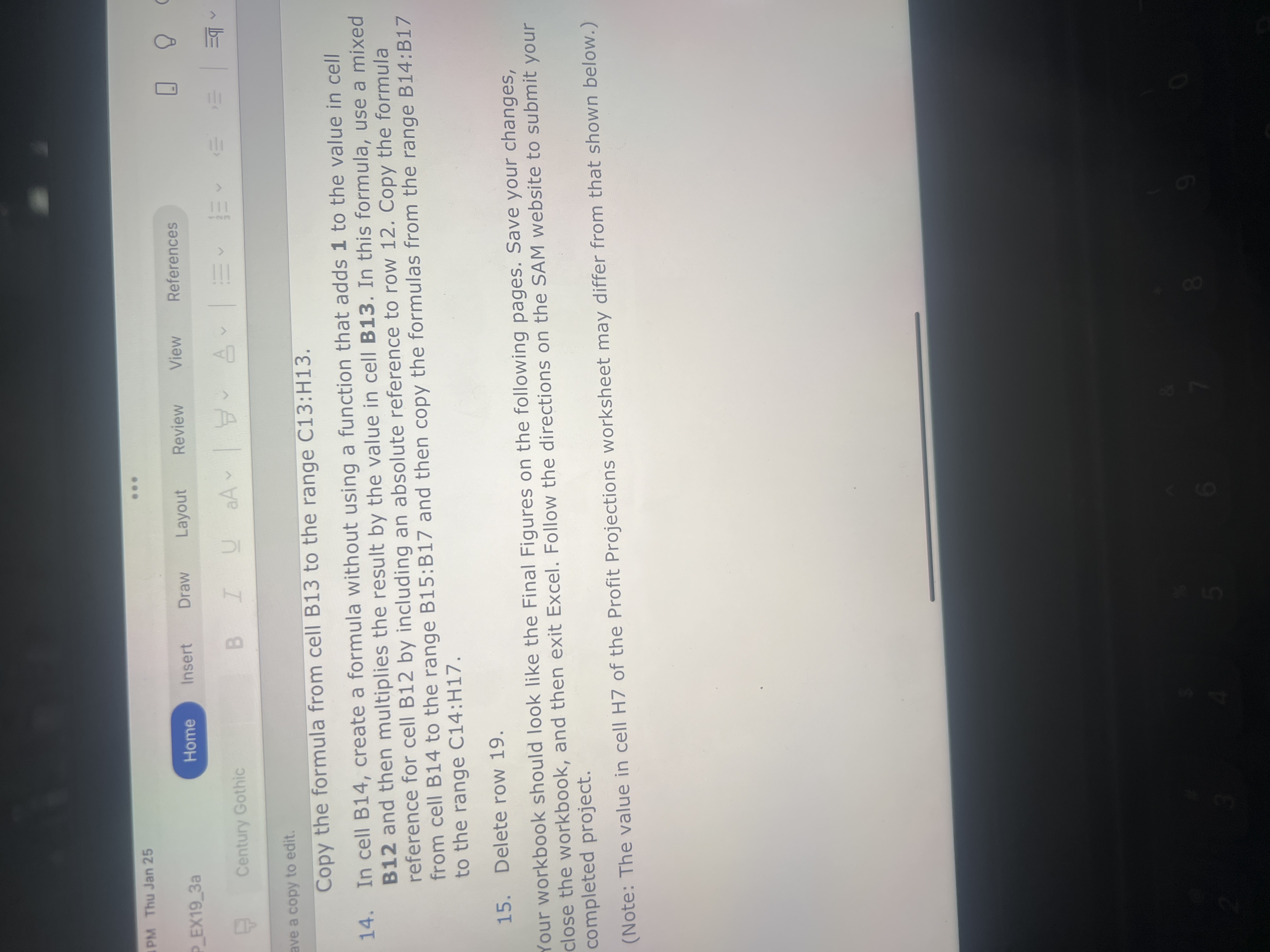
Question: ave a copy to edit. Copy the formula from cell B 1 3 to the range C 1 3 : H 1 3 . In
ave a copy to edit.
Copy the formula from cell to the range :
In cell B create a formula without using a function that adds to the value in cell
and then multiplies the result by the value in cell In this formula, use a mixed
reference for cell by including an absolute reference to row Copy the formula
from cell to the range : and then copy the formulas from the range :
to the range :
Delete row
Your workbook should look like the Final Figures on the following pages. Save your changes,
close the workbook, and then exit Excel. Follow the directions on the SAM website to submit your
completed project.
Note: The value in cell H of the Profit Projections worksheet may differ from that shown below.
Step by Step Solution
There are 3 Steps involved in it
1 Expert Approved Answer
Step: 1 Unlock

Question Has Been Solved by an Expert!
Get step-by-step solutions from verified subject matter experts
Step: 2 Unlock
Step: 3 Unlock
 Study Help