







Question: by using LabView 2009 1. Create a VI whose front panel has a text ring labeled Resistor color band and a numeric indicator labeled Value.
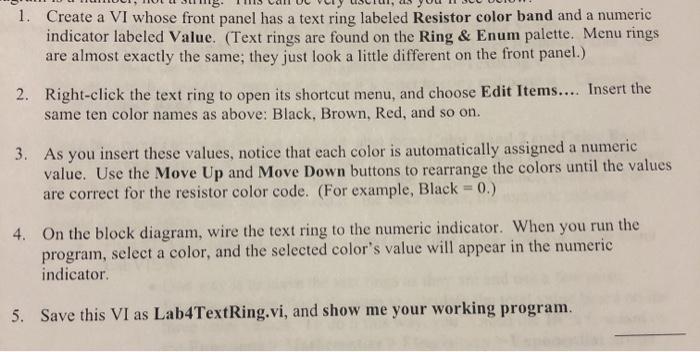
1. Create a VI whose front panel has a text ring labeled Resistor color band and a numeric indicator labeled Value. (Text rings are found on the Ring & Enum palette. Menu rings are almost exactly the same; they just look a little different on the front panel.) 2. Right-click the text ring to open its shortcut menu, and choose Edit Items.... Insert the same ten color names as above: Black, Brown, Red, and so on. 3. As you insert these values, notice that each color is automatically assigned a numeric value. Use the Move Up and Move Down buttons to rearrange the colors until the values are correct for the resistor color code. (For example, Black = 0.) 4. On the block diagram, wire the text ring to the numeric indicator. When you run the program, select a color, and the selected color's value will appear in the numeric indicator 5. Save this VI as Lab4TextRing.vi, and show me your working program
Step by Step Solution
There are 3 Steps involved in it

Get step-by-step solutions from verified subject matter experts
 Study Help