







Question: by using LabView 2009 Create a VI whose front panel has two string controls labeled First name and Last name, a string indicator labeled Selected
by using LabView 2009 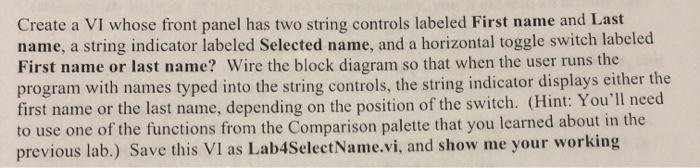
Create a VI whose front panel has two string controls labeled First name and Last name, a string indicator labeled Selected name, and a horizontal toggle switch labeled First name or last name? Wire the block diagram so that when the user runs the program with names typed into the string controls, the string indicator displays either the first name or the last name, depending on the position of the switch. (Hint: You'll need to use one of the functions from the Comparison palette that you learned about in the previous lab.) Save this VI as Lab4SelectName.vi, and show me your working
Step by Step Solution
There are 3 Steps involved in it
1 Expert Approved Answer
Step: 1 Unlock

Question Has Been Solved by an Expert!
Get step-by-step solutions from verified subject matter experts
Step: 2 Unlock
Step: 3 Unlock
 Study Help