







Question: Case Projects Case Project 4-1: Set Up an FTP Server in Ubuntu Server In Chapter 3, in Case Project 3-1, you installed Ubuntu Server in
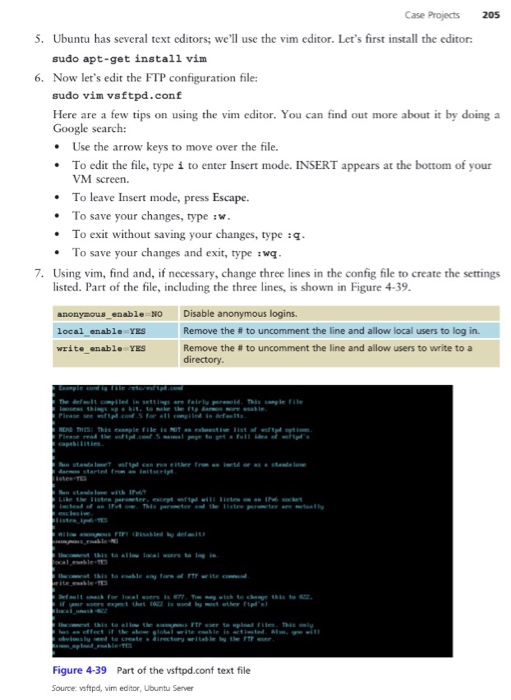
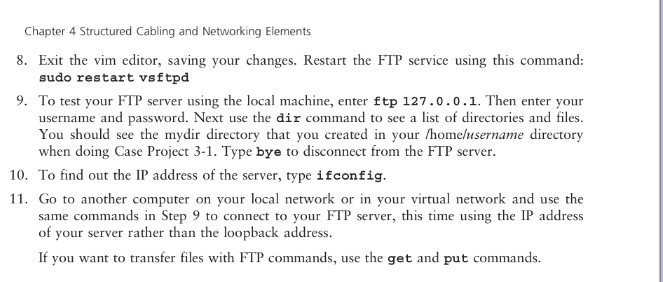
Case Projects Case Project 4-1: Set Up an FTP Server in Ubuntu Server In Chapter 3, in Case Project 3-1, you installed Ubuntu Server in a VM and learned to use some Linux commands in Ubuntu. In this case project, you set up an FTP server in Ubuntu. Follow these steps: 1. Using the same VM you created in Case Project 3-1, log on to Ubuntu Server with your username and password. 2. To install a program, you need to have the security privileges of a superuser. In Linux, a superuser is named root. You can apply root privileges to any command by preceding the command with the sudo command. To use root privileges to install the FTP program named vsftpd, enter this command: sudo apt-get install vsftpd 3. Respond to the prompts and then wait for the package to install. 4. Now you need to configure the FTP program by editing the vsftpd.conf text file stored in the irectory and make a backup copy of irectory. But before you edit the file, go to the letc di the file just in case you need it later: cd /etc sudo cp vsftpd.conf vsftpd.backup
Step by Step Solution
There are 3 Steps involved in it

Get step-by-step solutions from verified subject matter experts
 Study Help