







Question: Chapter 1 LabVIEW Program Development 7. Coin Toss.vi Build a VI that simulates the toss of a coin. On your block dia. x in the
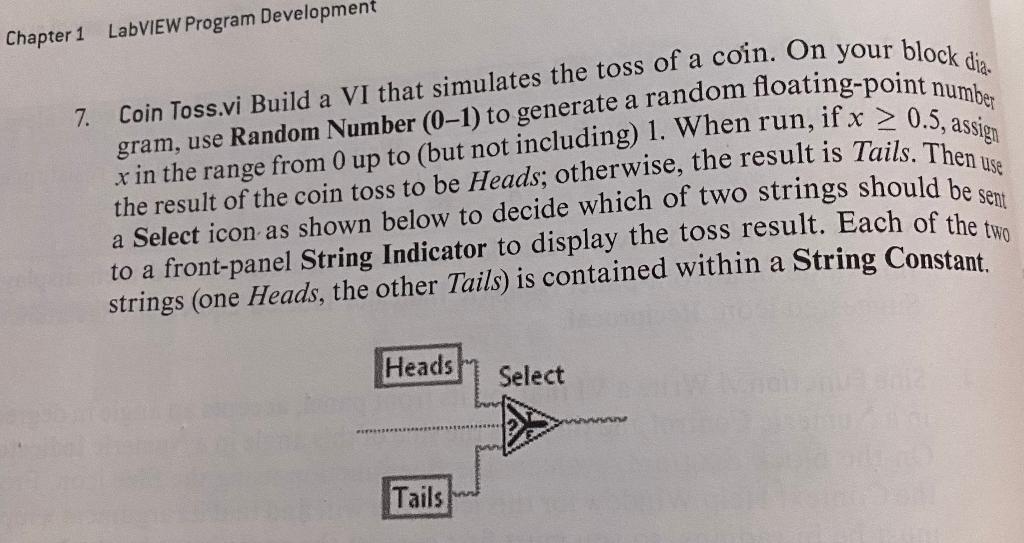
Chapter 1 LabVIEW Program Development 7. Coin Toss.vi Build a VI that simulates the toss of a coin. On your block dia. x in the range from 0 up to (but not including) 1. When run, if x > 0.5, assign gram, use Random Number (0-1) to generate a random floating-point number the result of the coin toss to be Heads; otherwise, the result is Tails. Then a Select icon as shown below to decide which of two strings should be sen to a front-panel String Indicator to display the toss result. Each of the two strings (one Heads, the other Tails) is contained within a String Constant Heads Select Tails
Step by Step Solution
There are 3 Steps involved in it
1 Expert Approved Answer
Step: 1 Unlock

Question Has Been Solved by an Expert!
Get step-by-step solutions from verified subject matter experts
Step: 2 Unlock
Step: 3 Unlock
 Study Help