







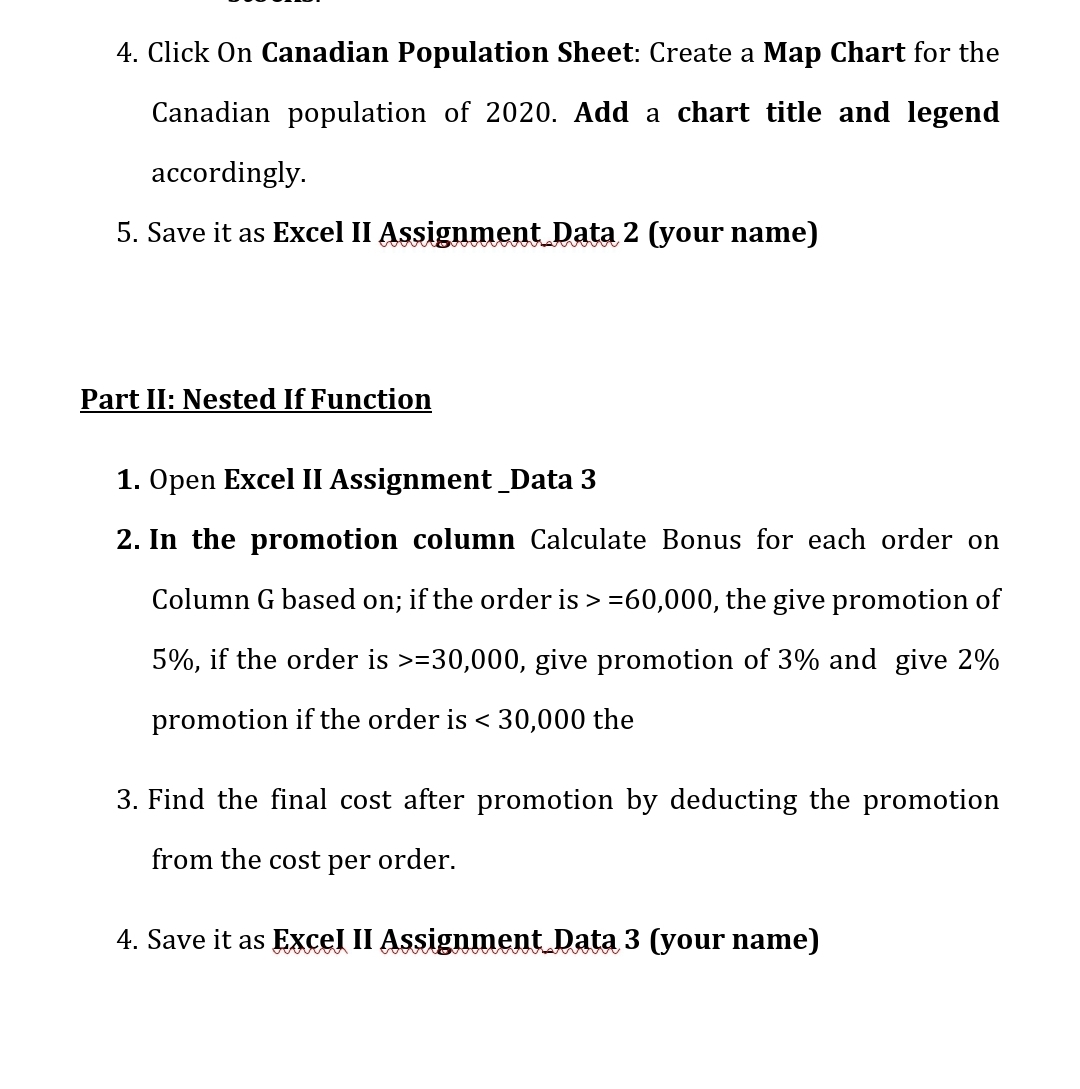
Question: Click On Canadian Population Sheet: Create a Map Chart for the Canadian population of 2 0 2 0 . Add a chart title and legend
Click On Canadian Population Sheet: Create a Map Chart for the Canadian population of Add a chart title and legend accordingly.
Save it as Excel II Assignment Data your name
Part II: Nested If Function
Open Excel II Assignment Data
In the promotion column Calculate Bonus for each order on Column G based on; if the order is the give promotion of if the order is give promotion of and give promotion if the order is the
Find the final cost after promotion by deducting the promotion from the cost per order.
Save it as Excel II Assignment Data your name
Step by Step Solution
There are 3 Steps involved in it
1 Expert Approved Answer
Step: 1 Unlock

Question Has Been Solved by an Expert!
Get step-by-step solutions from verified subject matter experts
Step: 2 Unlock
Step: 3 Unlock
 Study Help