







Question: Copy dates as values. a . Select cell C 5 . Cell C 5 is a reference to the TODAY function in cell F 2
Copy dates as values.
a Select cell C Cell is a reference to the TODAY function in cell F
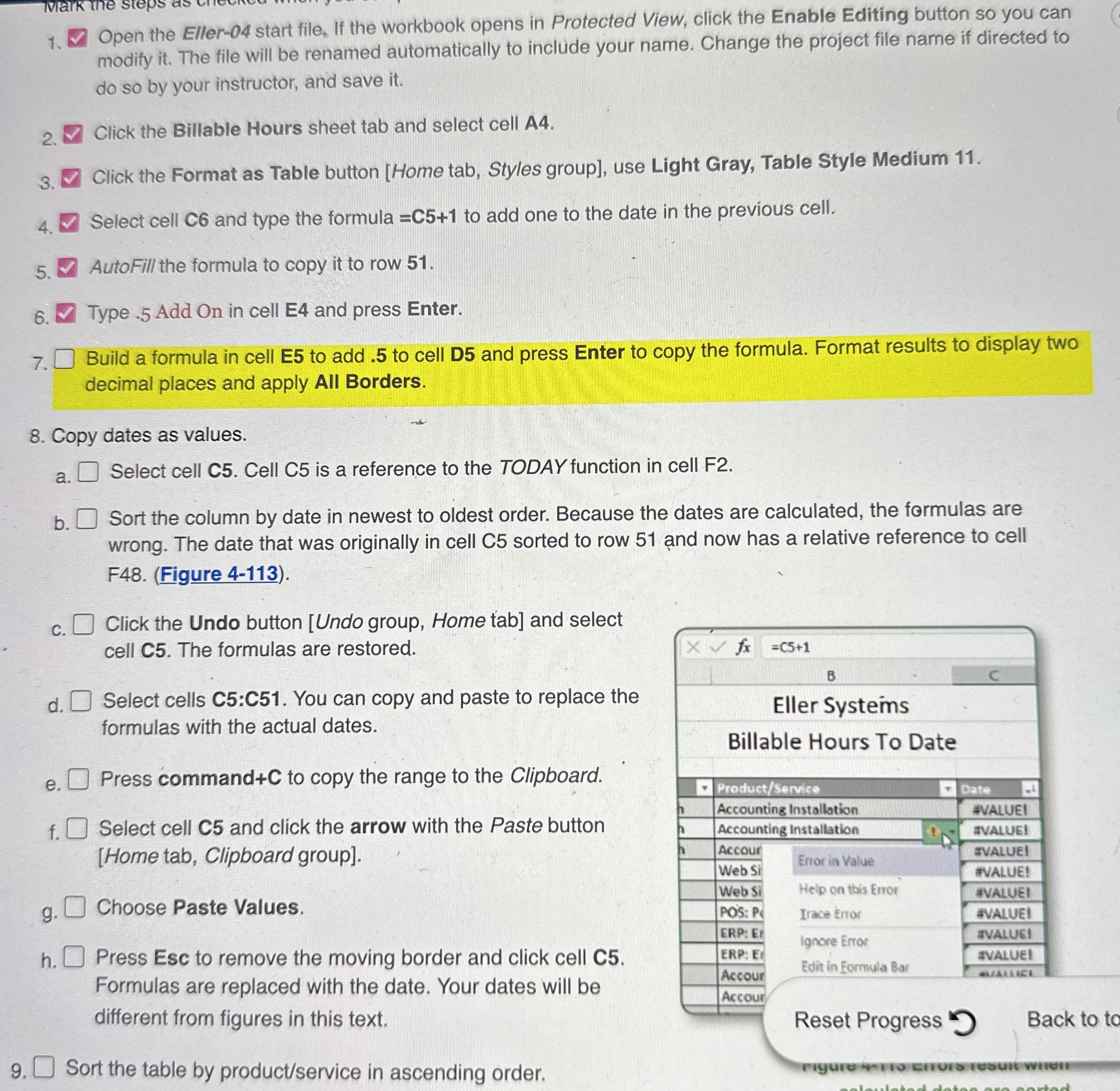
b Sort the column by date in newest to oldest order. Because the dates are calculated, the formulas are
wrong. The date that was originally in cell C sorted to row and now has a relative reference to cell
FFigure
c Click the Undo button Undo group, Home tab and select
cell C The formulas are restored.
d Select cells C:C You can copy and paste to replace the
formulas with the actual dates.
e Press command to copy the range to the Clipboard.
f Select cell C and click the arrow with the Paste button
Home tab, Clipboard group
g Choose Paste Values.
h Press Esc to remove the moving border and click cell C
Formulas are replaced with the date. Your dates will be
different from figures in this text.
Sort the table by productservice in ascending order.
Step by Step Solution
There are 3 Steps involved in it
1 Expert Approved Answer
Step: 1 Unlock

Question Has Been Solved by an Expert!
Get step-by-step solutions from verified subject matter experts
Step: 2 Unlock
Step: 3 Unlock
 Study Help