





Question: Create a new document in your text editor and add the following text and elements: PHP Exercise 2-5 1. Create a new document in your
 Create a new document in your text editor and add the

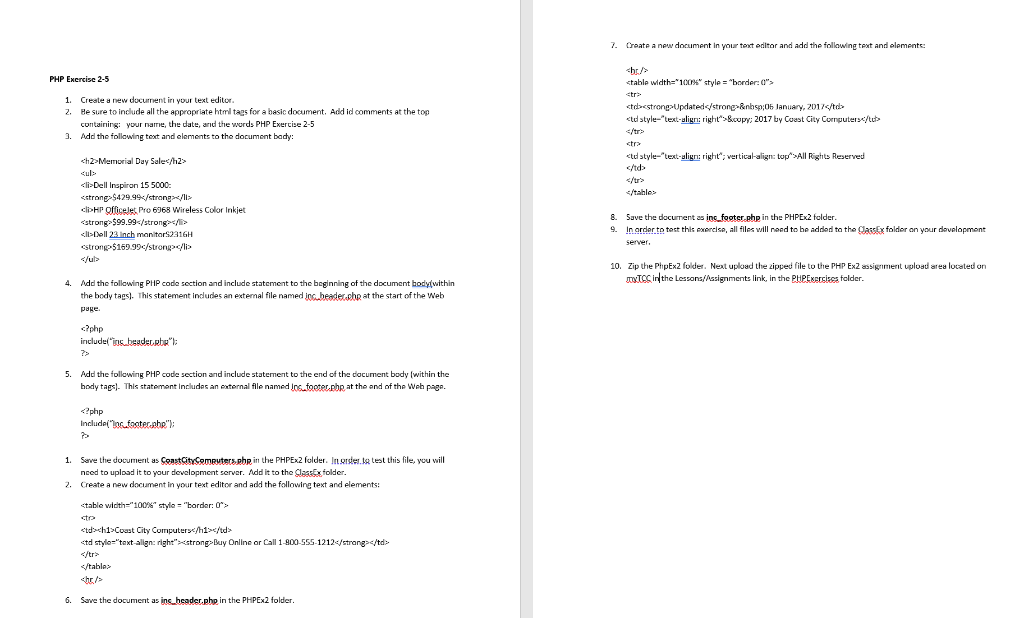
Create a new document in your text editor and add the following text and elements: PHP Exercise 2-5 1. Create a new document in your text editor 2. Be sure to include all the appropriate html tags for a basic document. Add id comments at the top containing your name, the date, and the words PHP Exercise 2-5 3. Add the following text and elements to the document bady: hr

Updated&nbsp:06 January, 2017
© 2017 by Coast City Computers/tub

Memorial Day Sale

All Rights Reserved
  • Dell Inspiron 15 5000: $429.99
  • cli>HP Officejet Pro 6963 Wireless Color Inkjet $99.99

  • Dell 23 inch monitor 2316H strong$159.99 & Save the document as inc_footer.php in the PHP Ex2 tolder. 9. In order to test this exercise, all files will need to be added to the Carska folder on your development Server 10. Zip the PhipExz folder. Next upload the zipped file to the PHP Ex2 assignment upload area located on txt in the Lessons/Assignments link in the PHPExercises folder. 4. Add the following PHP code section and include statement to the beginning of the document body within the body tags). This statement includes an external file named Jog.beader che at the start of the Web page %: co Coast City Computers/td> std style="text-align:right">Buy Online or Call 1-800-555-1212 6. Save the document as ins_header.php in the PHPEx2 folder
  • Step by Step Solution

    There are 3 Steps involved in it

    1 Expert Approved Answer
    Step: 1 Unlock blur-text-image

    Question Has Been Solved by an Expert!

    Get step-by-step solutions from verified subject matter experts

    Step: 2 Unlock
    Step: 3 Unlock

    Students Have Also Explored These Related Databases Questions!