







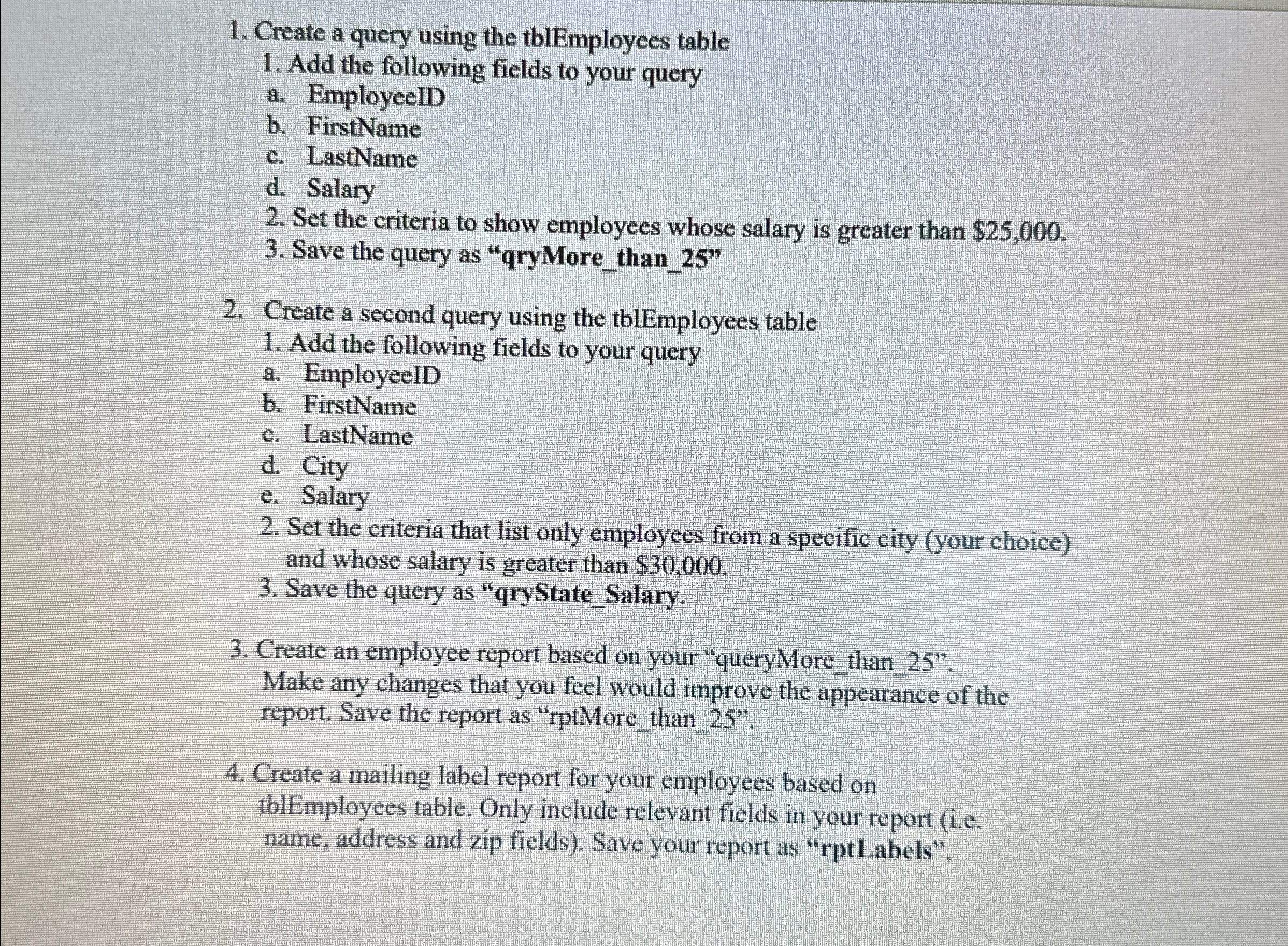
Question: Create a query using the tblEmployees table Add the following fields to your query a . EmployeeID b . FirstName c . LastName d .
Create a query using the tblEmployees table
Add the following fields to your query
a EmployeeID
b FirstName
c LastName
d Salary
Set the criteria to show employees whose salary is greater than $
Save the query as "qryMorethan
Create a second query using the tblEmployees table
Add the following fields to your query
a EmployeeID
b FirstName
c LastName
d City
e Salary
Set the criteria that list only employees from a specific city your choice and whose salary is greater than $
Save the query as "qryStateSalary.
Create an employee report based on your "queryMore than
Make any changes that you feel would improve the appearance of the report. Save the report as "rptMorethan
Create a mailing label report for your employees based on tblEmployees table. Only include relevant fields in your report ie name, address and zip fields Save your report as "rptLabels".
Step by Step Solution
There are 3 Steps involved in it
1 Expert Approved Answer
Step: 1 Unlock

Question Has Been Solved by an Expert!
Get step-by-step solutions from verified subject matter experts
Step: 2 Unlock
Step: 3 Unlock
 Study Help