







Question: . Create android starter app to do the following 1. Display a text label with the word Hello App World 2. Display a button on
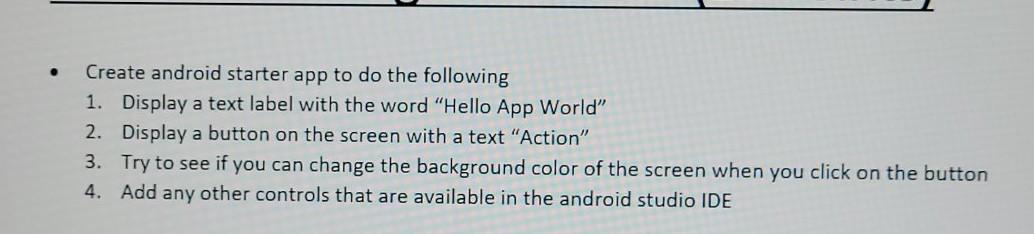
. Create android starter app to do the following 1. Display a text label with the word "Hello App World" 2. Display a button on the screen with a text "Action" 3. Try to see if you can change the background color of the screen when you click on the button 4. Add any other controls that are available in the android studio IDE
Step by Step Solution
There are 3 Steps involved in it
1 Expert Approved Answer
Step: 1 Unlock

Question Has Been Solved by an Expert!
Get step-by-step solutions from verified subject matter experts
Step: 2 Unlock
Step: 3 Unlock
 Study Help