







Question: CSC 156 - Operating Systems Basic and Security f. What command will you find out how many lines of the fruit2 file under the user2
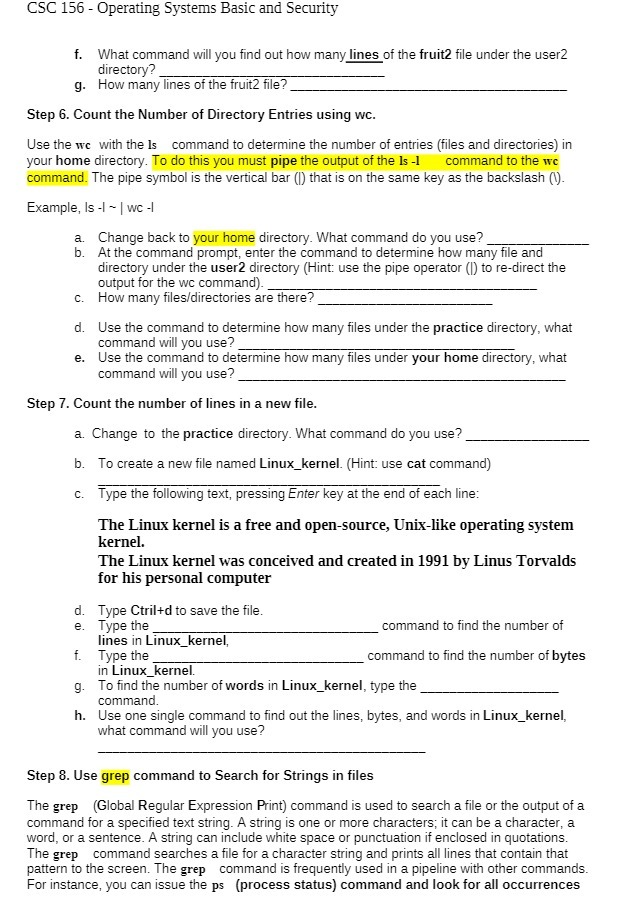
CSC 156 - Operating Systems Basic and Security f. What command will you find out how many lines of the fruit2 file under the user2 directory? g. How many lines of the fruit2 file? Step 6. Count the Number of Directory Entries using wc. Use the we with the Is command to determine the number of entries (files and directories) in your home directory. To do this you must pipe the output of the Is -I command to the wc command. The pipe symbol is the vertical bar ()) that is on the same key as the backslash ((). Example, Is -I - | wc -| a. Change back to your home directory. What command do you use? b . At the command prompt, enter the command to determine how many file and directory under the user2 directory (Hint: use the pipe operator ()) to re-direct the output for the wc command). C. How many files/directories are there? d. Use the command to determine how many files under the practice directory, what command will you use? _ e. Use the command to determine how many files under your home directory, what command will you use? Step 7. Count the number of lines in a new file. a. Change to the practice directory. What command do you use? b. To create a new file named Linux_kernel. (Hint: use cat command) c. Type the following text, pressing Enter key at the end of each line: The Linux kernel is a free and open-source, Unix-like operating system kernel. The Linux kernel was conceived and created in 1991 by Linus Torvalds for his personal computer d. Type Ctril+d to save the file. e. Type the command to find the number of lines in Linux_kernel, f. Type the command to find the number of bytes in Linux_kernel. To find the number of words in Linux_kernel, type the command. h . Use one single command to find out the lines, bytes, and words in Linux_kernel, what command will you use? Step 8. Use grep command to Search for Strings in files The grep (Global Regular Expression Print) command is used to search a file or the output of a command for a specified text string. A string is one or more characters; it can be a character, a word, or a sentence. A string can include white space or punctuation if enclosed in quotations. The grep command searches a file for a character string and prints all lines that contain that pattern to the screen. The grep command is frequently used in a pipeline with other commands. For instance, you can issue the ps (process status) command and look for all occurrences
Step by Step Solution
There are 3 Steps involved in it

Get step-by-step solutions from verified subject matter experts
 Study Help