







Question: Directions - Saved to my Mac Home Insert Draw Design Layout References Mailings Review View Tell me Calibri (Bo... v 11 A A Aav
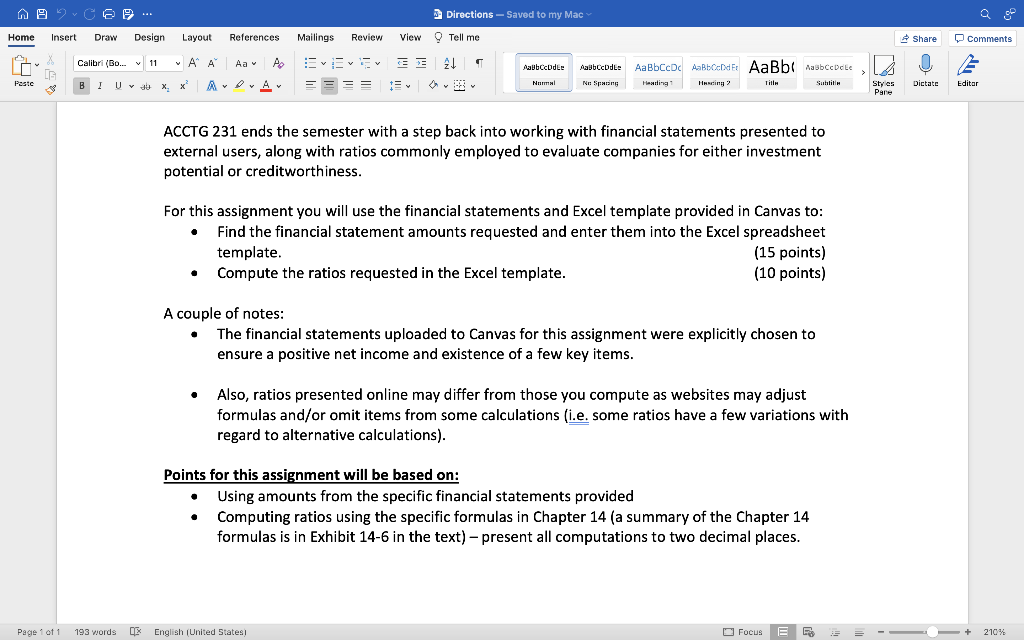
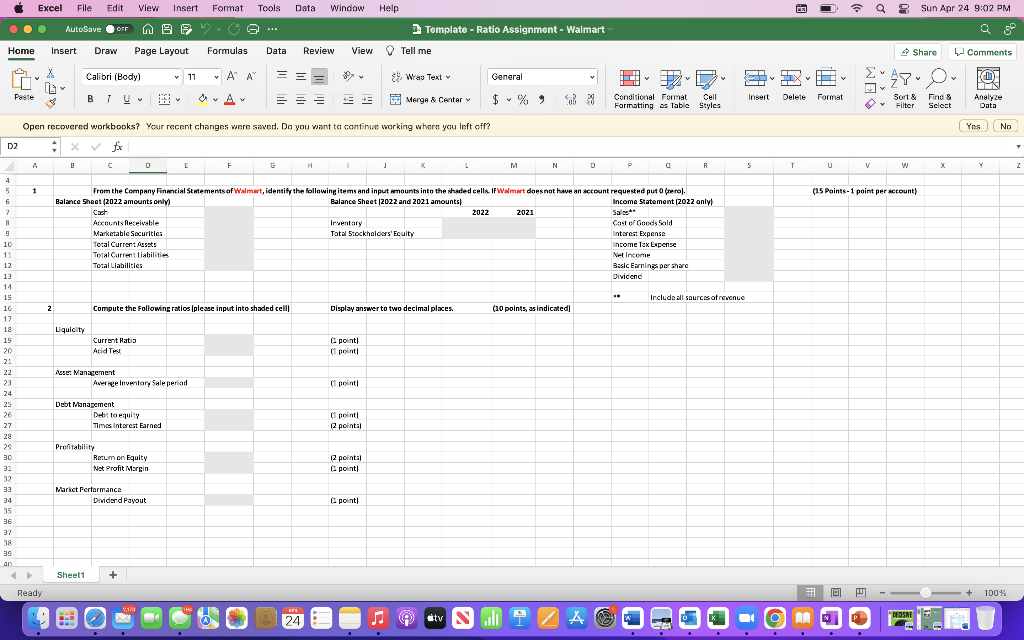
Directions - Saved to my Mac Home Insert Draw Design Layout References Mailings Review View Tell me Calibri (Bo... v 11 A A Aav AaBbCcDdEe Poste B I Uab x x A DA Normal AaBbCcDdEe Ne Spacing AaBbCcDc AaBbCcDd Er AaBb AasbCcDete Heading1 Heading 2 Title Subtitin ACCTG 231 ends the semester with a step back into working with financial statements presented to external users, along with ratios commonly employed to evaluate companies for either investment potential or creditworthiness. For this assignment you will use the financial statements and Excel template provided in Canvas to: Find the financial statement amounts requested and enter them into the Excel spreadsheet template. Compute the ratios requested in the Excel template. A couple of notes: (15 points) (10 points) The financial statements uploaded to Canvas for this assignment were explicitly chosen to ensure a positive net income and existence of a few key items. Also, ratios presented online may differ from those you compute as websites may adjust formulas and/or omit items from some calculations (i.e. some ratios have a few variations with regard to alternative calculations). Points for this assignment will be based on: Using amounts from the specific financial statements provided Computing ratios using the specific formulas in Chapter 14 (a summary of the Chapter 14 formulas is in Exhibit 14-6 in the text) - present all computations to two decimal places. Page 1 of 1 193 words English (United States) < Share Comments Styles Dictate Editor Pare Focus E 210%
Step by Step Solution
There are 3 Steps involved in it

Get step-by-step solutions from verified subject matter experts
 Study Help