







Question: do this through putty and show it in black window putty Topology PC1 PC2 S1 VLAN 10,20 S2 Equipment (per group of two): o Cisco
do this through putty and show it in black window putty
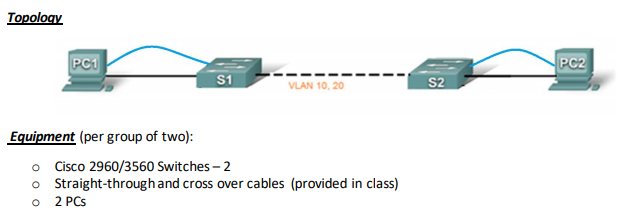
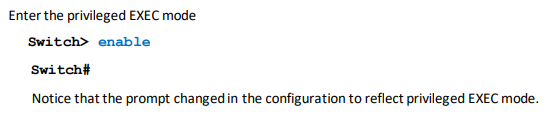
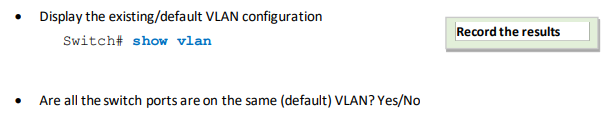
Topology PC1 PC2 S1 VLAN 10,20 S2 Equipment (per group of two): o Cisco 2960/3560 Switches - 2 Straight-through and cross over cables (provided in class) 2 PCS Enter the privileged EXEC mode Switch> enable Switch Notice that the prompt changed in the configuration to reflect privileged EXEC mode. Display the existing/default VLAN configuration Switch# show vlan Record the results Are all the switch ports are on the same (default) VLAN? Yes/No Topology PC1 PC2 S1 VLAN 10,20 S2 Equipment (per group of two): o Cisco 2960/3560 Switches - 2 Straight-through and cross over cables (provided in class) 2 PCS Enter the privileged EXEC mode Switch> enable Switch Notice that the prompt changed in the configuration to reflect privileged EXEC mode. Display the existing/default VLAN configuration Switch# show vlan Record the results Are all the switch ports are on the same (default) VLAN? Yes/No
Step by Step Solution
There are 3 Steps involved in it

Get step-by-step solutions from verified subject matter experts
 Study Help