







Question: Each step should be version in your Github for this project. a new 1. Create your resume using HTML first and check it in as
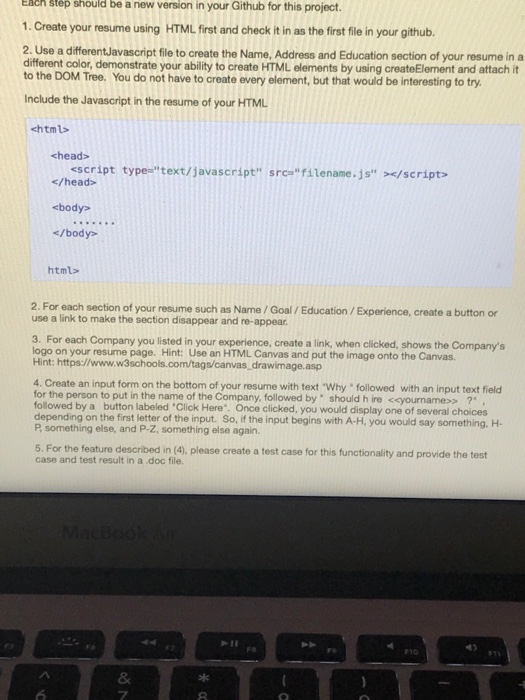
Each step should be version in your Github for this project. a new 1. Create your resume using HTML first and check it in as the first file in your github. 2. Use a differentJavascript file to create the Name, Address and Education section of your resume in a different color, demonstrate your ability to create HTML elements by using createElement and attach it to the DOM Tree. You do not have to create every element, but that would be interesting to try Include the Javascript in the resume of your HTML chtml chead> script types'' text/javascript" src-" filename.js" >
Step by Step Solution
There are 3 Steps involved in it

Get step-by-step solutions from verified subject matter experts
 Study Help