







Question: Engineering problem solving Use Microsoft Excel then after you finish take a picture EXAMPLE DATA CLOCK TIME SENSOR VOLTAGE MOTOR RPM MOTOR VOLTAGE CURRENT KILOWATTS
Engineering problem solving
Use Microsoft Excel then after you finish take a picture
EXAMPLE DATA
| CLOCK TIME | SENSOR VOLTAGE | MOTOR RPM | MOTOR VOLTAGE | CURRENT | KILOWATTS |
| 12:32:10 | 39.86930 | 1993 | 389.1 | 7.29 | 2.8375 |
| 12:32:12 | 36.88730 | 1844 | 386.3 | 16.61 | 6.4166 |
| 12:32:13 | 41.08240 | 2054 | 381.9 | 23.35 | 8.9178 |
| 12:32:14 | 45.08990 | 2254 | 381.7 | 21.00 | 8.0156 |
| 12:32:15 | 47.85060 | 2393 | 381.6 | 19.11 | 7.2929 |
| 12:32:16 | 49.59560 | 2480 | 381.7 | 20.14 | 7.6870 |
| 12:32:17 | 48.86890 | 2443 | 384.8 | 7.48 | 2.8792 |
| 12:32:19 | 51.83720 | 2592 | 380.5 | 20.05 | 7.6274 |
| 12:32:20 | 54.13390 | 2707 | 385.0 | 7.35 | 2.8301 |
| 12:32:21 | 59.13880 | 2957 | 385.0 | 7.62 | 2.9352 |
| 12:32:22 | 49.31400 | 2466 | 380.2 | 21.60 | 8.2117 |
| 12:32:23 | 54.18800 | 2709 | 383.6 | 7.55 | 2.8962 |
| 12:32:25 | 53.98220 | 2699 | 385.3 | 7.26 | 2.7966 |
| 12:32:26 | 53.97140 | 2699 | 385.8 | 7.39 | 2.8513 |
| 12:32:27 | 53.40820 | 2670 | 383.0 | 18.57 | 7.1108 |
| 12:32:28 | 55.07620 | 2754 | 380.6 | 19.01 | 7.2352 |
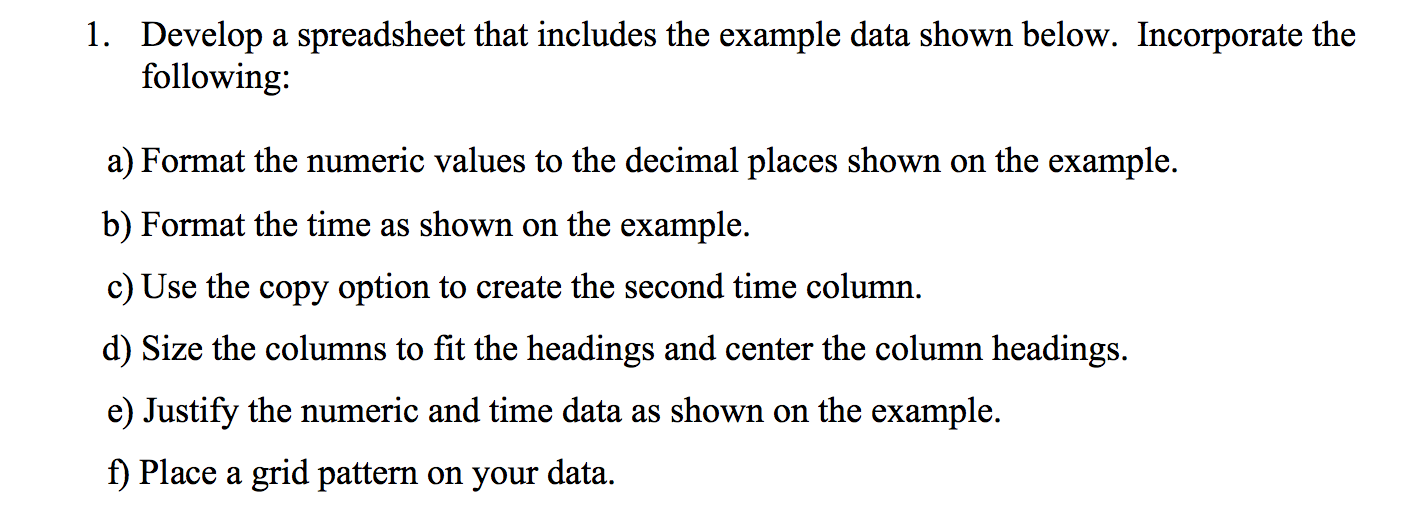
1. Develop a spreadsheet that includes the example data shown below. Incorporate the following: a) Format the numeric values to the decimal places shown on the example. b) Format the time as shown on the example. c) Use the copy option to create the second time column. d) Size the columns to fit the headings and center the column headings. e) Justify the numeric and time data as shown on the example. f) Place a grid pattern on your data
Step by Step Solution
There are 3 Steps involved in it

Get step-by-step solutions from verified subject matter experts
 Study Help