







Question: Establish a connection to the data in the CSV file e 0 5 NewProducts using Get & Transform. Transform the data before importing it to
Establish a connection to the data in the CSV file eNewProducts using Get & Transform. Transform the data before importing it to Excel.
On the Transform tab, and in the Text Column group, use Format to capitalize each word in the Product column.
Ensure that the Price column data type is Currency.
On the Add Column tab, and in the General group, use Index Column to add a new column starting from Move the column so that it is the first column of data. Rename the Column ProductID
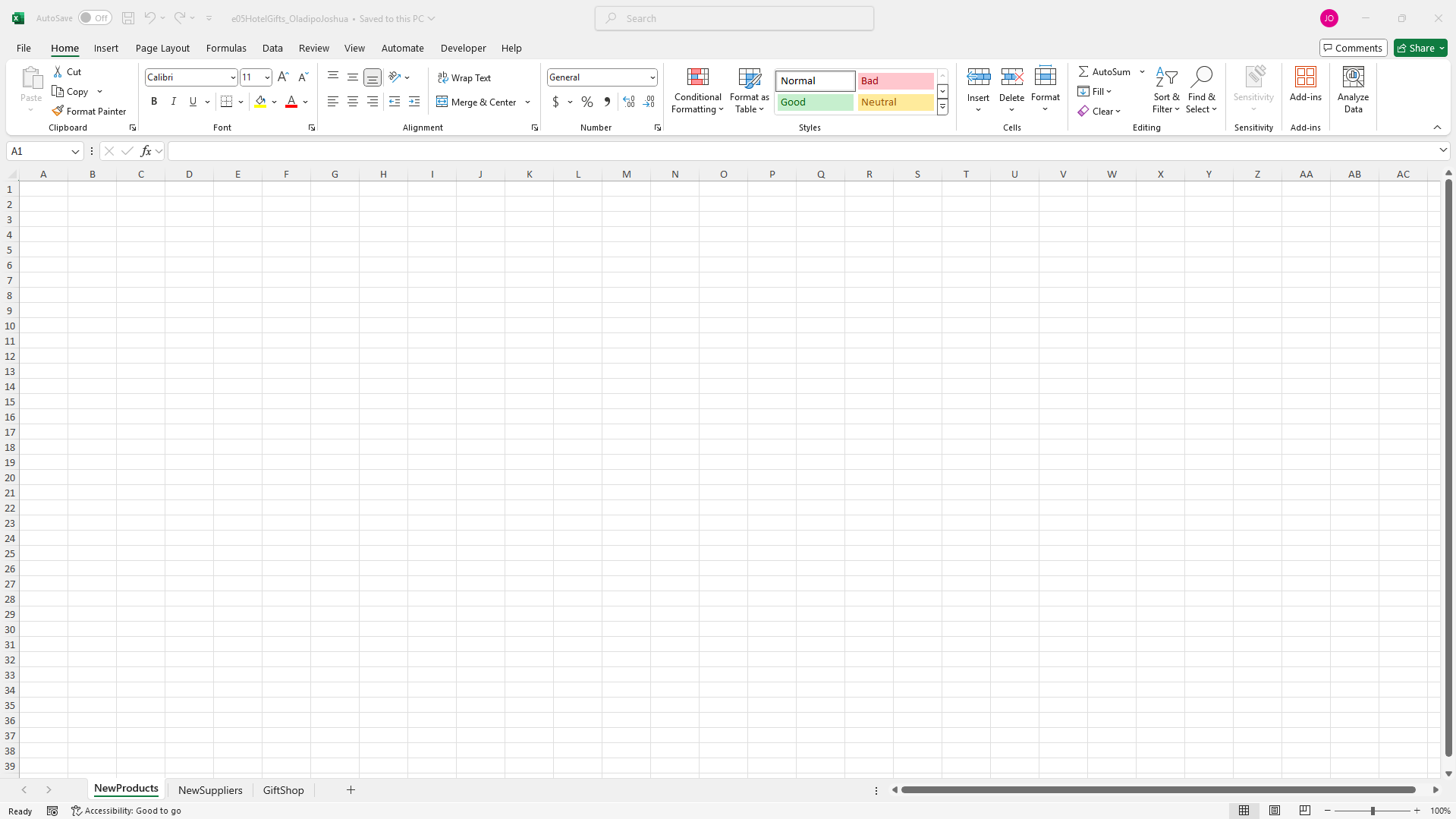
Close and Load the product information into cell A of the NewProducts worksheet.
gClick the NewSuppliers worksheet. The addresses in column B are arranged in the following manner:
Street AddressCity State Zip
In cell C use Flash Fill to return the Street Address from column B
hIn cell D use Flash Fill to return the City from the addresses in column B
iIn cell E use Flash Fill to return the State abbreviations from the addresses in column B
jIn cell F use Flash Fill to return the Zip from the addresses in column B
kClick the GiftShop worksheet. In cell C calculate the Extended Price for Souvenir Mugs by multiplying the Number to Order by the Selling Price.
lIn cell D calculate the Purchase Cost for Souvenir Mugs by multiplying the Number to Order by the Cost.
mIn cell E calculate the Profit by subtracting the Purchase Cost from the Extended Price. Copy cells C:E down to row
nIn cell B calculate the total number of items to order.
oIn cell B calculate the total amount spent purchasing items.
pIn cell B calculate the total profit to be made from selling items.
qFrom the Data tab in the ribbon and in the Analyze group, launch Solver. Complete the Solver Parameters window as follows:
Maximize the Total Profit calculated in the model by changing the number of items to order.
Create a constraint that requires at least items of each product to be ordered.
Create a constraint that limits the Total Purchasing Cost to be less than or equal to the value in cell B
Create a constraint that limits the Total Items Ordered to be less than or equal to the value in cell B
Use the Simplex LP solving method and run Solver.
Step by Step Solution
There are 3 Steps involved in it
1 Expert Approved Answer
Step: 1 Unlock

Question Has Been Solved by an Expert!
Get step-by-step solutions from verified subject matter experts
Step: 2 Unlock
Step: 3 Unlock
 Study Help