







Question: Excel Module 3 Performing Calculations with Formulas and Functions Objectives Session 3.1 - Translate an equation into a function - Do calculations with dates and
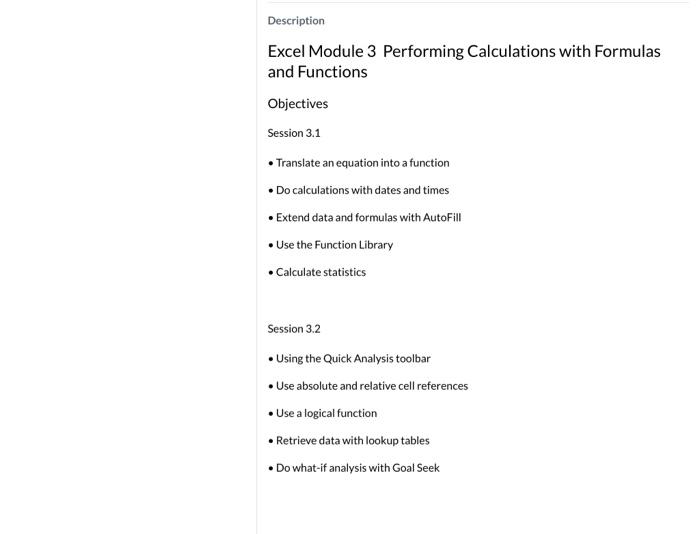
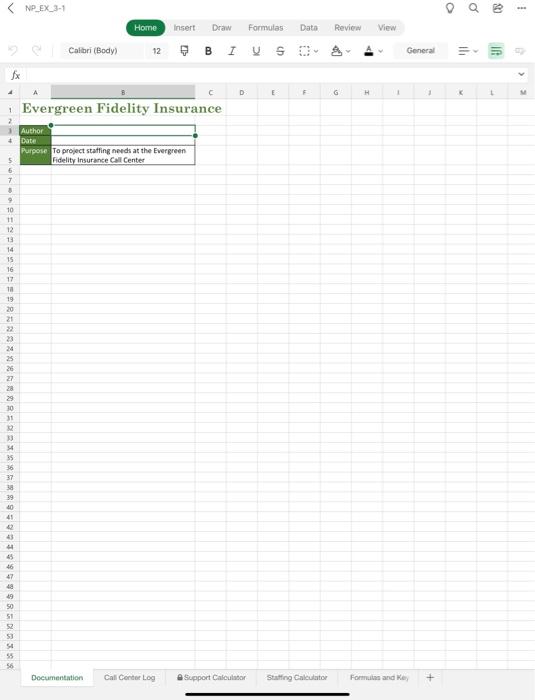
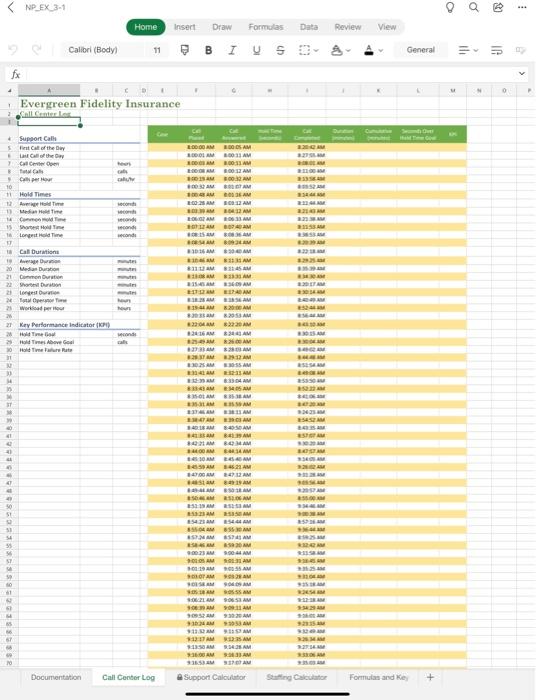
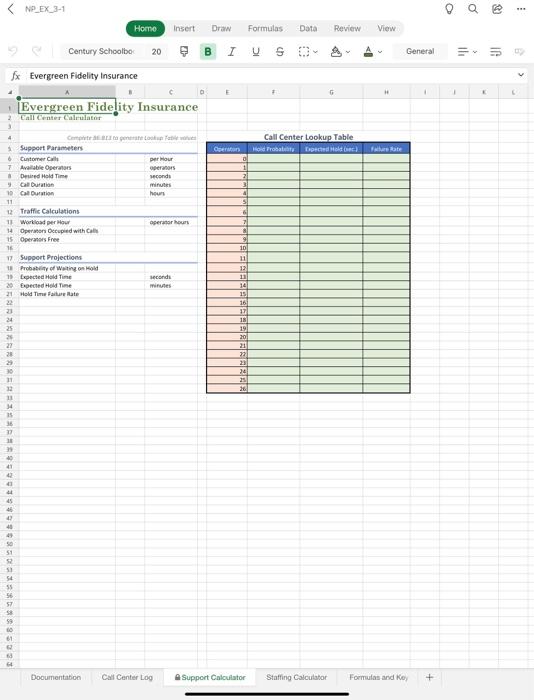
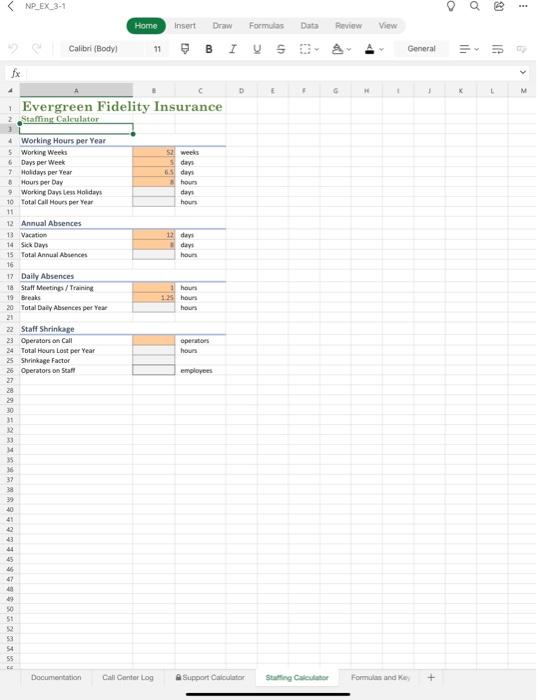
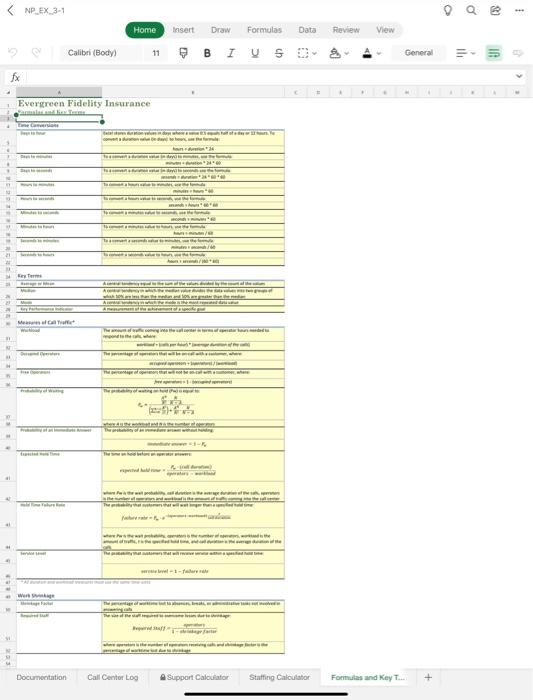
Excel Module 3 Performing Calculations with Formulas and Functions Objectives Session 3.1 - Translate an equation into a function - Do calculations with dates and times - Extend data and formulas with AutoFill - Use the Function Library - Calculate statistics Session 3.2 - Using the Quick Analysis toolbar - Use absolute and relative cell references - Use a logical function - Retrieve data with lookup tables - Do what-if analysis with Goal Seek Evergreen Fidelity Insurance
Step by Step Solution
There are 3 Steps involved in it
1 Expert Approved Answer
Step: 1 Unlock

Question Has Been Solved by an Expert!
Get step-by-step solutions from verified subject matter experts
Step: 2 Unlock
Step: 3 Unlock
 Study Help