







Question: Exercise 2: Creating view component - JSP Task 1: Create a JSP for registration page. a) Right click on the WebPages folder, select New-JSP file
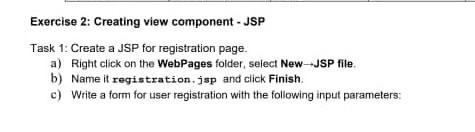
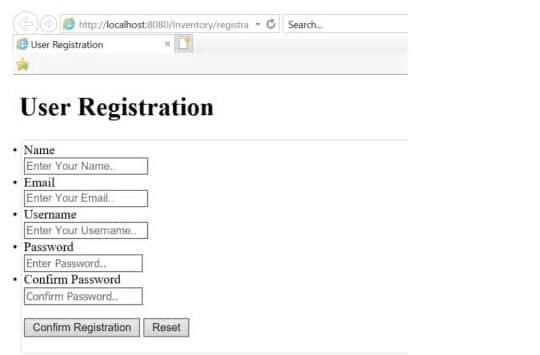
Exercise 2: Creating view component - JSP Task 1: Create a JSP for registration page. a) Right click on the WebPages folder, select New-JSP file b) Name it registration.jsp and click Finish c) Write a form for user registration with the following input parameters: Search http://localhost:8080/imwitory/registra User Registration User Registration . Name Enter Your Name Email Enter Your Email Username Enter Your Username.. Password Enter Password.. Confirm Password Confirm Password Confirm Registration Reset
Step by Step Solution
There are 3 Steps involved in it
1 Expert Approved Answer
Step: 1 Unlock

Question Has Been Solved by an Expert!
Get step-by-step solutions from verified subject matter experts
Step: 2 Unlock
Step: 3 Unlock
 Study Help