







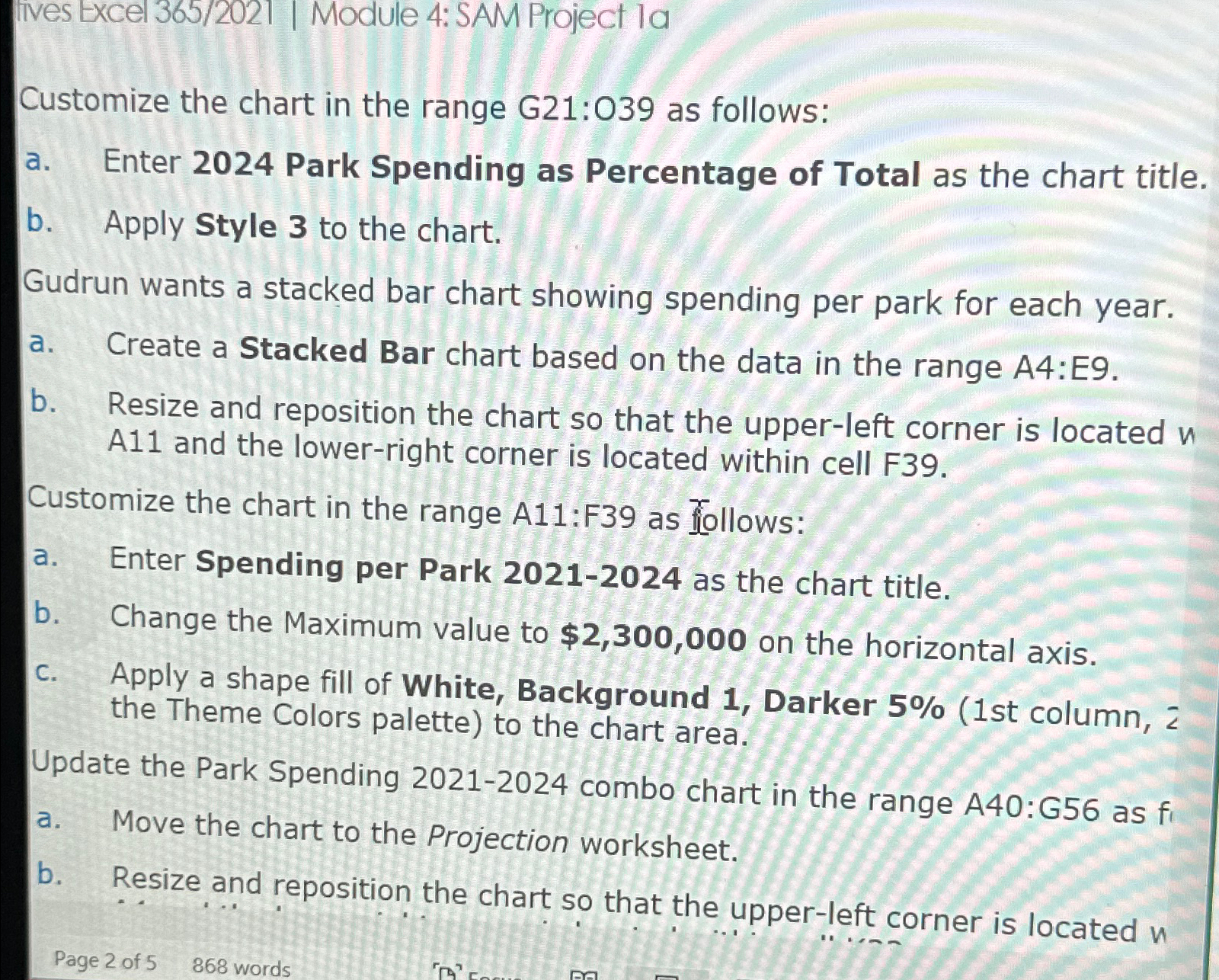
Question: fives Excel 3 6 5 / 2 0 2 1 | Module 4 : SAM Project la Customize the chart in the range G 2
fives Excel Module : SAM Project la
Customize the chart in the range G: as follows:
a Enter Park Spending as Percentage of Total as the chart title.
b Apply Style to the chart.
Gudrun wants a stacked bar chart showing spending per park for each year.
a Create a Stacked Bar chart based on the data in the range A:E
b Resize and reposition the chart so that the upperleft corner is located A and the lowerright corner is located within cell F
Customize the chart in the range A:F as follows:
a Enter Spending per Park as the chart title.
b Change the Maximum value to $ on the horizontal axis.
c Apply a shape fill of White, Background Darker st column, the Theme Colors palette to the chart area.
Update the Park Spending combo chart in the range A:G as
a Move the chart to the Projection worksheet.
b Resize and reposition the chart so that the upperleft corner is located
Page of words
Step by Step Solution
There are 3 Steps involved in it
1 Expert Approved Answer
Step: 1 Unlock

Question Has Been Solved by an Expert!
Get step-by-step solutions from verified subject matter experts
Step: 2 Unlock
Step: 3 Unlock
 Study Help